

Paired, recreation-ready direction
Camera POV 3AI Product Video Ad Example
Camera POV 3 keeps its video, exact prompt, and bound reference assets together for a faithful handoff into the studio.
An immersive first-person product encounter
Create this adInputs carried into the studio
Security-camera-style video — static high-angle corner shot of a modern American living room with a coffee table centered, ultra-wide lens with slight barrel distortion, desaturated low-fidelity grade with crushed noisy blacks and a digital timestamp, flat natural daylight, American male voiceover over upbeat music with soft diegetic sounds (dog paws on hardwood, snack shuffling). A man in casual home attire places a plate with a sandwich on the table and exits — "See my security camera capture this funny food thief." A Golden Retriever enters from the doorway, looks around the empty room, and approaches the table with interest — "I left my lunch on the table for one minute." An abrupt digital zoom punches in on the dog as it sniffs the sandwich — "My dog thinks he is being very sneaky right now." The owner quickly walks back into frame pointing a finger and the dog freezes mid-action with a guilty expression — "Caught you red-handed trying to steal my delicious sandwich." Footage simulates a wireless 2K HDR smart security camera, no text overlays or graphics.
The prompt and any Product or Avatar paired with this result are already selected. If the original case did not bind an asset, that slot stays empty.
/ 01 Creative blueprint
Why does the Camera POV 3 creative style work?
This case keeps the specific video result paired with its full prompt instead of substituting one generic direction.
Best for
Studying the creative structure before adding your own product.
What to customize
Replace the Product or Avatar when needed while preserving the original shot, action, and pacing structure.
/ 02 Photo2Ads workflow
From this case to your product
Choose one result
Each preview keeps its own exact inputs.
Review paired assets
Product and Avatar load only when the selected result used them.
Generate and refine
Adjust the prompt, model, or references before creating.
/ 03 All examples
More directions to explore
Compare the other results in this format or explore another creative style.
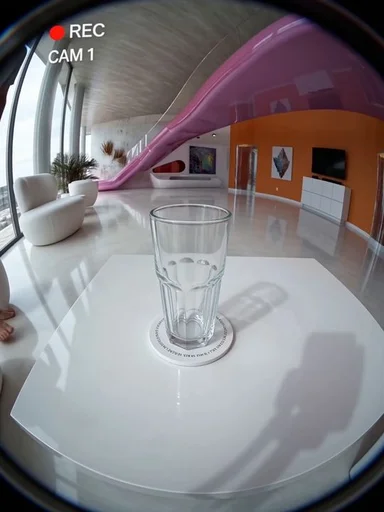
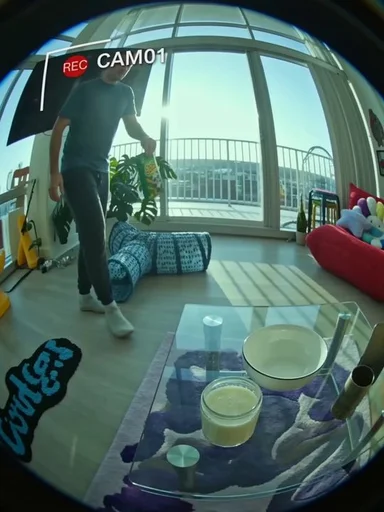
Photo2Ads / create