Changelog

Release notes and product updates

Creative libraries and product video mode

v2.0.0

Expanded UGC, Hook, Setting, and Avatar directions with a configurable product video workflow

2026/07/18

Searchable creative-direction libraries

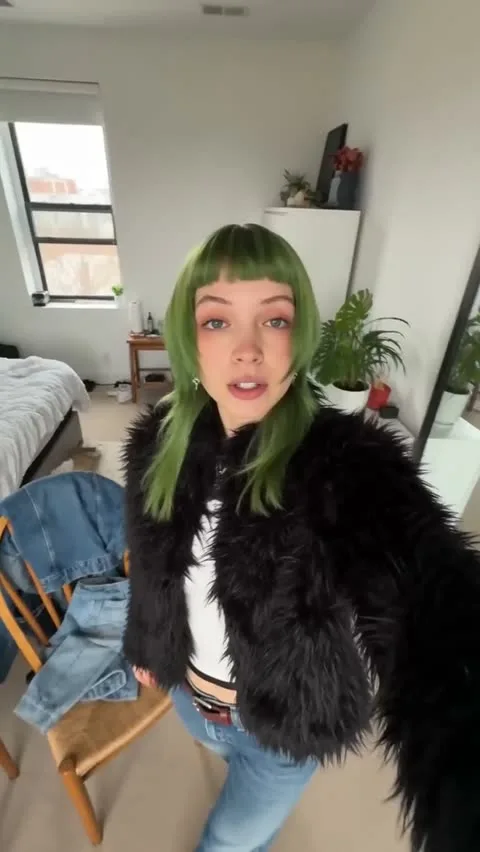
UGC style, opening Hook, Setting, and Avatar each have a direct entry point. Search, filter, and preview local materials, then carry the selection back into the same product-ad workspace.

Product video ad mode

Switch from image ads to video configuration and choose a supported model, canvas, duration, resolution, and audio option without losing the Product, Avatar, or creative-direction state.

Clearer required-input guidance

Product remains the only required reference. If it is missing, Generate stays actionable and opens a focused explanation with a direct path to the Product panel.

More stable mobile controls

Key controls share one row where desktop space allows and wrap cleanly on narrow screens without horizontal overflow.

Photo2Ads product-ad studio launch

v1.0.0

The first Photo2Ads release turns one product photo into controlled ad creative directions

2026/05/26

Product-first creation workspace

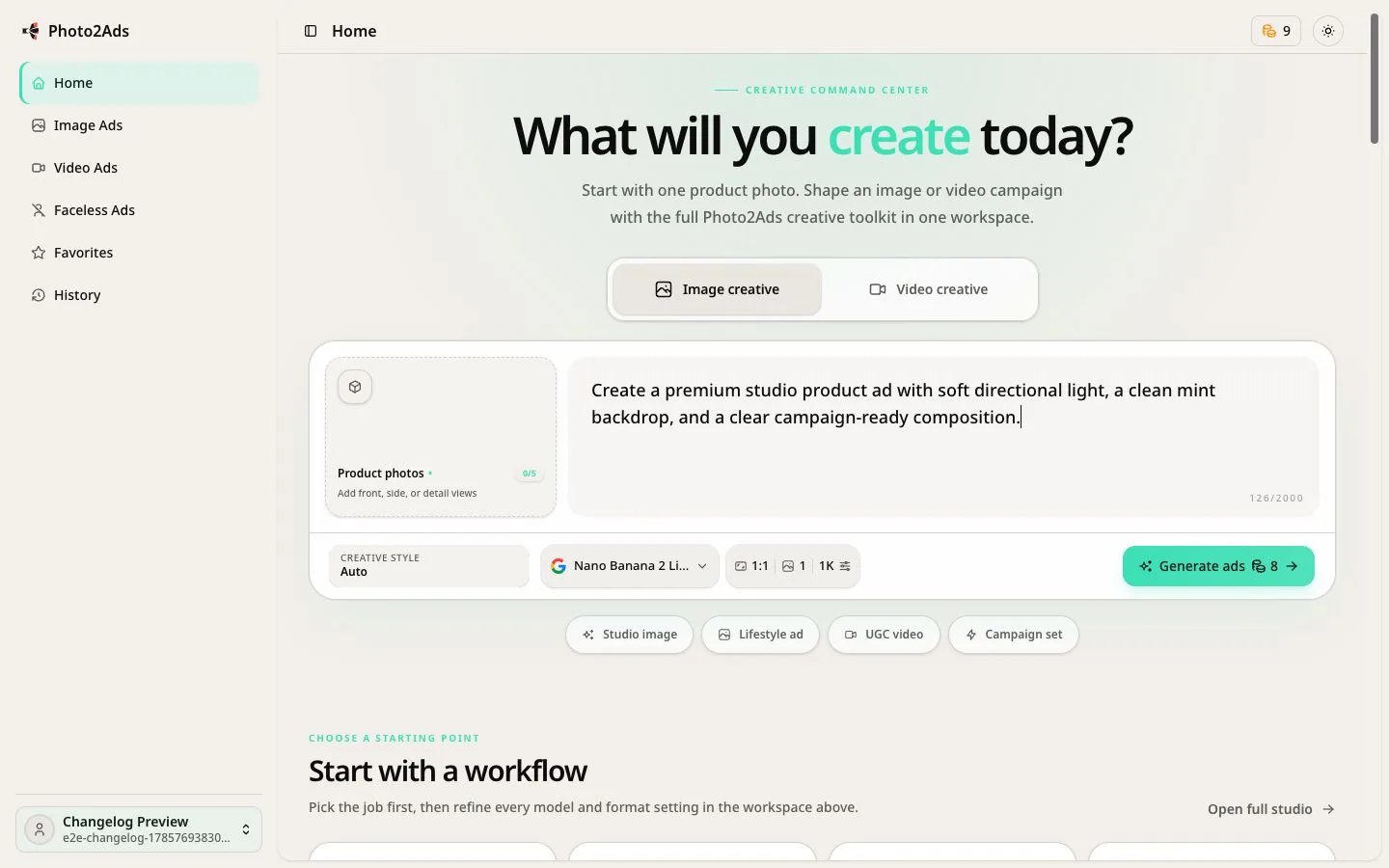
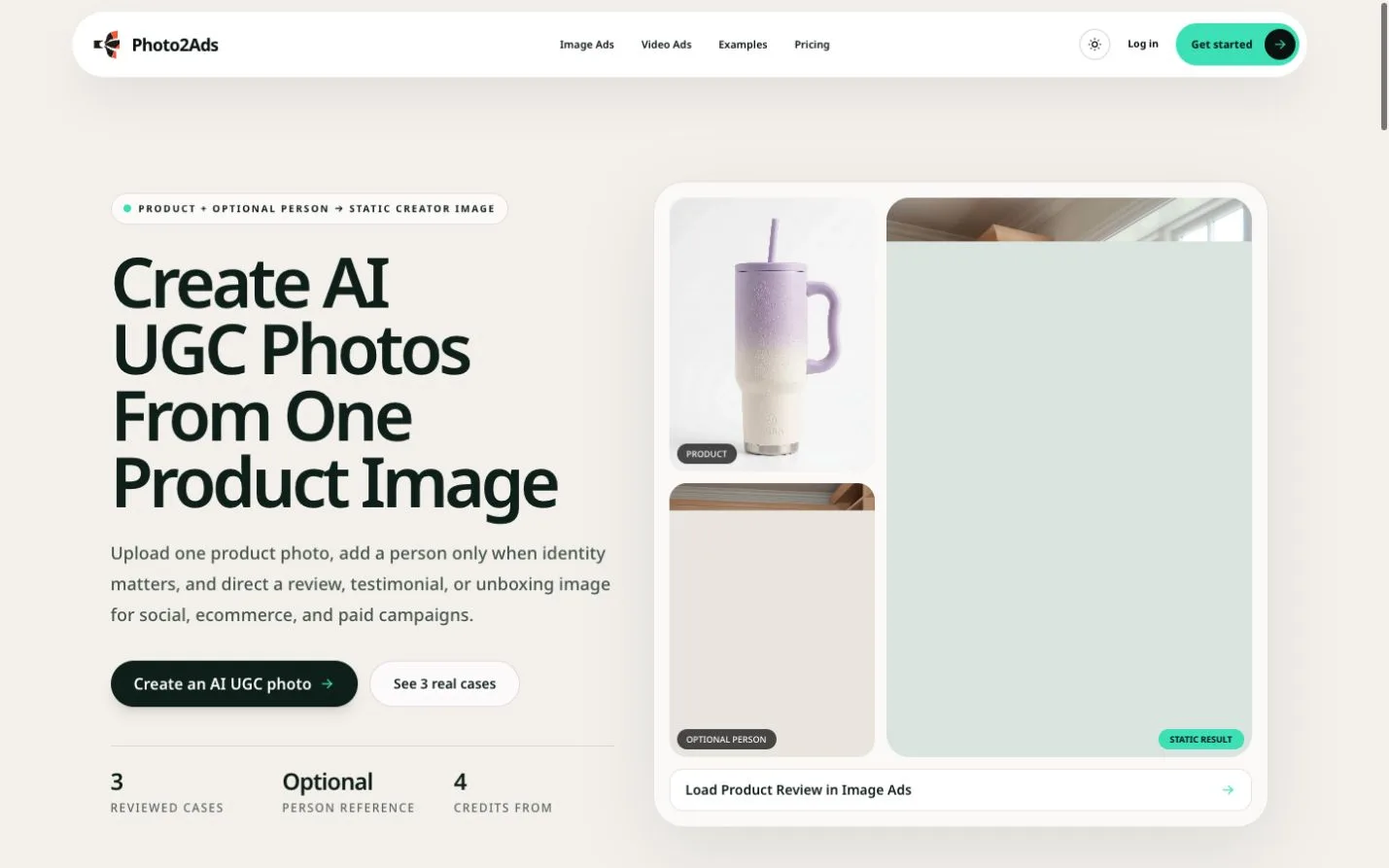
Upload one required product photo and keep it separate from the optional Avatar reference. The workspace keeps the source product visible while you direct the campaign.

Creative direction controls

Choose a UGC style, opening hook, setting, model, aspect ratio, resolution, and output count without rebuilding the full brief.

Coordinated image variants

Create one to four image directions from the same setup. Square, portrait, vertical story, landscape, and wide display ratios cover common ecommerce and social placements.

Reusable references and history

Signed-in users can keep owned product and Avatar references, revisit generation history, and return to earlier work without starting from an empty canvas.

Responsive product workflow

The full setup works on desktop and mobile, with light and dark themes and localized English and Chinese interfaces.