

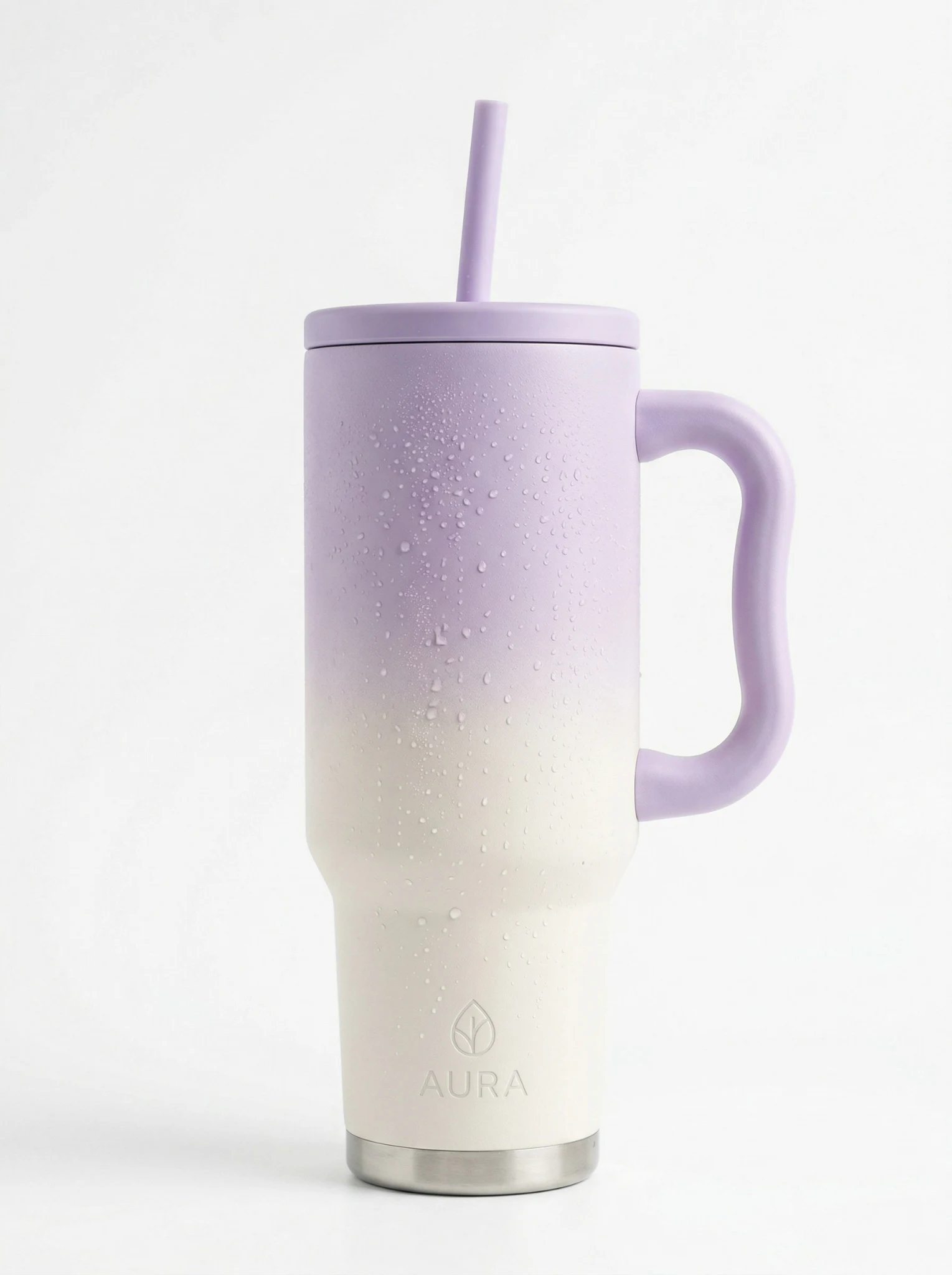
 Source
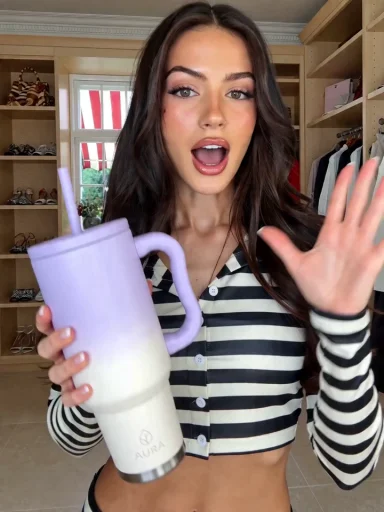 Video
VideoUGC / TikTok
UGC
A creator-led opening that makes the product feel native to a fast social feed.
Use this directionAI product video ads from one photo
Photo2Ads is an AI product video ad generator that turns one clear product photo into short UGC, commercial, and demo videos for ecommerce, paid social, and everyday campaigns.
Create a video adSourceVideo adReal video directions
Each case keeps the actual source product beside its reviewed video result. Start from the reusable structure, then use your own product in Video Studio.
SourceVideoUGC / TikTok
A creator-led opening that makes the product feel native to a fast social feed.
Use this direction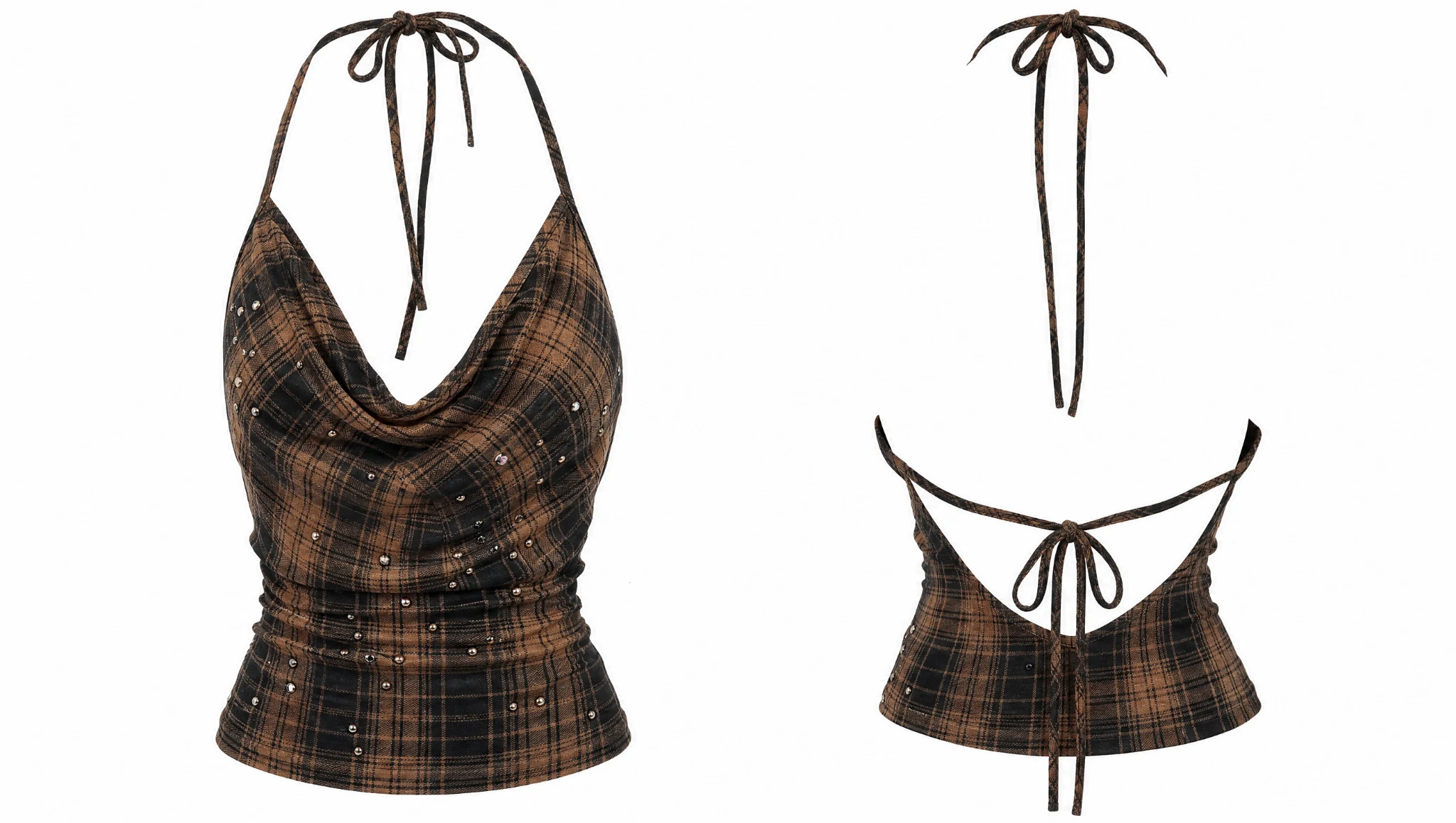 Source
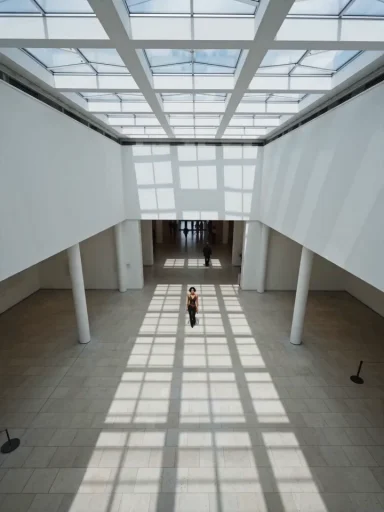 Video
VideoCommercial / Paid ads
A composed campaign treatment for paid placements and polished brand launches.
Use this direction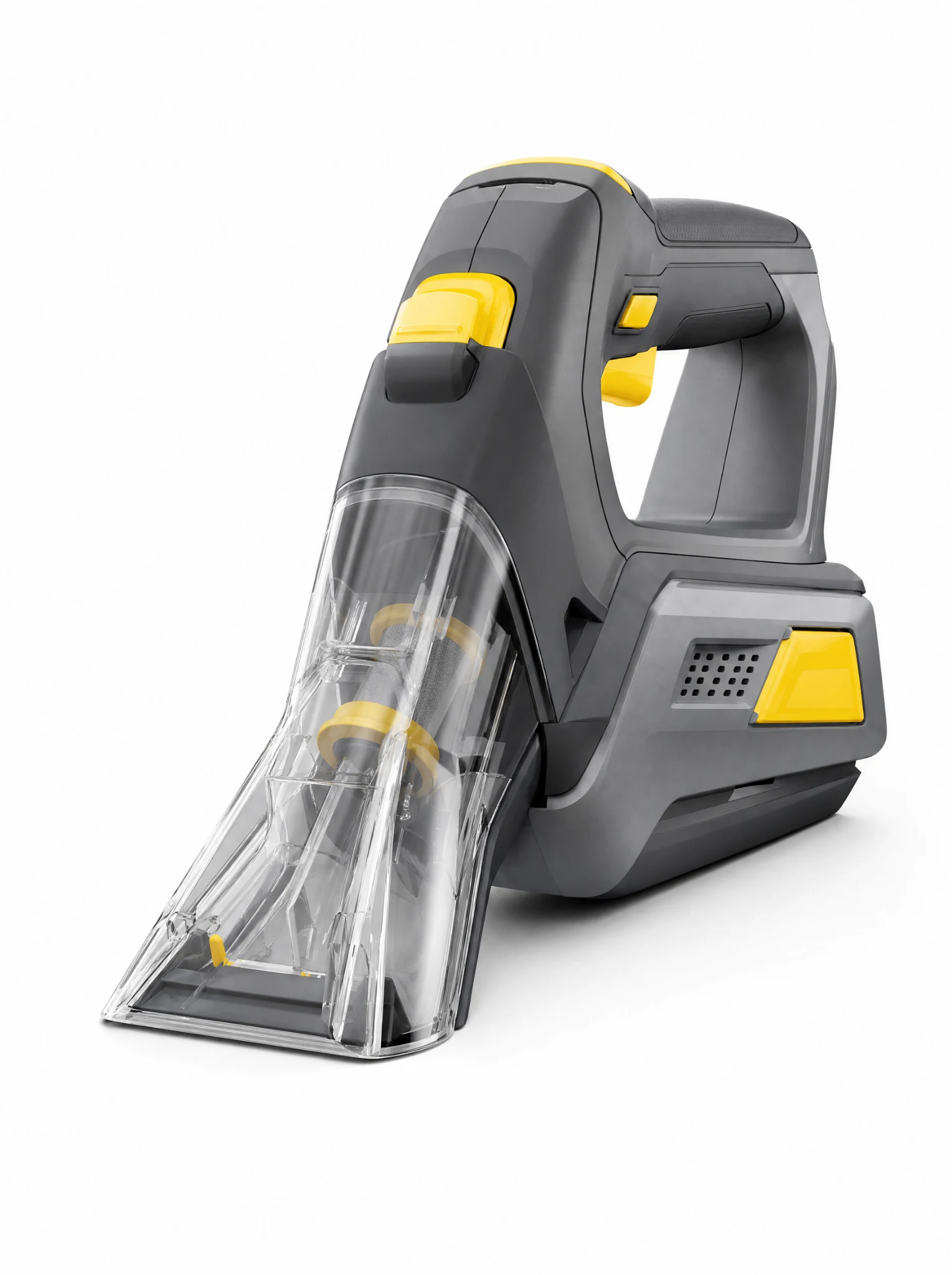 Source
 Video
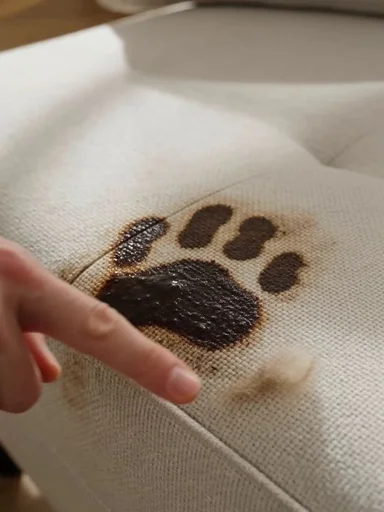
VideoProduct demo / Ecommerce
A practical demonstration that shows what the product does before the final packshot.
Use this directionThese paired Photo2Ads workflow examples keep each reviewed video connected to the product source stored with its case.
How it works
Start with a clear product photo, shape the motion and message, then generate a short video for your campaign.
Step 01
Add a clear product photo. Include another product view or an optional presenter when the selected model supports it.
Step 02
Choose a creative style, opening hook, scene, duration, quality, and audio setting.
Step 03
Create the video, review the result, and download the version you want to use.
From product photo to campaign motion
An AI product video ad generator turns a still product photo into a short promotional video for product demos, social ads, and polished commercial campaigns. It uses the uploaded image as a visual reference, then adds purposeful movement, camera direction, product interaction, or a fitting scene while helping keep recognizable packaging, colors, labels, and brand details consistent.
Open with a natural creator moment designed for TikTok, Reels, and social feeds.
Use deliberate lighting, controlled movement, and a composed closing packshot.
Show one practical action or transformation with clear product-focused close-ups.
Questions, answered
Use one clear product photo to build a product demo, social ad, or polished commercial. Then shape the creative style, motion, format, duration, and supported audio settings in Video Studio before generating.
You can choose the creative style, opening hook, setting, model, aspect ratio, duration, resolution, and audio options supported by the selected model and plan.
Yes. Choose a vertical aspect ratio for TikTok, Reels, Stories, and other mobile placements, or select a landscape or square ratio when the model supports it.
A presenter is optional. Choose product-led motion, demonstrations, studio scenes, or creator-style videos based on the direction that fits your campaign.
New accounts receive 20 welcome credits, enough for about 5 lowest-cost images. Video generation begins on Starter with Seedance 2.0 Mini; models, durations, resolutions, and audio settings determine the live credit quote.