Hush Headphones
Selfie Testimonial
Input references
2 references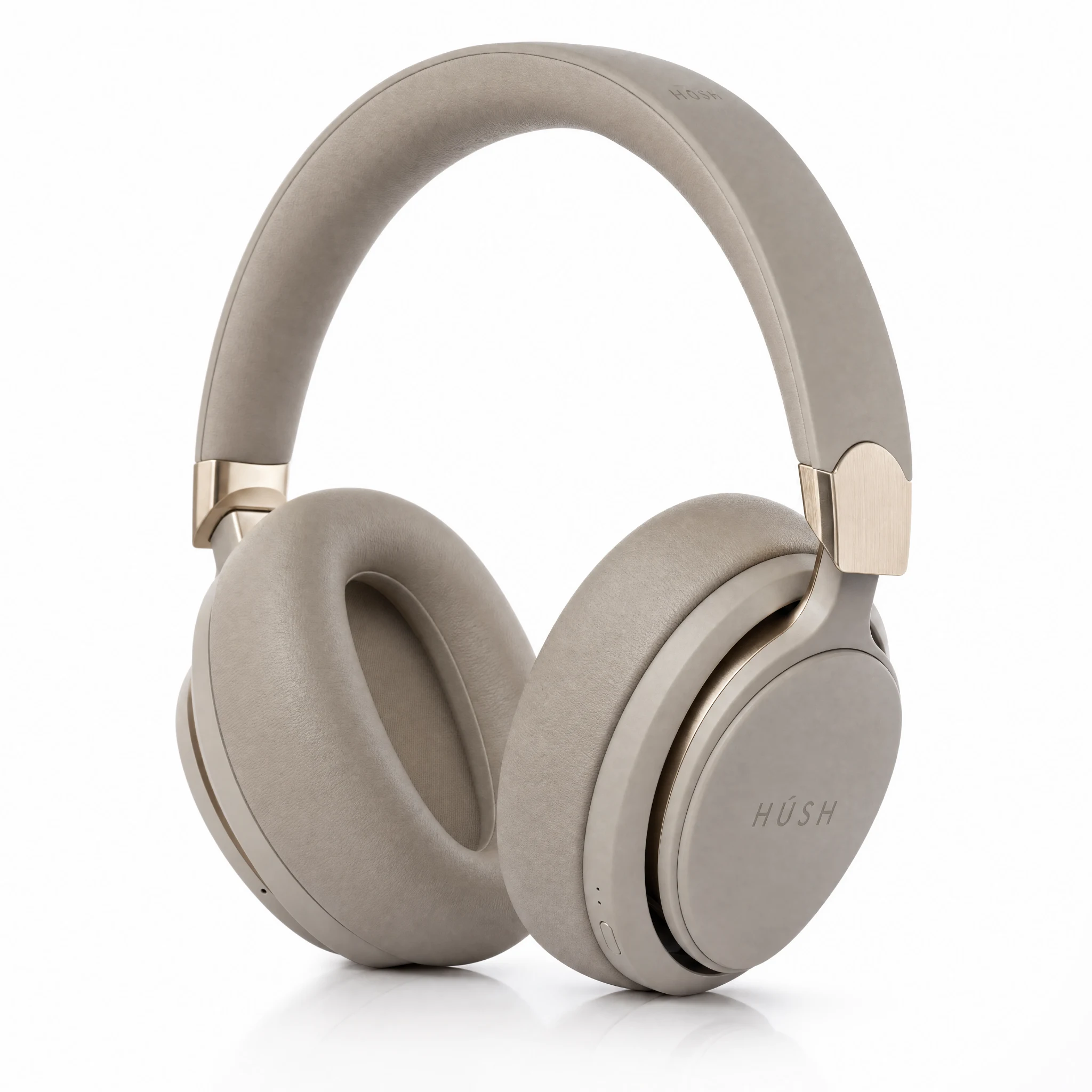
Generated result
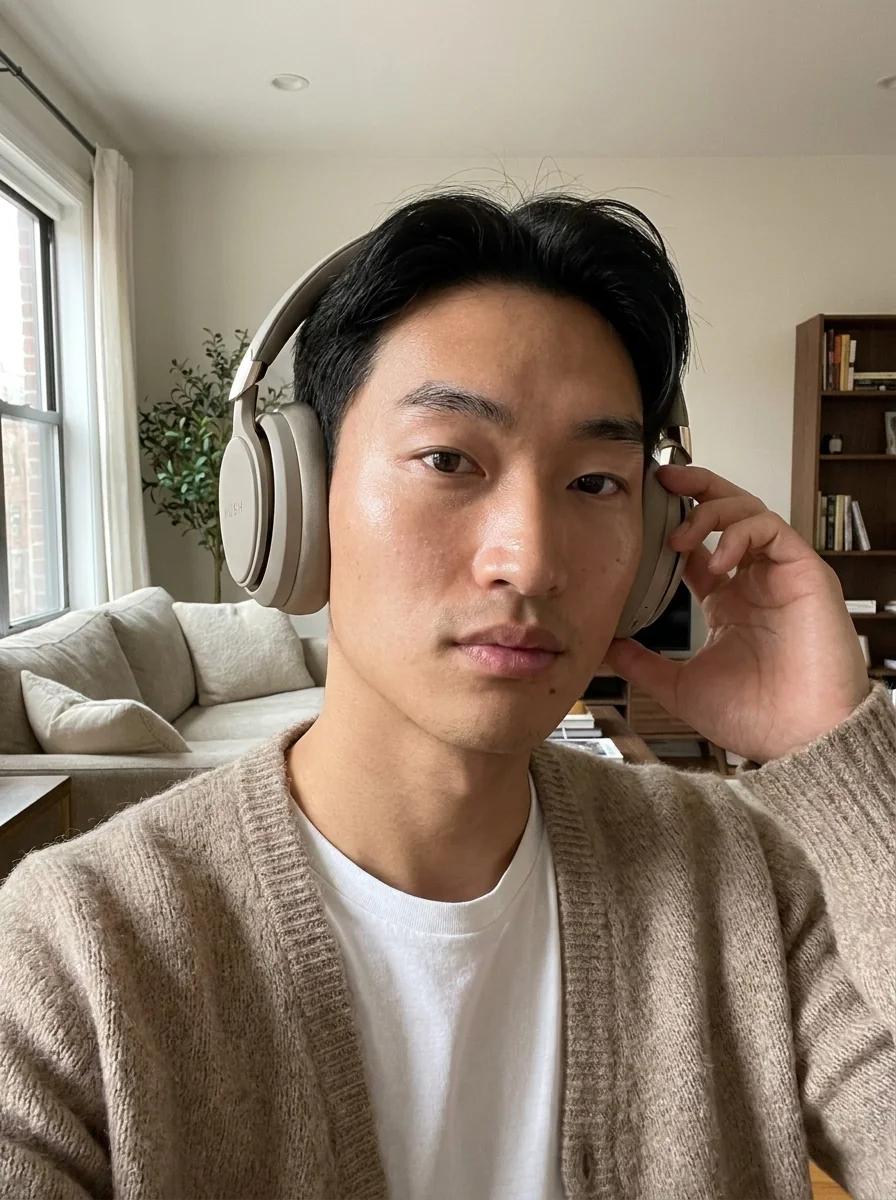
A close creator-style still that keeps the neutral headphone shape, wordmark, and person relationship readable.
Real Photo2Ads workflow example, not a model benchmark.
Product ad workflow · image and video
Looking beyond Higgsfield? Photo2Ads turns one product photo into reviewed image and video ad directions inside a focused studio built for product ads.
New accounts receive 4 welcome credits—enough for one lowest-cost image. Video generation starts on Starter, and the Dashboard always shows the live quote before generation.
Frutte · Hyper Motion
Real Photo2Ads workflow pair
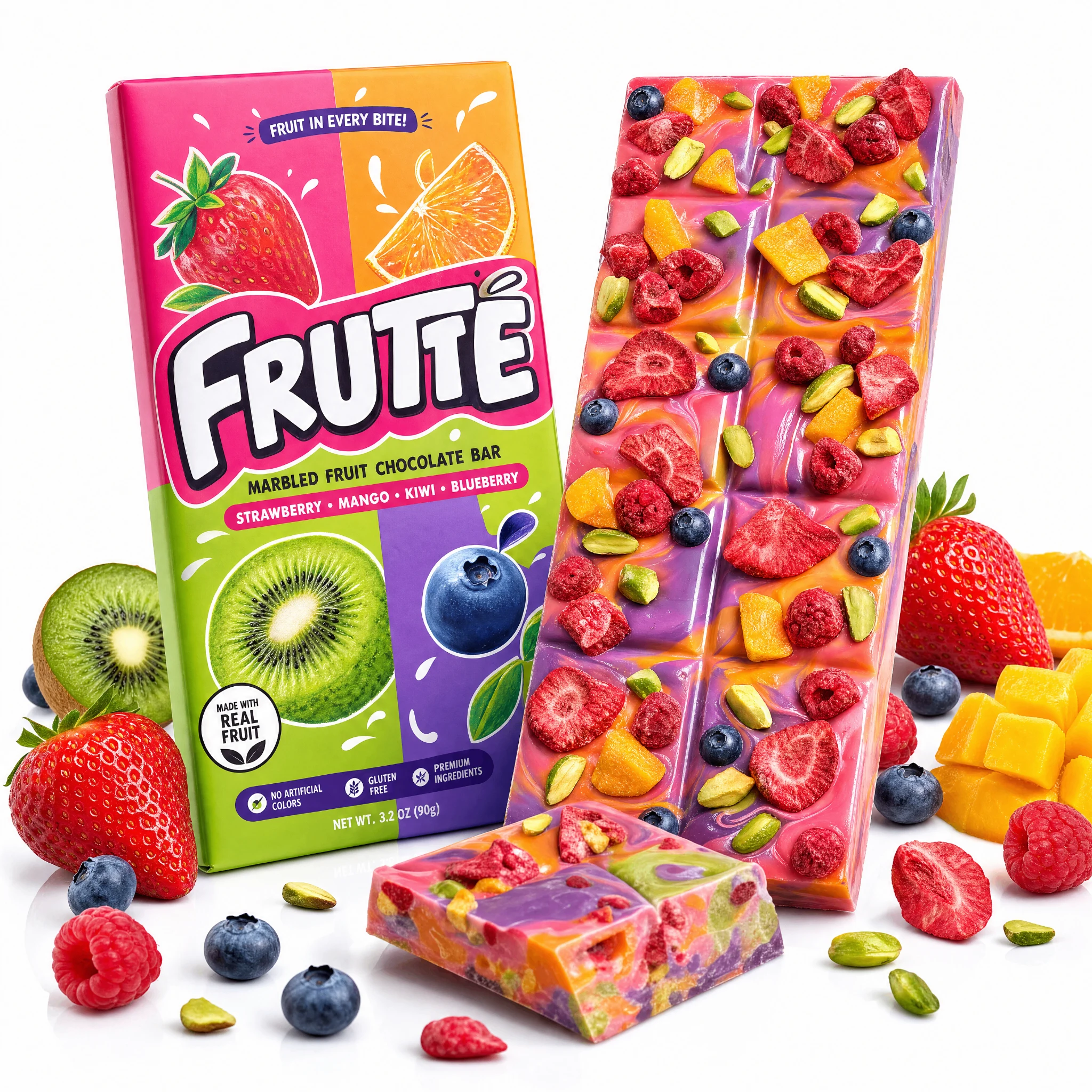
Original product reference
Packaging · label · product silhouette
It is a focused route from a real product reference to campaign-ready image or video creative. Photo2Ads emphasizes preserved product details, optional people, reusable ad directions, and visible generation settings, while Higgsfield serves a wider creative and filmmaking workflow that also includes ecommerce advertising.
Each example below shows the actual product input, any optional person reference, and the resulting creative. These are reviewed Photo2Ads workflow examples—not model benchmarks, scientific comparisons, or a promise that every generation will be identical.
Inputs shown. Results shown.
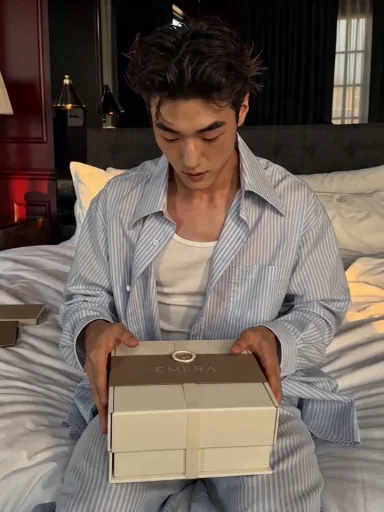
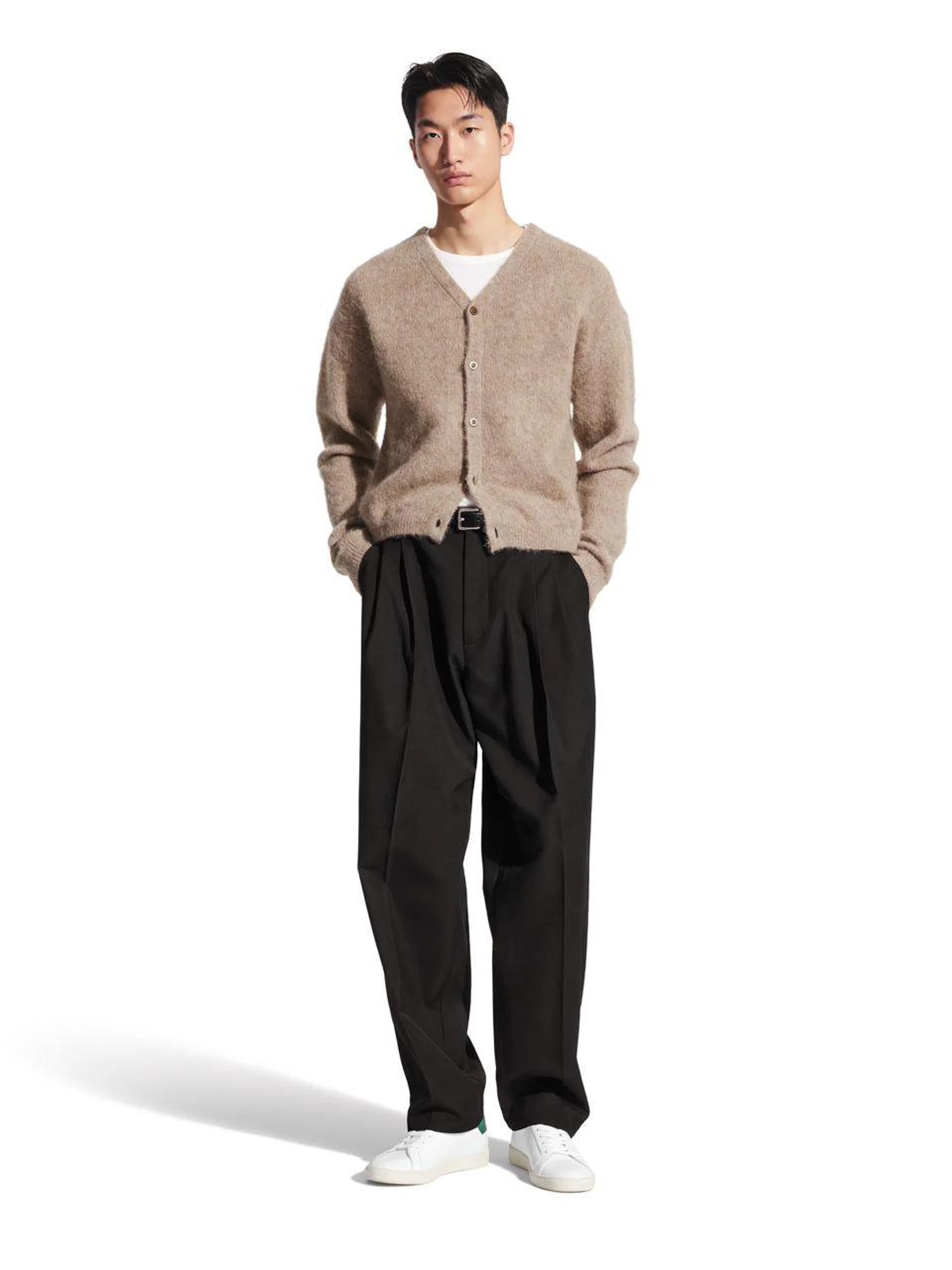
Selfie Testimonial
Input references
2 referencesGenerated result
A close creator-style still that keeps the neutral headphone shape, wordmark, and person relationship readable.
Real Photo2Ads workflow example, not a model benchmark.
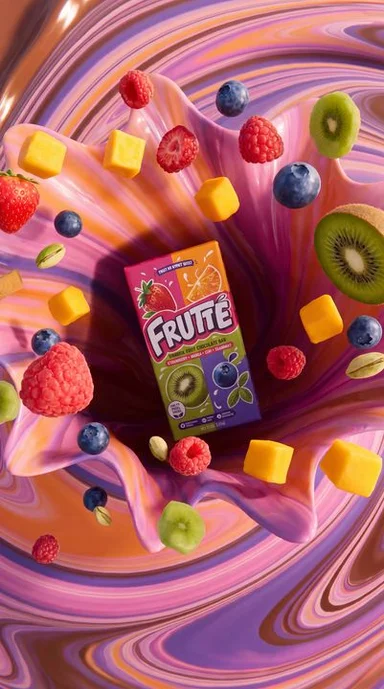
Hyper Motion
Input references
1 referenceGenerated result
A product-led motion sequence with the package centered through energetic camera movement and a clean hero finish.
Real Photo2Ads workflow example, not a model benchmark.
Unboxing
Input references
2 references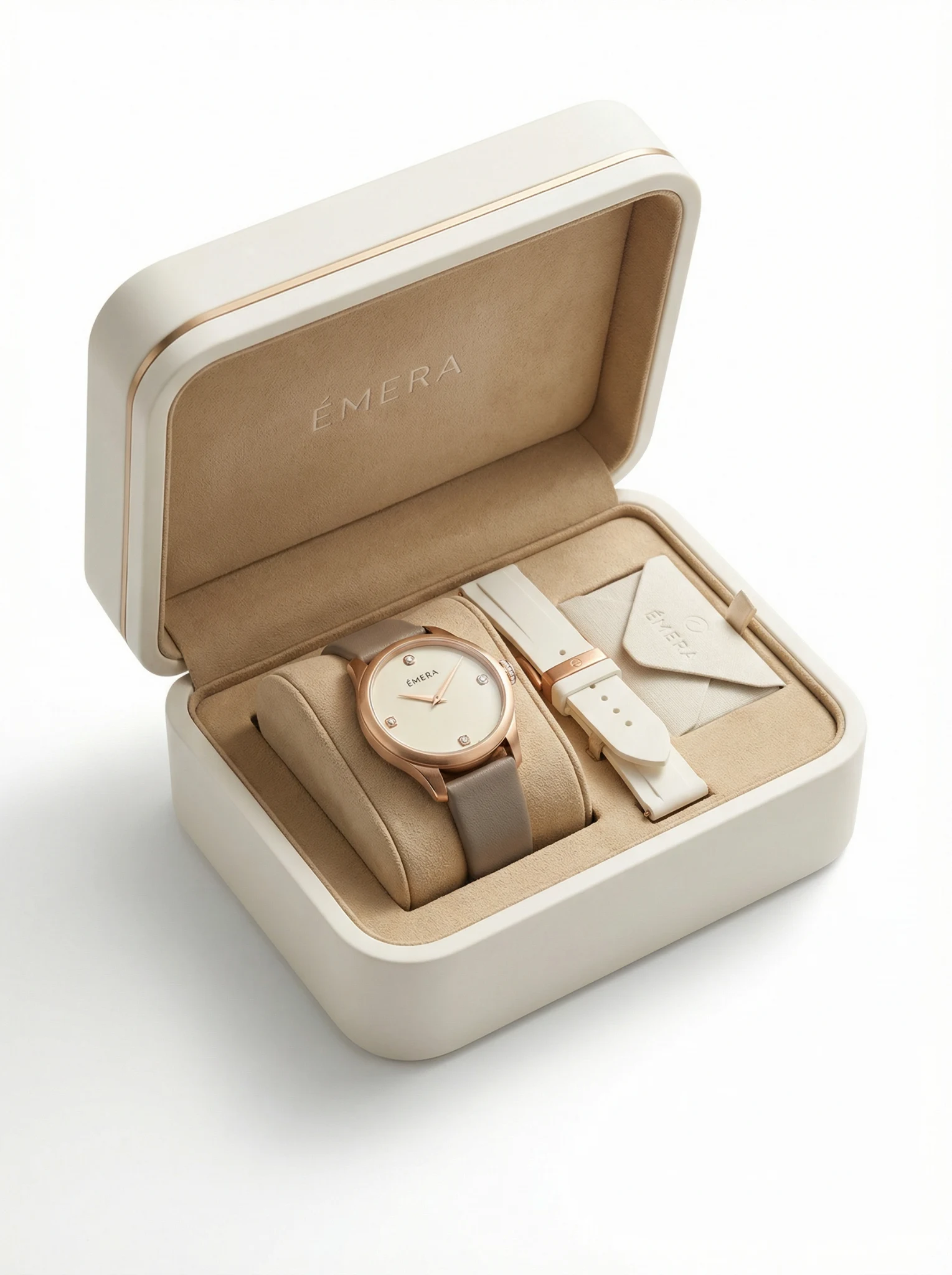
Generated result
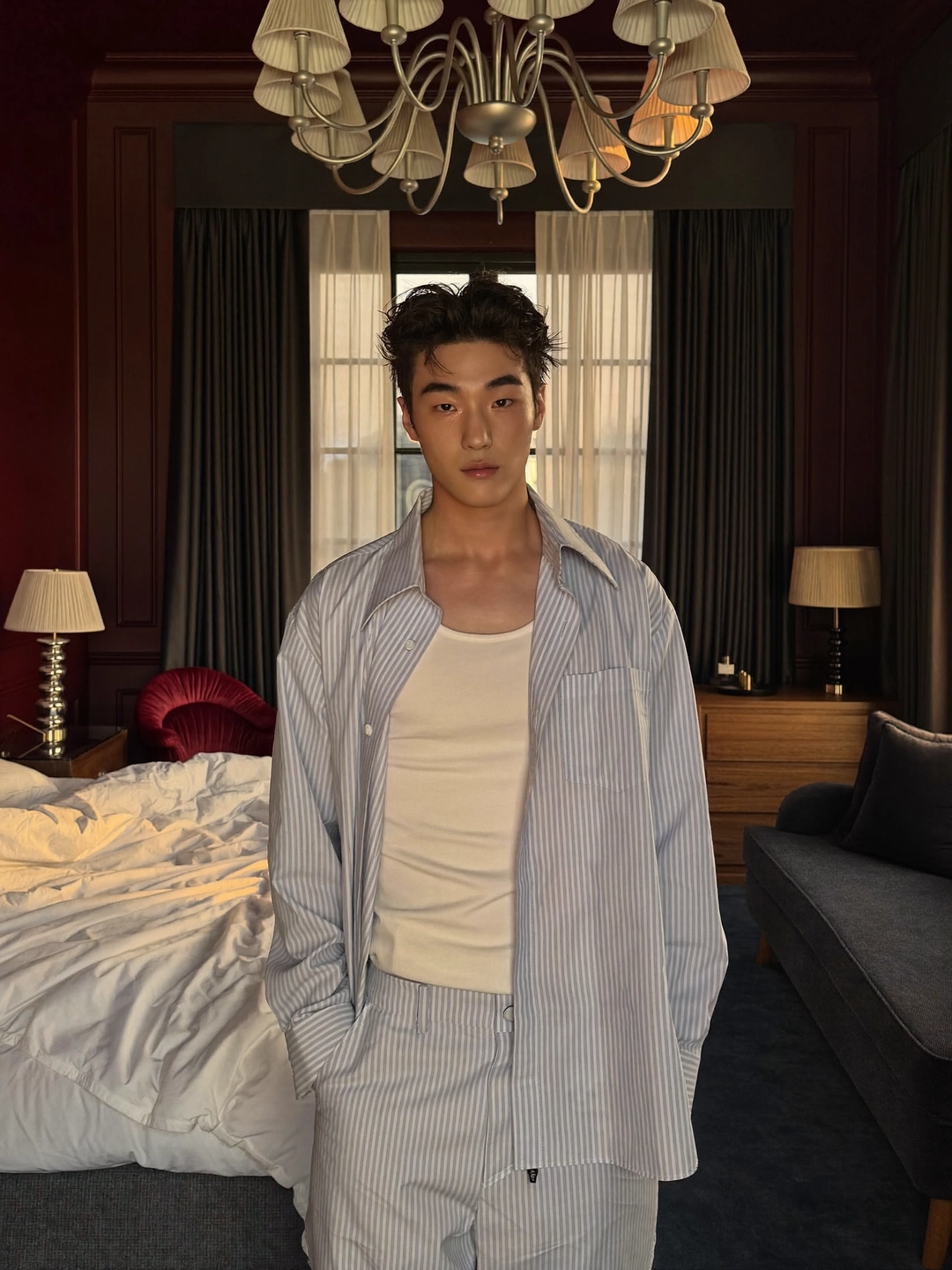
A creator-led desk unboxing that keeps the watch, box, and handling relationship visible from reveal to hero frame.
Real Photo2Ads workflow example, not a model benchmark.
A direct handoff
The starter video preset uses portrait format, five seconds, 720p, generated audio off, and Seedance 2.0 Mini. You can change the creative direction or settings after judging the starting point.
Upload a clear front view first. Add packaging, label, side, or detail references only when those views are necessary for the product to stay recognizable.
Start with TV Spot or select a creator, faceless, demonstration, unboxing, social hook, or studio direction. Add a person only when the concept needs one.
Check the model, duration, resolution, audio choice, prompt, and live credit quote before creating. Download the result or revise the direction from the same workspace.
Use sharp references and name the package details that must survive. Generated media can still vary, so inspect logos, labels, proportions, colors, hands, and physical contact before publishing.
Upload only media you are allowed to use. Obtain appropriate consent for a person reference, and verify brand, trademark, disclosure, platform, and advertising requirements for your market.
The current minimum is 4 credits for one lowest-cost image or 41 credits for the baseline 5-second video. Other models, resolutions, durations, audio, and output counts can cost more; the Dashboard quote is authoritative.
Questions before you try it
A new account receives 4 welcome credits, enough for one lowest-cost image. Video generation starts on Starter; the current 5-second Seedance 2.0 Mini baseline costs 41 credits at 720p. Check the live quote before every generation because another model or setting can require more credits.
Each serves a different scope. Higgsfield spans a broader creative and filmmaking environment. Photo2Ads specializes in product ads with ad style, hook, setting, format, duration, resolution, audio, and model controls; image and short-video outputs with live generation costs; and an individual creator workspace for saved assets, favorites, history, and reusable directions.
Choose by scope. Photo2Ads fits sellers and creative operators who begin with real product photos and want a short path to product-led campaign assets. A broader platform can be the better choice when the same team also needs cinematic, character, effect, or editing work beyond ecommerce ads.
Yes. The Dashboard has separate Image Ad and Video Ad modes, with settings and costs appropriate to each output. The examples on this page include a creator image plus both faceless and creator-led videos.
Yes. Keep the person reference empty for a product-led faceless direction, or add an authorized person reference for testimonials, tutorials, unboxings, and other creator-style concepts. The displayed examples are inspiration, not assets copied into your workspace.
Photo2Ads currently focuses on individual accounts with saved assets, favorites, generation history, and reusable workflows. It does not claim a full approval or enterprise collaboration suite. Contact support if shared review, permissions, or procurement controls are required.
Choose by the job
Start with the job: bringing a real product photo into a focused ad workflow. These four rows show how Photo2Ads organizes that path alongside Higgsfield’s broader creative scope.
| Compare | Higgsfield | Photo2Ads |
|---|---|---|
| Core scope | HiggsfieldA broader creative platform for AI images, video, cinematic production, effects, characters, and editing. | Photo2AdsA focused studio for turning recognizable product references into advertising creative. |
| Product-ad workflow | HiggsfieldEcommerce advertising is one use case within a larger collection of creative tools. | Photo2AdsProduct input, ad direction, settings, generation, history, and download share one direct flow. |
| Inputs and references | HiggsfieldSupports prompt- and media-led creation across its available tools and workflows. | Photo2AdsStarts from one or more product photos, with an optional person reference for creator-led work. |
| Free start and pricing | HiggsfieldAvailability and plan terms depend on its current offer, account, and region. | Photo2AdsNew accounts receive 4 credits for one lowest-cost image. Video generation starts on Starter, and the baseline 5-second, 720p Seedance 2.0 Mini video costs 41 credits today. |
Photo2Ads is an independent product and is not affiliated with, endorsed by, or sponsored by Higgsfield. Features and offers can change; verify current capabilities with each provider before making a purchasing decision.
Continue your comparison
Compare focused image and video pages, inspect more paired examples, or review the models and plans currently available in Photo2Ads.