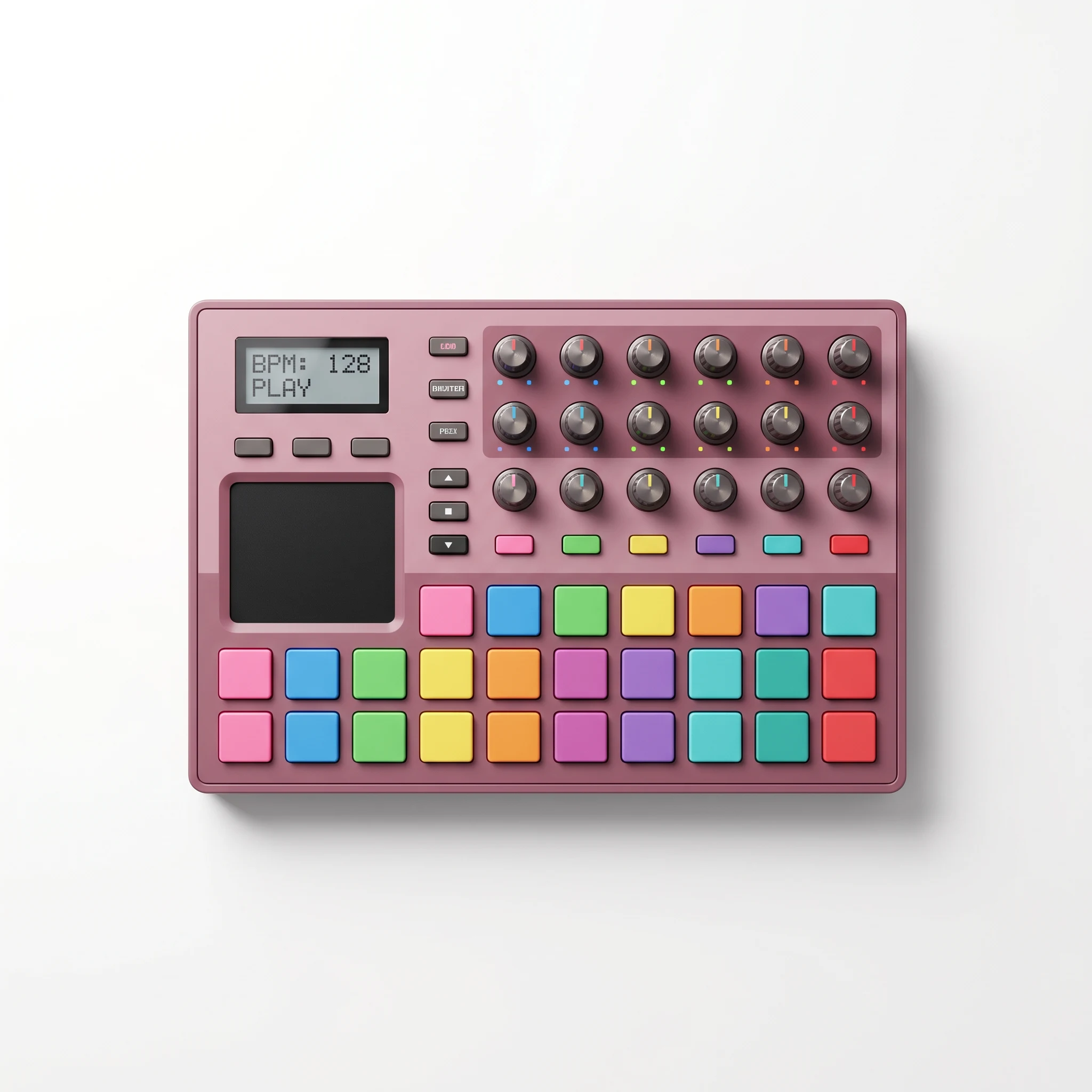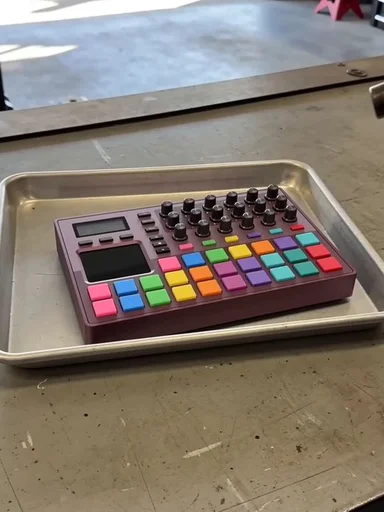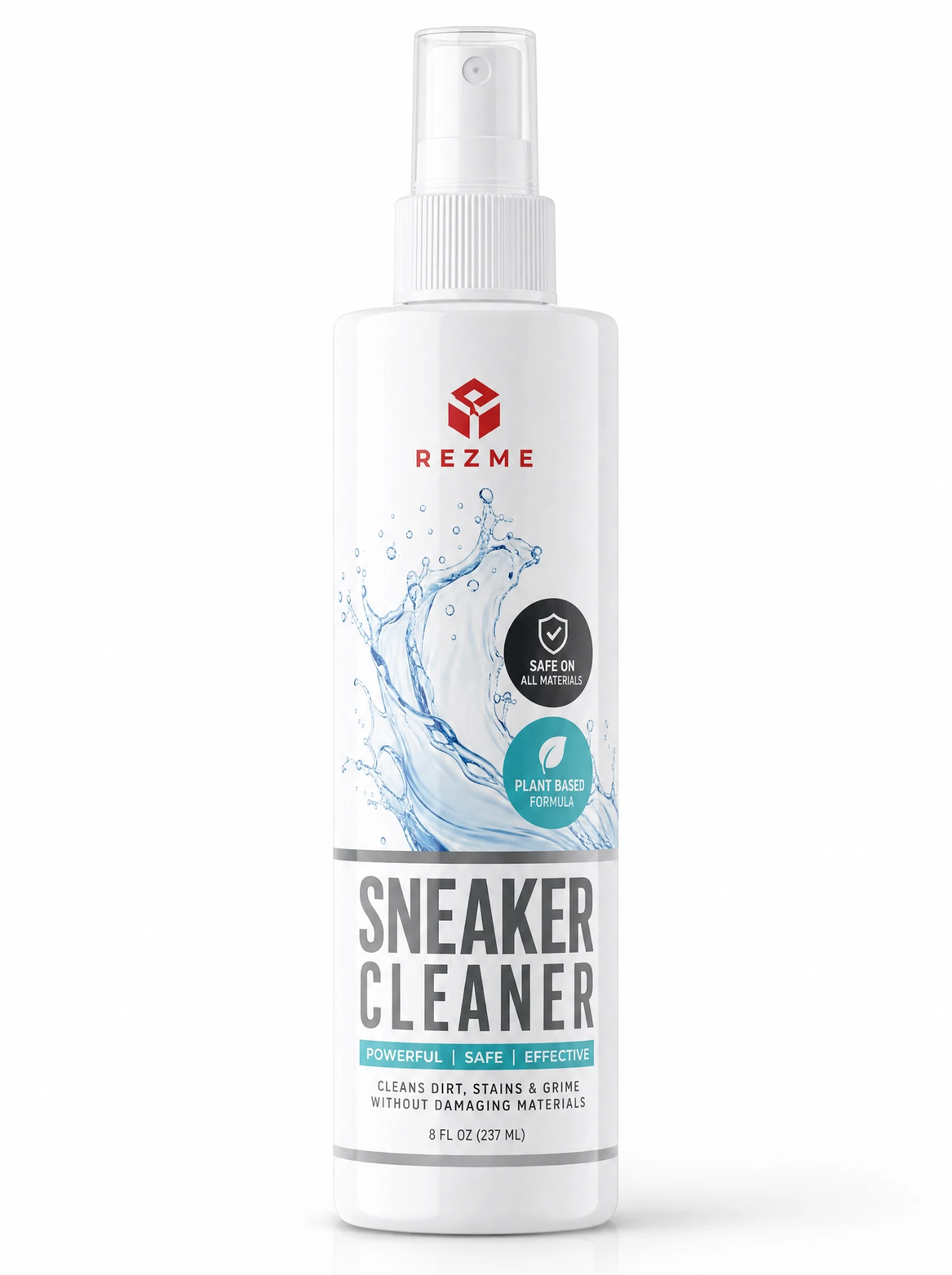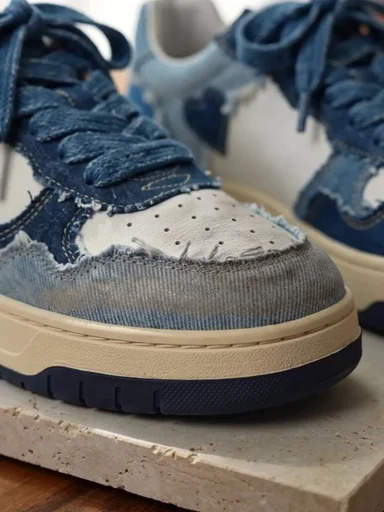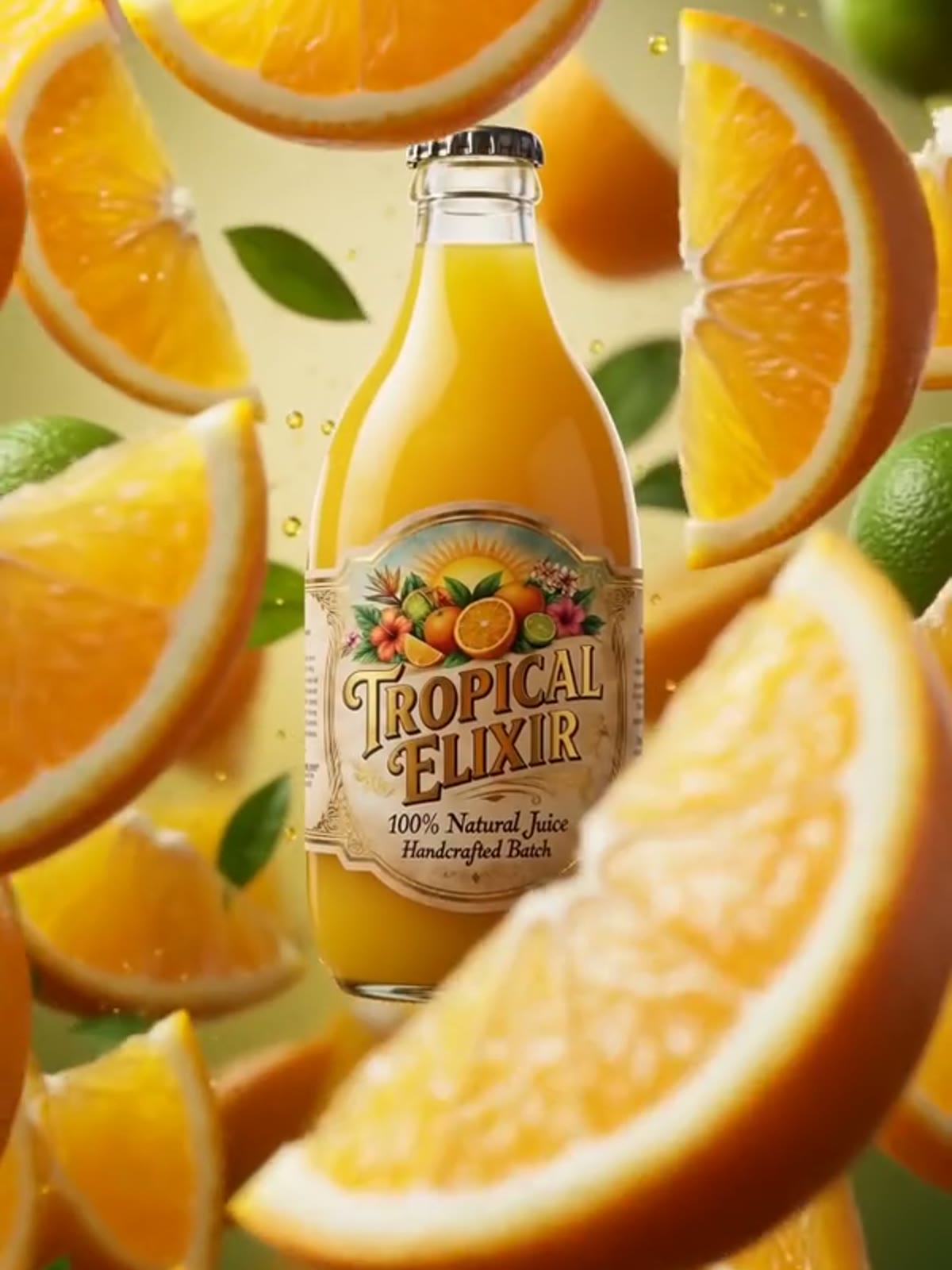
Product reveal
Use light, movement, scale, or a clean transition to turn the first product appearance into the hook.
No cast. No camera day.
What if the product could carry the whole ad without an on-camera presenter?
Build a scroll-ready product video from one recognizable reference. Motion, setting, framing, and visual hooks do the selling while the Avatar slot stays optional.
Create a no-actor ad01
product required
00
actors required
5s
first video
MOTION / 01
PROOF / 02
SCENE / 03
No presenter selected. Hands and environments remain available when the shot needs them.
00Live workbench / no actor
Hyper Motion · five seconds · vertical product video
9 credits · first result covered
The short answer
Faceless AI ads are promotional images or videos that sell a product without showing a recognizable on-camera creator. They use product shots, motion, text-ready compositions, hands, environments, or visual hooks to communicate value. Photo2Ads turns a product reference into a finished creative while keeping an Avatar entirely optional.
What this guide covers
Use the sections below to choose the right ad format, write a product-safe prompt, select practical generation settings, and diagnose the most common visual problems. The goal is not to remove people from every campaign. It is to know when a product-led frame communicates the idea more clearly.
Choose the storytelling device
Neither format wins every campaign. Choose based on what buyers need to see and what kind of trust the message requires.
| Compare | Product-led | Creator-led |
|---|---|---|
| Visual anchor | The product, packaging, texture, use, or transformation | A recognizable presenter, reaction, or testimonial |
| Production input | Product references; a person reference is optional | Product references plus a suitable presenter or Avatar |
| Strongest use | Demos, reveals, feature shots, offers, and retargeting | Testimonials, explanations, routines, and social proof |
| Brand control | Consistent product-first frames across many variations | More personality, with extra identity and performance choices |
| Voice and dialogue | Optional; visual storytelling can carry a short spot | Often useful when the presenter explains or recommends |
If the message depends on a presenter, testimonial, or personal routine, build AI UGC photos instead of forcing the product to carry a human story. Before generating video, compare the available AI models for their reference limits and output settings, then review the credit pricing for the exact configuration you plan to use.
Four useful directions
A no-actor workflow is a creative constraint, not a single look. Start with the job the ad needs to do.
Use light, movement, scale, or a clean transition to turn the first product appearance into the hook.
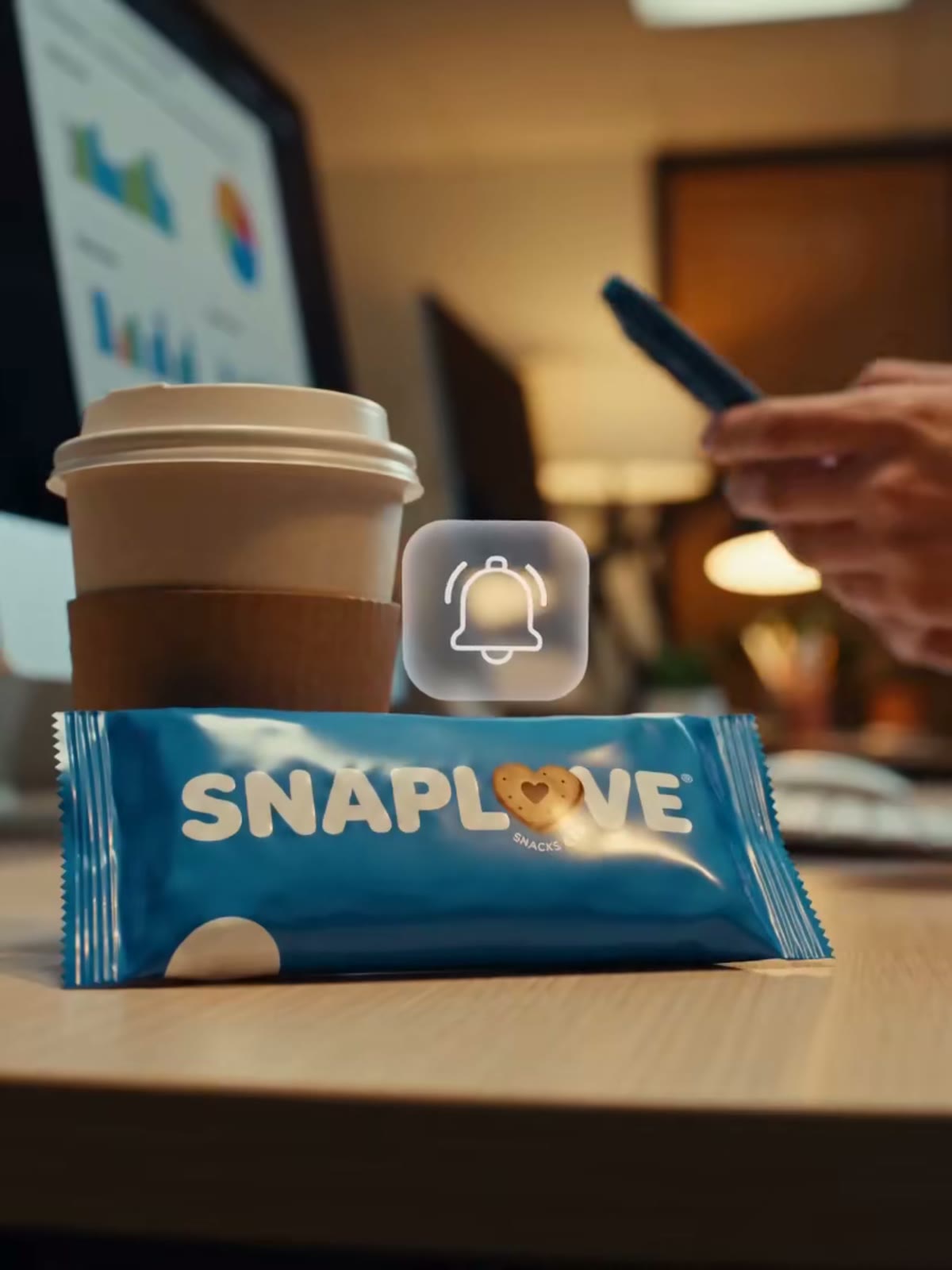
Show a button, texture, package opening, or use step without making a presenter the center of the frame.
Build a clear visual change around the product while avoiding unsupported claims or invented results.
Place the product in a believable environment so context communicates who it is for and where it fits.
Copy, paste, then make it yours
A useful prompt names the subject that must stay recognizable, the action the viewer should understand, the camera behavior, and the final frame. Start with one recipe, replace the bracketed details, and remove any direction your source image cannot support.
Prompt 01

For launches, offers, and scroll-stopping openings
Create a five-second vertical product reveal for [product]. Preserve the exact package shape, logo, label, color, and proportions from the references. Begin on a tight macro detail, use one controlled push-in with [light or particle effect], then end on a clean centered hero frame. No recognizable person, invented text, price, or product claim.
Why it works: Keep the motion simple when the packaging contains small type or complex geometry.
Prompt 02

For texture, opening, assembly, or a single use step
Create a five-second hands-only demonstration of [single action]. Keep the product identical to the reference and show only the hands needed to complete the action. Use a steady close camera, realistic contact, and a plain [surface or setting]. Do not show a face, add extra fingers, change the label, or imply a result that is not visible.
Why it works: One clear interaction is easier to verify than a sequence of several hand movements.
Prompt 03

For product pages, organic posts, and retargeting
Place [product] in a believable [room, desk, gym, kitchen, or travel] scene for a five-second vertical spot. Keep the item as the visual anchor while environmental movement adds energy. Use natural scale, realistic shadows, and one slow camera move. Finish with unobstructed packaging. No presenter, captions, fabricated logo, discount, certification, or unsupported performance claim.
Why it works: Choose a setting that explains when the product is used without competing with it.
Where the format earns its place
Product-led creative is useful anywhere a shopper needs to recognize the item quickly. Adapt the ratio, pacing, and final frame to the destination instead of exporting one generic cut everywhere.
Paid social
Create several openings around the same product reference for Meta, TikTok, or other short-form placements. Keep the offer and claims outside the generated scene unless they are already verified campaign inputs.
Product listings
Turn pack shots into short feature reveals or context clips for storefronts that accept video. Check each marketplace’s file, text, and advertising requirements before publishing.
Retargeting
Change the setting, crop, movement, or opening detail while keeping the same recognizable item. This gives returning visitors a new visual without rebuilding the product brief.
Owned channels
Prepare vertical, square, and landscape variations for product pages, email, organic posts, and launch recaps. Use a consistent hero frame so the campaign still feels connected.
A direct production path
The workbench keeps the required input, creative direction, and output settings in one place.
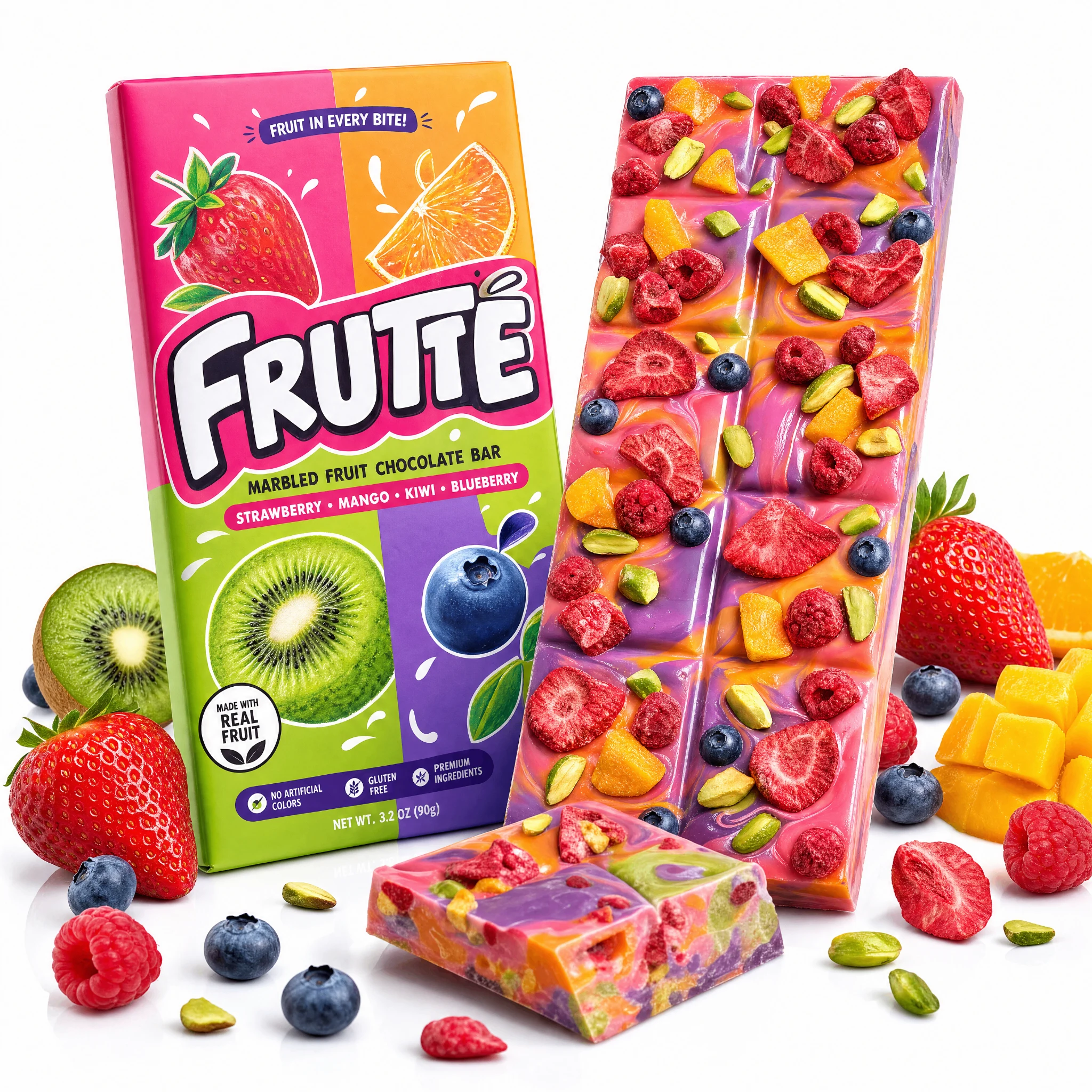
Add one clear Product image or multiple views. Packaging, labels, colors, and proportions should be easy to inspect.
Choose Hyper Motion, another ad style, the setting, format, duration, and model. Leave Avatar empty for a no-actor result.
Create the first finished video, review product fidelity and motion, then adjust the prompt instead of rebuilding the brief.
Fix the first miss
Treat a weak generation as diagnostic feedback. Change one part of the reference or brief at a time to isolate the cause.
Complex motion or a weak reference can hide the shape and label the model needs to preserve.
Try this: Add a clear second angle when supported. Protect package shape, logo, label, color, and proportions, then reduce transformations and end on a static hero frame.
Lifestyle directions can make the model invent a presenter even with no Avatar selected.
Try this: Use “product-only,” “macro,” or “hands-only.” Exclude recognizable faces, tighten the crop, regenerate, and review every frame—not just the thumbnail.
Several actions, occlusions, or camera moves make contact geometry harder to keep coherent.
Try this: Ask for one hand, one action, and one stable view. Reduce occlusion, or switch to a product reveal when manipulation is not essential.
Keep the creative believable
The generator can create a visual direction, but the product reference and prompt still define what must remain true.
Ask the model to preserve the package shape, label, logo, color, and proportions. Use multiple angles when one image hides important details.
Direct lighting, motion, setting, and framing. Do not invent discounts, certifications, performance results, or customer quotes.
A presenter is useful for testimonials, spoken explanations, fit, or personal routines. Faceless does not mean every campaign should avoid creators.
Before you generate
Practical answers about inputs, people, sound, formats, and the free first result.
Yes. New accounts receive nine welcome credits, which cover the default five-second Seedance 1.5 Pro video shown on this page. Higher-resolution models, longer durations, audio, or other settings can cost more.
No. A Product reference is required, while Avatar is optional. Leave it empty when you want the product, hands, environment, motion, or graphic composition to carry the creative.
It can create short vertical product videos suitable for Reels-style placements. You still need to review the result, add any platform-safe text or audio you want, and follow the destination platform’s ad rules.
Yes, when the selected model and prompt produce them well. Describe a hands-only demo and explain what the hands should do, but review anatomy and product interaction before publishing.
Not always. A short reveal, demo, or visual hook can work without dialogue. Add audio only when it improves comprehension or pacing, and confirm the selected model supports it.
Use a creator when the concept depends on a testimonial, spoken explanation, personal routine, fit, emotion, or recognizable identity. Photo2Ads keeps Avatar optional so you can choose per campaign.
Next shots
Move from a no-actor product video into creator-style stills, examples, model comparisons, or another product-ad workflow.