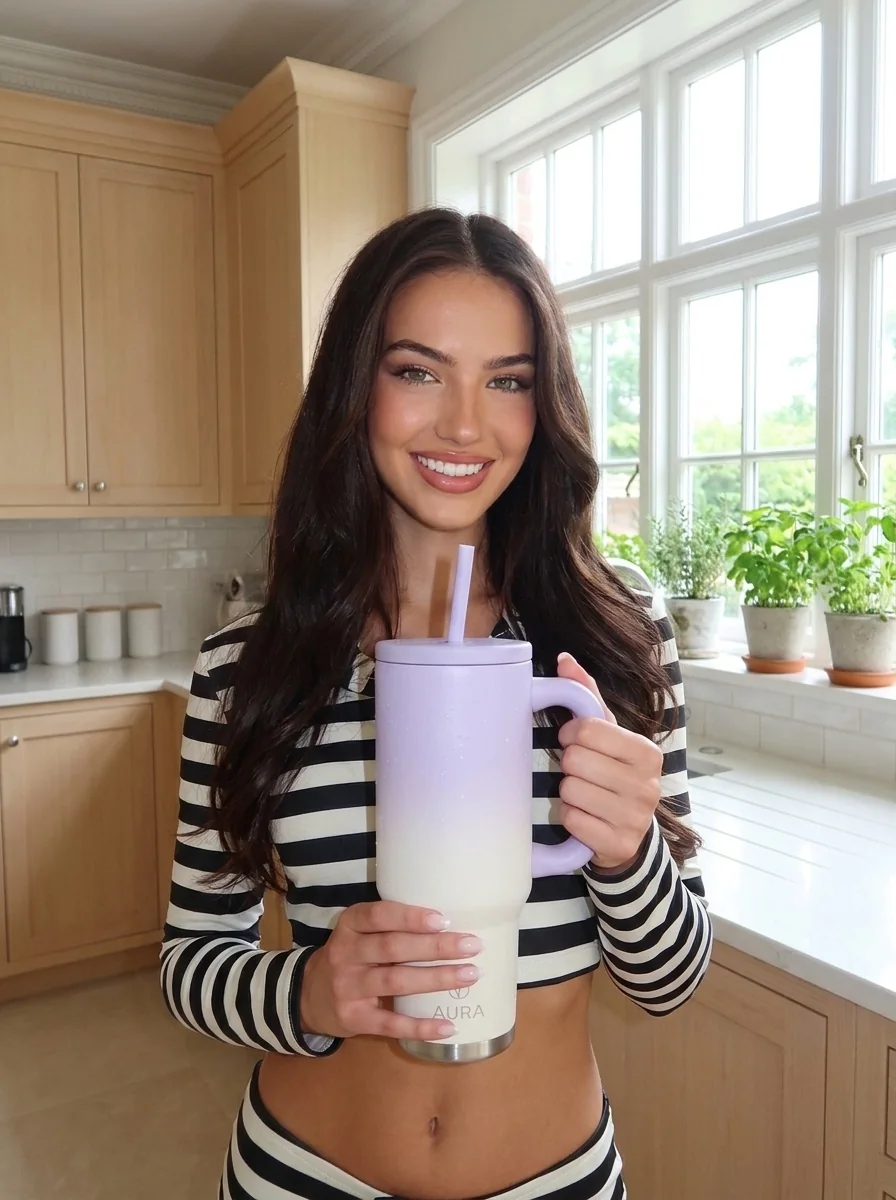
AI UGC photos from your product

Turn One Product Image Into AI UGC Photos.

Upload a product photo and create believable creator-style images for reviews, tutorials, unboxings, ecommerce, and social ads.

Start creating
Product stays recognizable
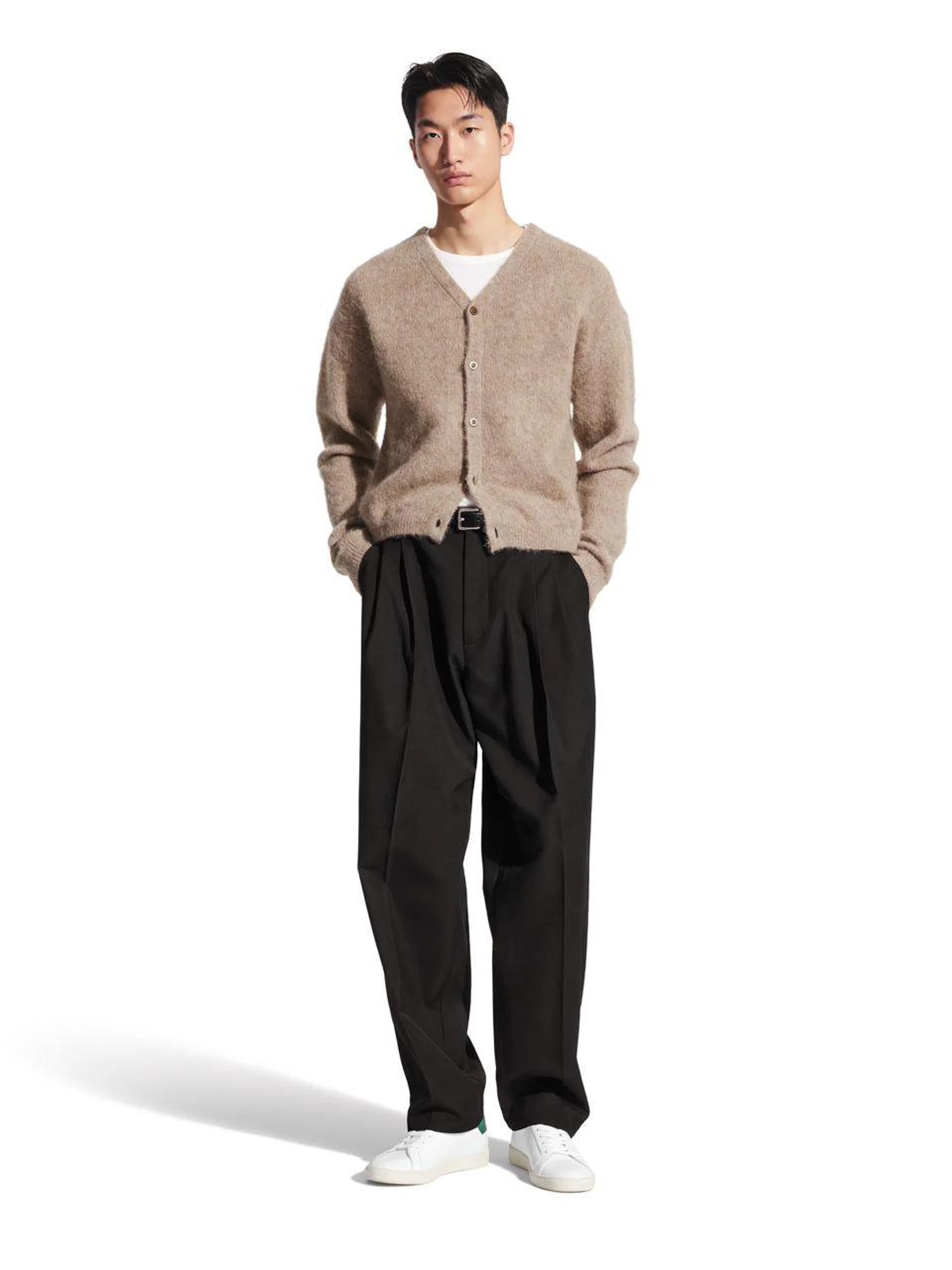
Person is optional
Seven formats

Creator-style direction

01—03
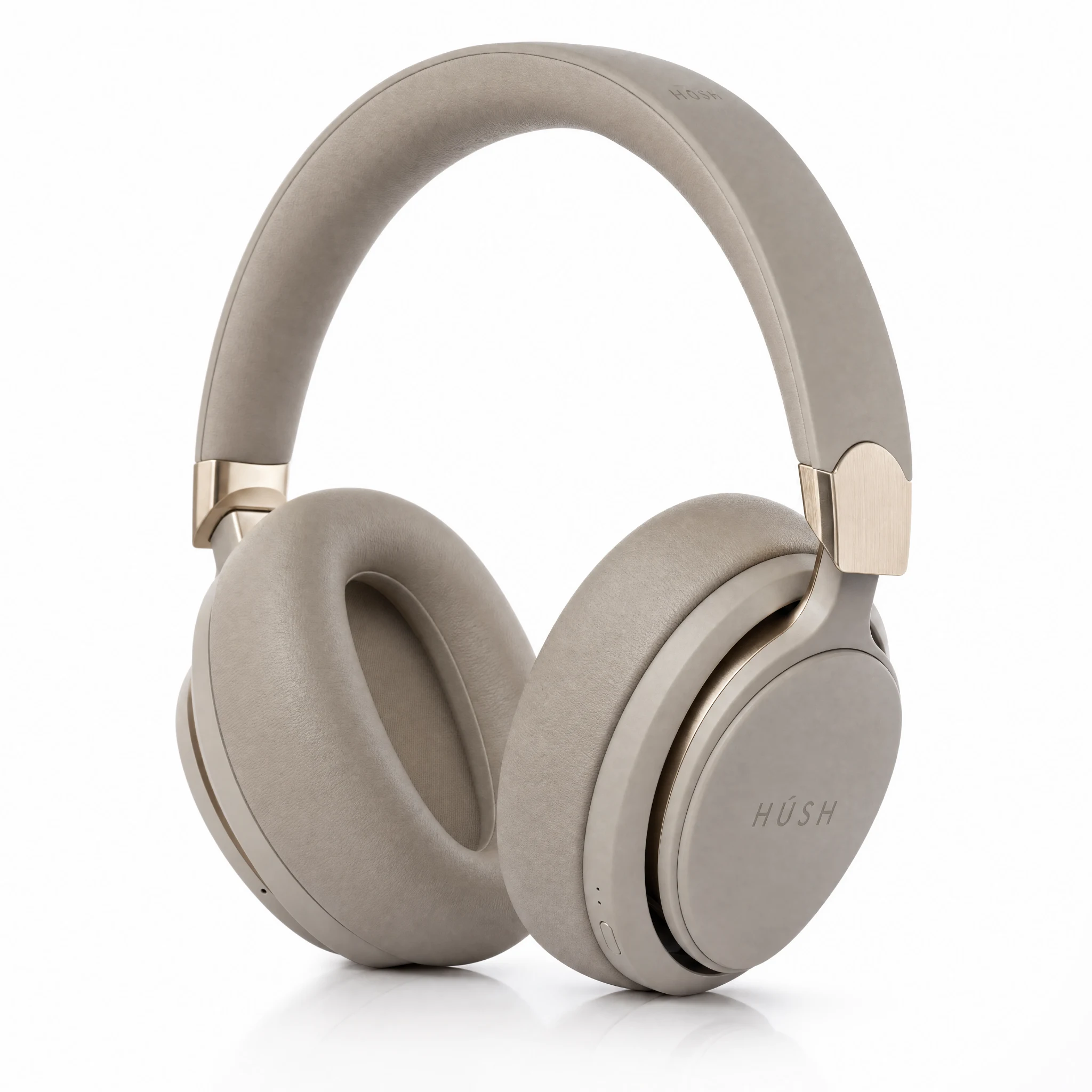
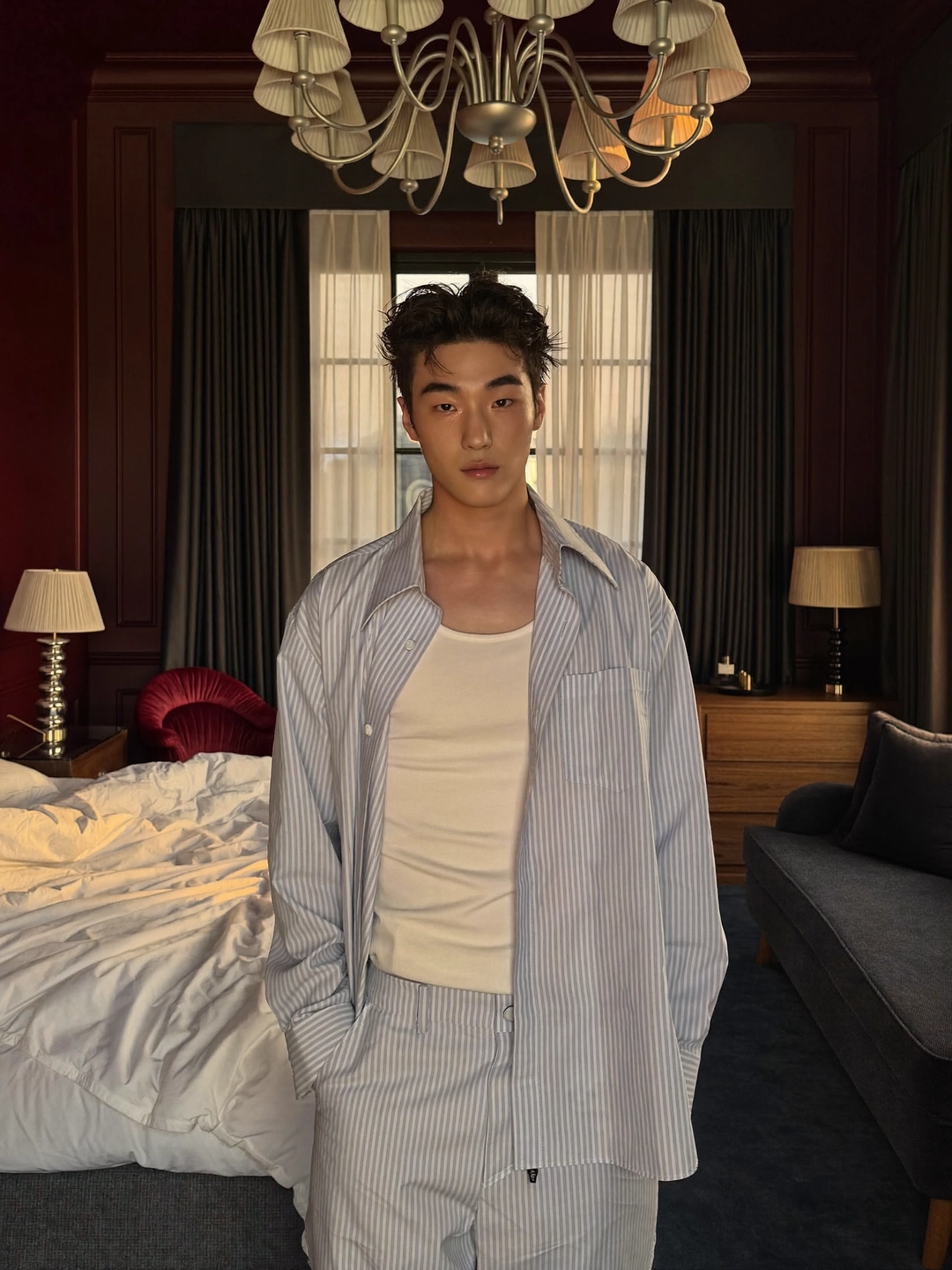
Creator holding a product in an AI UGC product review setup01

Product review

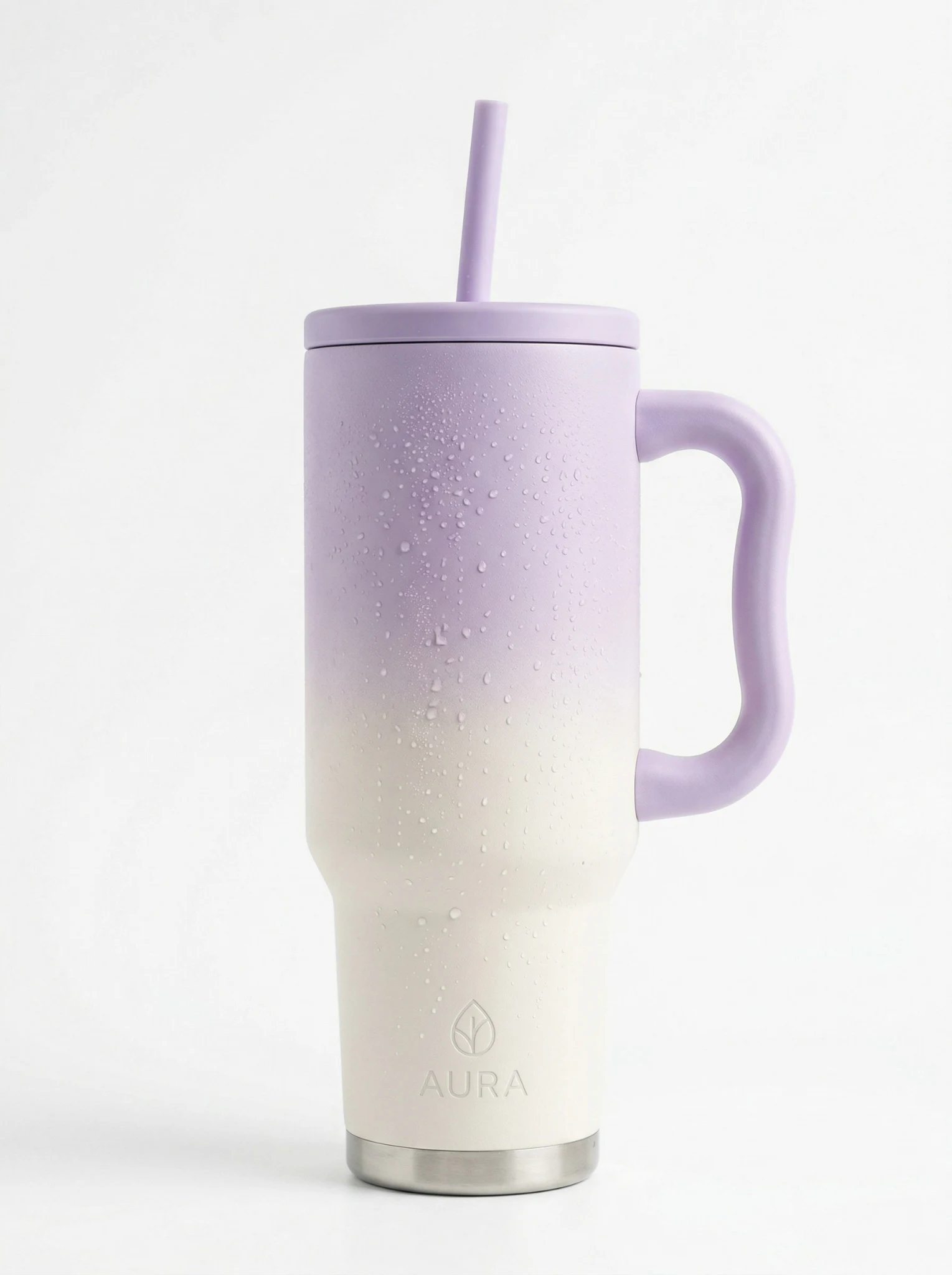
Creator demonstrating a product in an AI UGC tutorial setup02

Tutorial

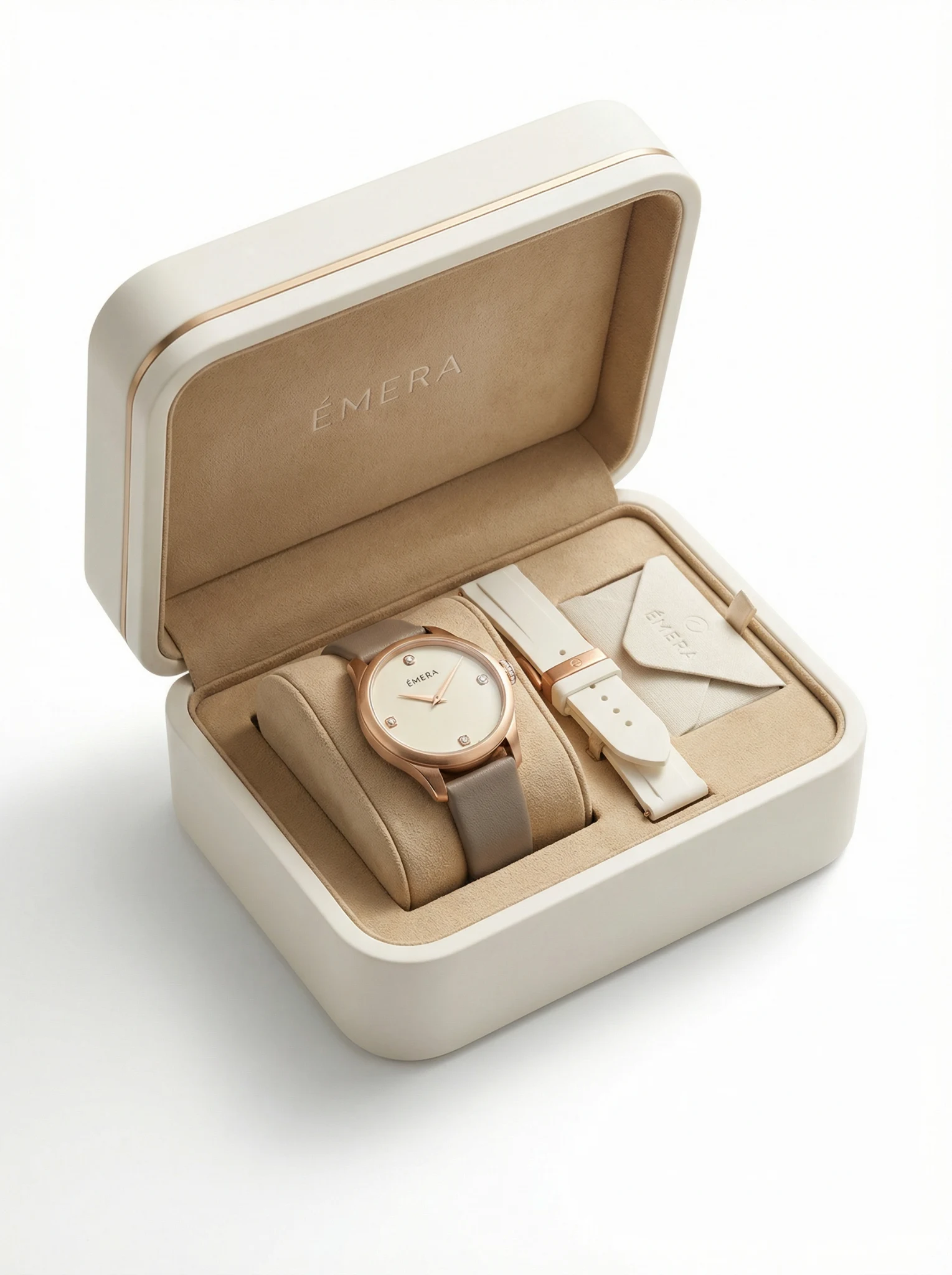
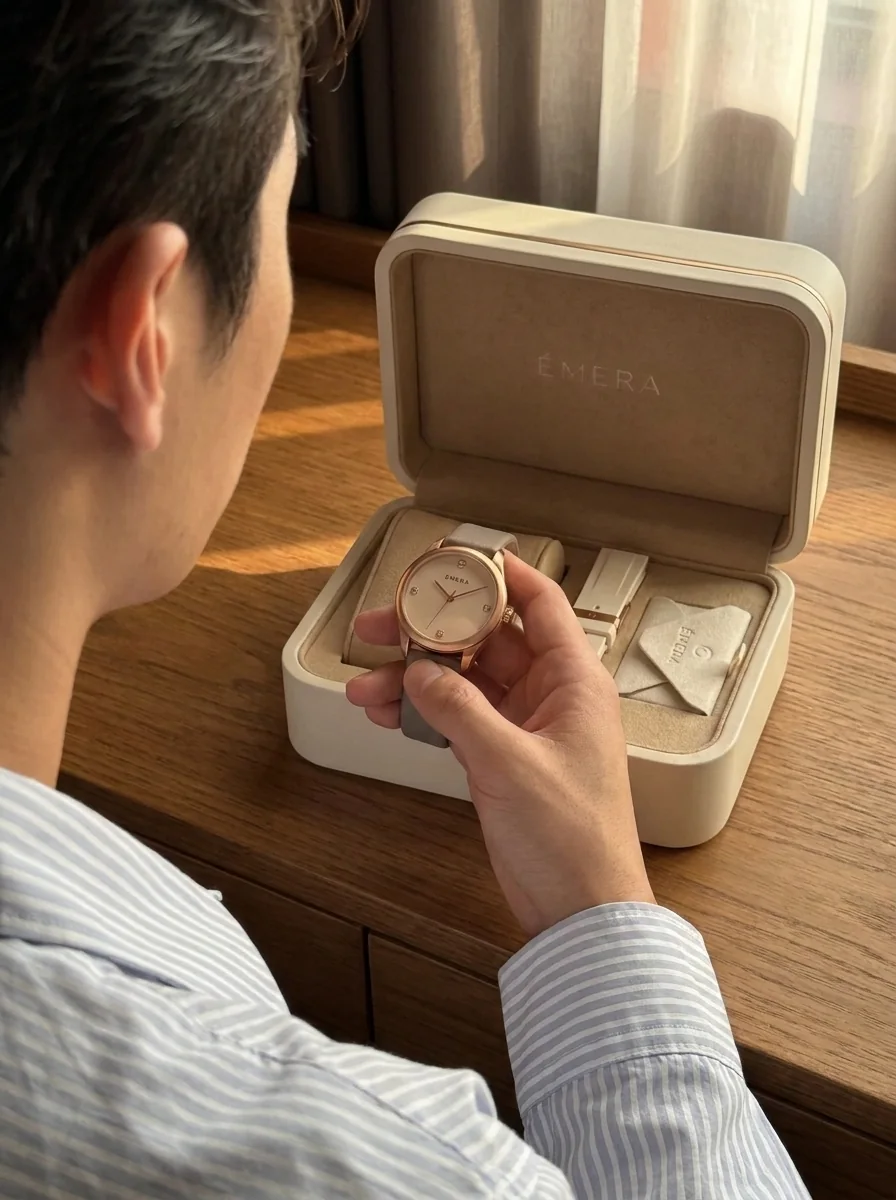
Creator opening a product package in an AI UGC unboxing setup03

Unboxing

/ STUDIO

Product Review is ready to direct

Product photos0/5Add front, side, or detail views
356/2000

A practical definition

What Are AI UGC Photos?

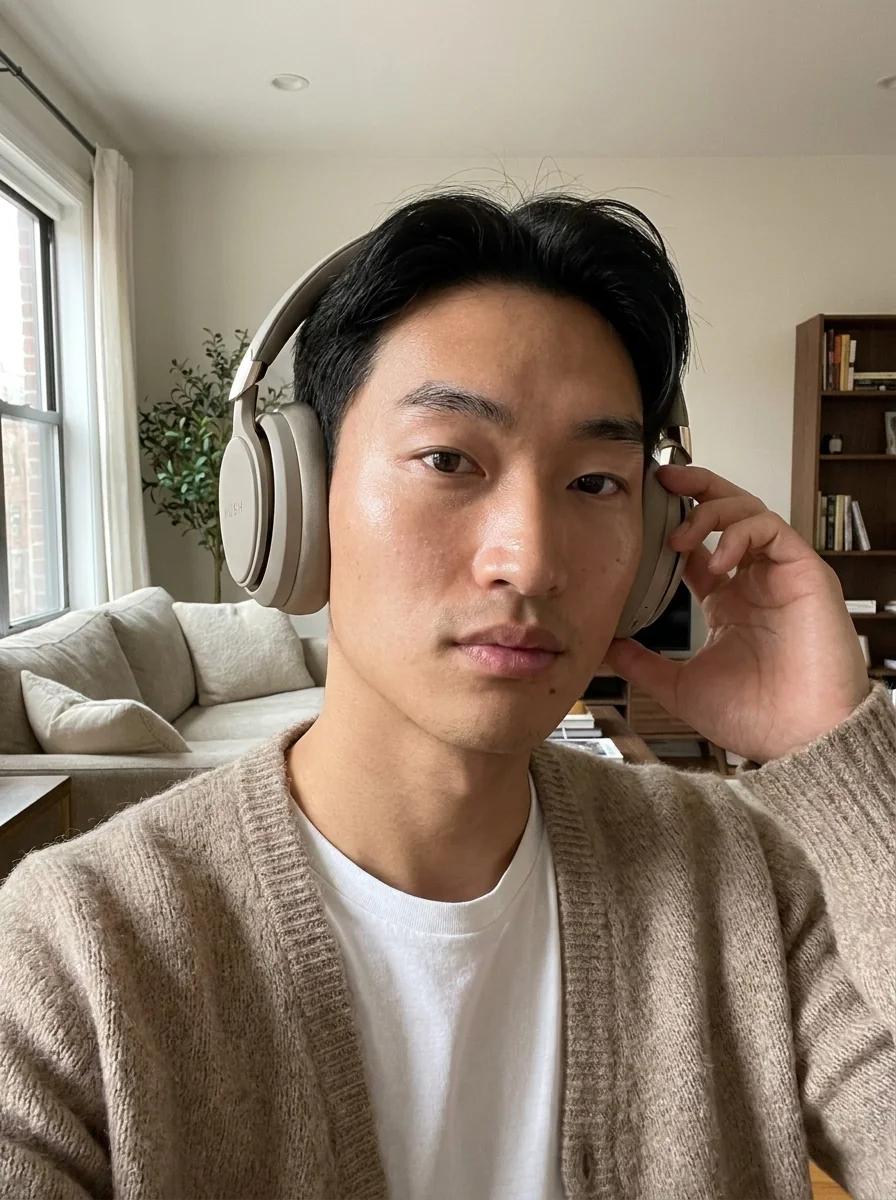
AI UGC photos are AI-generated product images designed to feel like natural creator content rather than polished studio campaigns. They place a recognizable product in believable reviews, tutorials, unboxings, or everyday moments, while letting a brand choose the person, setting, aspect ratio, and visual direction before generation.

/ P2A

From source to social

Create AI UGC Product Photos in Three Steps.

Start with a clear reference, choose the creator-style direction, and generate the formats your campaign needs.

01

Upload your product image

Add one clear product photo or several views of the packaging, label, and important details.

02

Direct the UGC moment

Keep Product Review selected, edit the prompt, and add a person only when you need a specific presenter.

03

Generate and choose

Select the model, aspect ratio, resolution, and number of options, then download the result you want to use.

/ P2A

Built around the real product

Creator Style Without Losing Product Detail.

A useful UGC-style image should feel informal and believable while keeping the item people are buying clear.

/ 01

Recognizable product

Use multiple reference views when packaging, logos, labels, or small details matter.

/ 02

Believable context

Describe a review, tutorial, unboxing, or everyday-use moment that fits the product.

/ 03

Channel-ready composition

Choose square, portrait, story, landscape, or wide formats for ecommerce and social placements.

/ P2A

Questions, answered

AI UGC Photo Generator FAQ

Straight answers about product references, people, output options, and publishing AI UGC photos.

What do I need to create an AI UGC photo?

Start with one clear product image. You can add front, side, packaging, or detail views when the product needs more visual context.

Do I need to upload a person?

No. Product is required and the person reference is optional. Add one only when you want a particular presenter or appearance.

Which UGC photo styles can I create?

You can direct product reviews, tutorials, unboxings, selfie testimonials, virtual try-ons, and other creator-style moments from the editable prompt and Creative Style library.

Can I generate several AI UGC photos at once?

Yes. Image mode can generate up to four options in one run, depending on the output count you select.

Can I use the photos in social ads?

You can generate common square, portrait, story, landscape, and wide formats. Review every result for product accuracy, claims, permissions, and the rules of the platform where you plan to publish it.

Related paths

Keep Building the Campaign.

Start another product ad, study real creative directions, compare models, or choose the plan that fits your output volume.