

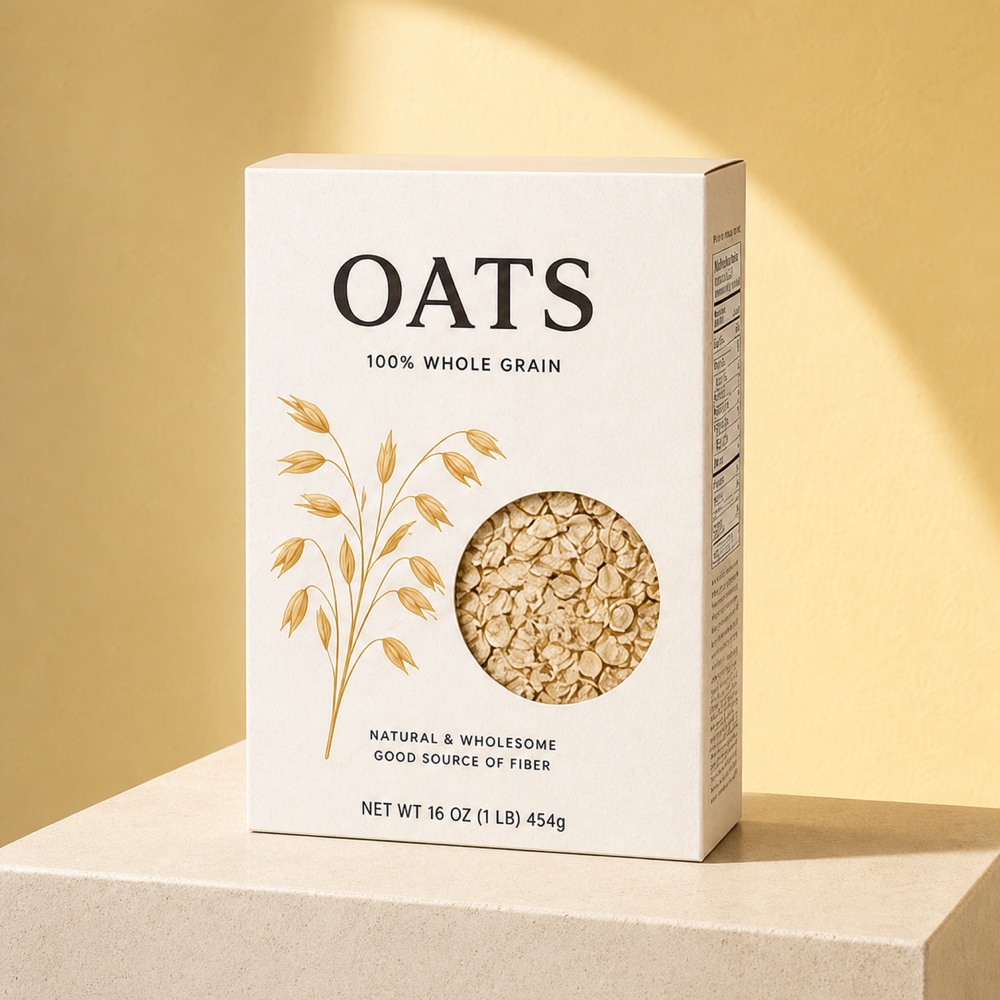
Sunlit oat packaging
A reviewed packaging direction that preserves the carton, window, illustration, and visible front copy.
Inspect the source exampleOpenAI image model · Pro workspace tier
Use the selectable GPT Image 2 model for product images that need flexible resolution, explicit quality control, and strong prompt-led visual direction.
Exact Photo2Ads workspace contract, including the displayed model name and generation settings.
ChatGPT Image 2
Workspace model
GPT Image 2
The exact selectable model name
Resolution
1K / 2K / 4K
Three delivery sizes
Quality
3 tiers
Standard, Medium, and High
Aspect ratios
7 formats
Square, portrait, and landscape
Reviewed image board
These are real, reviewed Photo2Ads packaging results selected to show text- and structure-sensitive directions. Their result records do not identify GPT Image 2 as the generation model, so they are not presented as ChatGPT Image 2 benchmarks.
A reviewed packaging direction that preserves the carton, window, illustration, and visible front copy.
Inspect the source example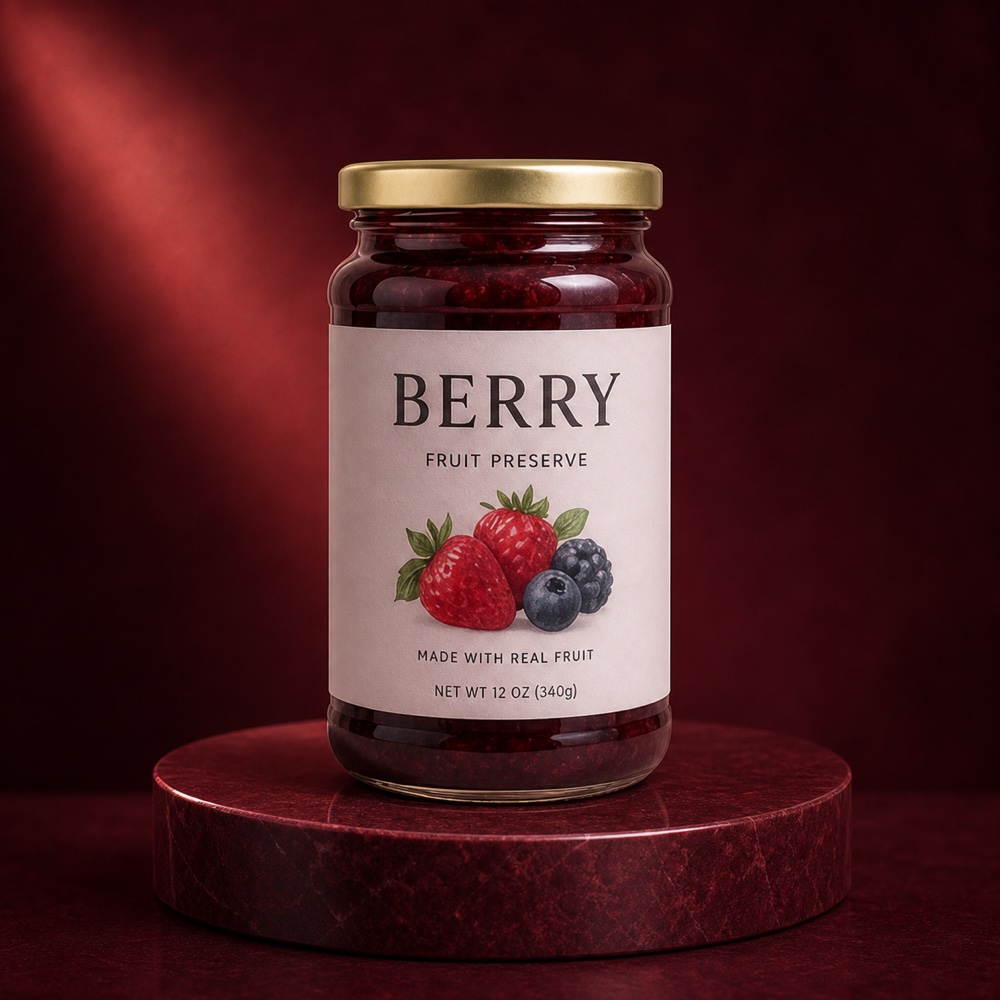
A reviewed glass-and-label direction with controlled reflections and unchanged text hierarchy.
Inspect the source example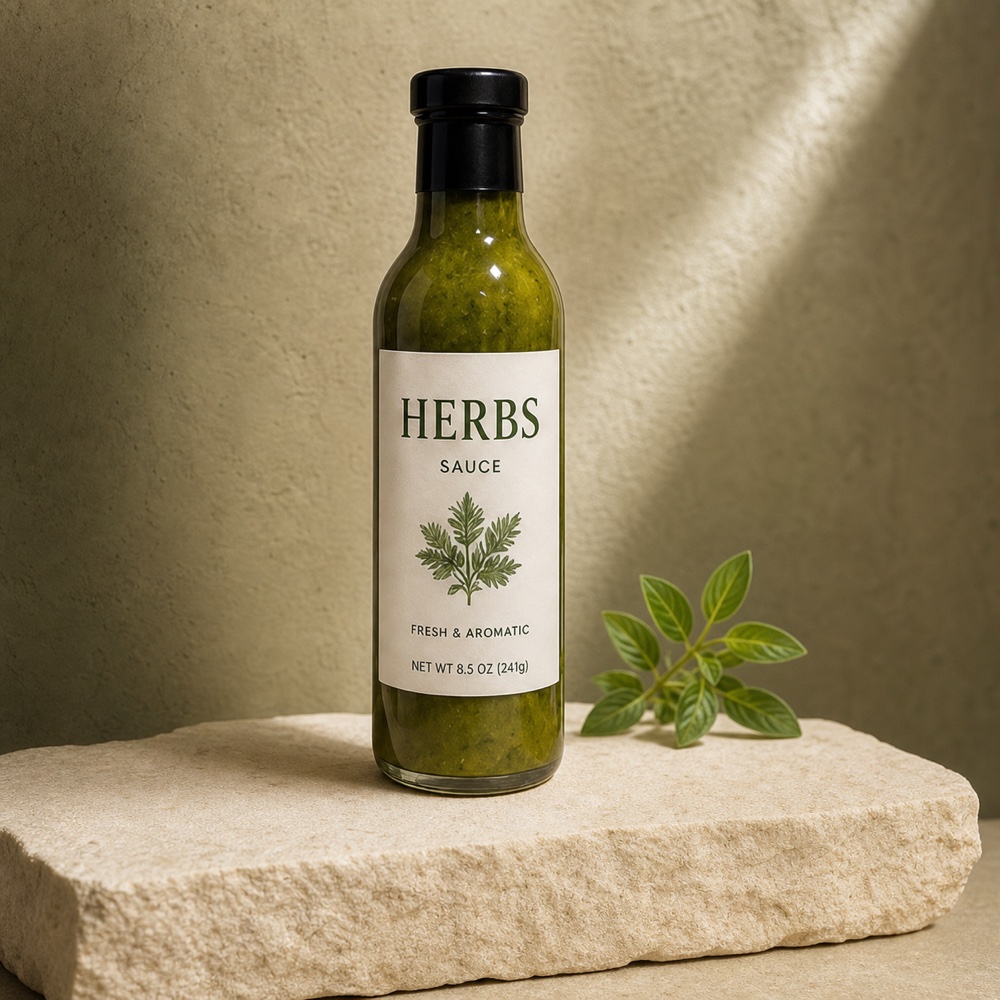
A reviewed tabletop direction that keeps the bottle geometry, label lines, and cap unobstructed.
Inspect the source exampleModel definition
ChatGPT Image 2 is represented in the Photo2Ads workspace by the selectable GPT Image 2 model. It supports 1K, 2K, and 4K generation, seven common ad ratios, and Standard, Medium, or High quality tiers, with the selected resolution and quality determining the credit cost.
Name mapping
Search name: ChatGPT Image 2. Workspace model: GPT Image 2. It is the only current Photo2Ads image model with an explicit Standard, Medium, and High quality selector.
Capability map
Every capability below maps to the current selectable model contract—not a borrowed benchmark or a speculative provider feature.
Choose Standard, Medium, or High rather than relying on one fixed quality setting.
Pair each quality tier with 1K, 2K, or 4K output according to the placement and credit budget.
Use square, vertical, portrait, standard landscape, or widescreen formats from one Image Ads workflow.
Direct product setting, camera, lighting, layout, and copy treatment through the editable prompt.
Build the image around product references and optionally introduce a person through the same creation workspace.
Standard starts at five credits, while higher resolution and quality combinations increase the displayed cost.
Use-case directions
Start with one job for the creative. A precise product action usually produces a clearer result than a crowded shot list.
Use careful prompt direction when a concept includes labels, offer language, or designed text elements.
Compare Standard, Medium, and High on the same product direction before choosing a final export route.
Reframe one idea across seven aspect ratios for stores, feeds, stories, and landscape placements.
Use 2K or 4K with the appropriate quality setting when a final asset needs more visual detail.
Three-step workflow
Upload the views that should stay central to the generated product-ad composition.
Describe the scene, lighting, camera, layout, and any text treatment that matters.
Choose the ratio, resolution, and quality tier, review the displayed credits, and generate.
Related model paths
Questions, answered
These answers describe the current Photo2Ads configuration. The model selector and live credit counter remain the final source before generation.
Yes. The exact selectable workspace model is named GPT Image 2.
The current Photo2Ads configuration supports 1K, 2K, and 4K output.
GPT Image 2 supports Standard, Medium, and High quality at every configured resolution.
The available ratios are 1:1, 2:3, 3:2, 3:4, 4:3, 9:16, and 16:9.
The current matrix ranges from 5 credits for Standard quality to 120 credits for 4K High, with the exact amount shown before generation.
Build the next ad
Open the Image Ads workspace, add your real product references, and review the model’s live settings and credit cost before generating.