

Product
The item or service image being advertised. Avatar never replaces the product input.
Private creator identity for product video
Photo2Ads is an AI avatar generator for product ads. Create an AI avatar from a written identity prompt or optional permitted reference photo, save the private portrait to your Avatar Library, then pair it with your product inside Video Creator.
 Identity direction
One person asset, reusable in Creator
Reference optional · 3:4 portrait · Private library
Illustrative page artwork—not generated-product proof.
Search intent, clarified
An AI avatar generator creates a reusable person asset for creator-led product video ads. In Photo2Ads, the avatar is a private 3:4 portrait—not a finished talking-head clip. Create the person first, then combine that saved identity with a required product and your video direction in Creator.
| Avatar type | What it creates | Photo2Ads fit |
|---|---|---|
| Profile avatar | What it createsA standalone image for a profile, game, community, or social account. | Photo2Ads fitNot the Photo2Ads workflow |
| Talking avatar | What it createsA presenter that reads a script with voice, lip sync, or translation. | Photo2Ads fitNot created in Avatar Builder |
| Product-ad avatar | What it createsA reusable person reference paired with a product inside an ad workflow. | Photo2Ads fitPhoto2Ads focus |
The real product flow
Choose a written prompt when you want a new fictional creator, or add one permitted reference photo when a specific identity matters. Avatar creation and video generation stay separate, so the person remains reusable while each product, script, model, ratio, duration, and audio choice belongs to the individual ad.
Create a new fictional identity from the form, or optionally upload one clear image of a person you have permission to use.
Name the avatar, choose gender, age, and ethnicity directions, then describe the scene, wardrobe, and pose you want.
Photo2Ads generates one 3:4 portrait and saves the completed result to My avatars after generation finishes.
Open the avatar in Video Creator, add the product you are advertising, then direct the motion, dialogue, and output settings.
Create avatar
Interface preview · current field contract
Reference · optionalName
Studio MayaIdentity
Prompt · optional
Soft window light, relaxed pose, contemporary neutral wardrobe…Casting direction
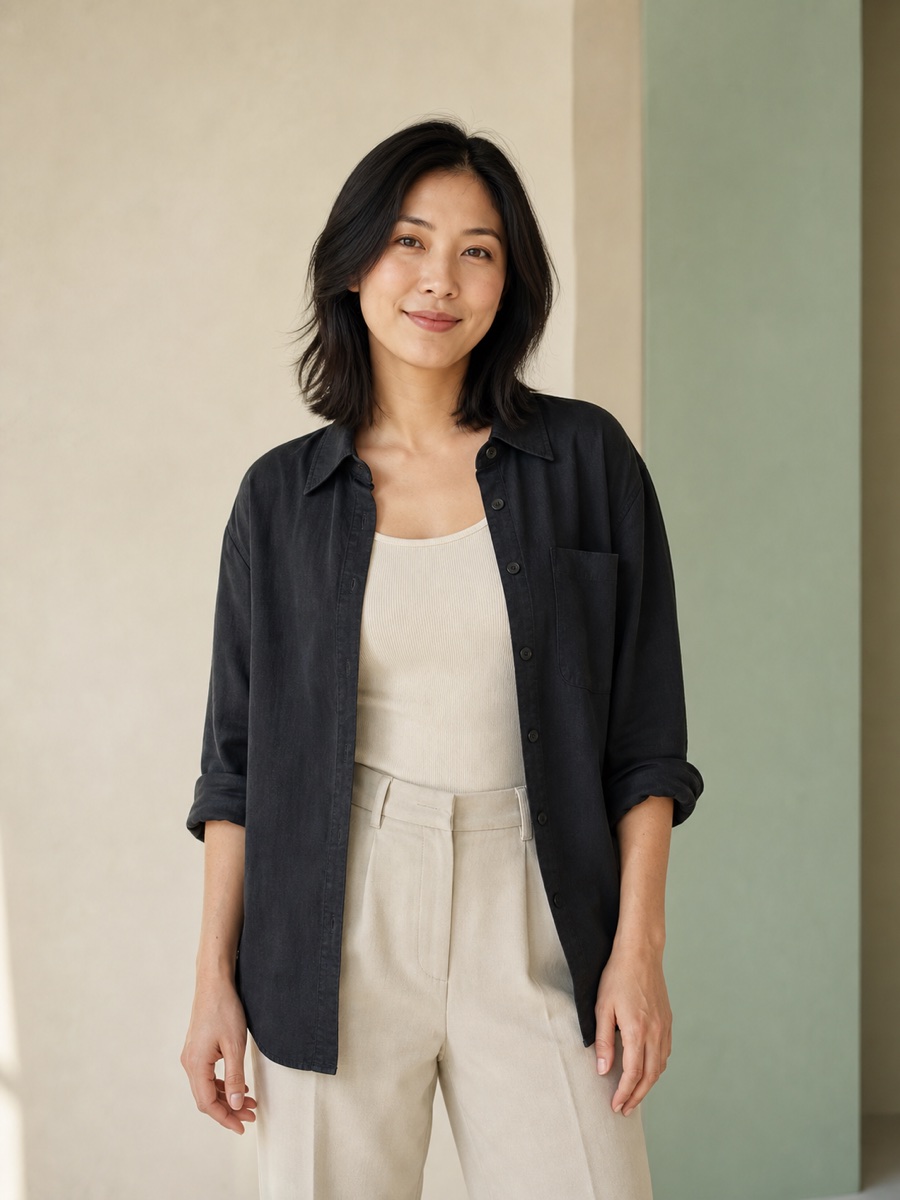
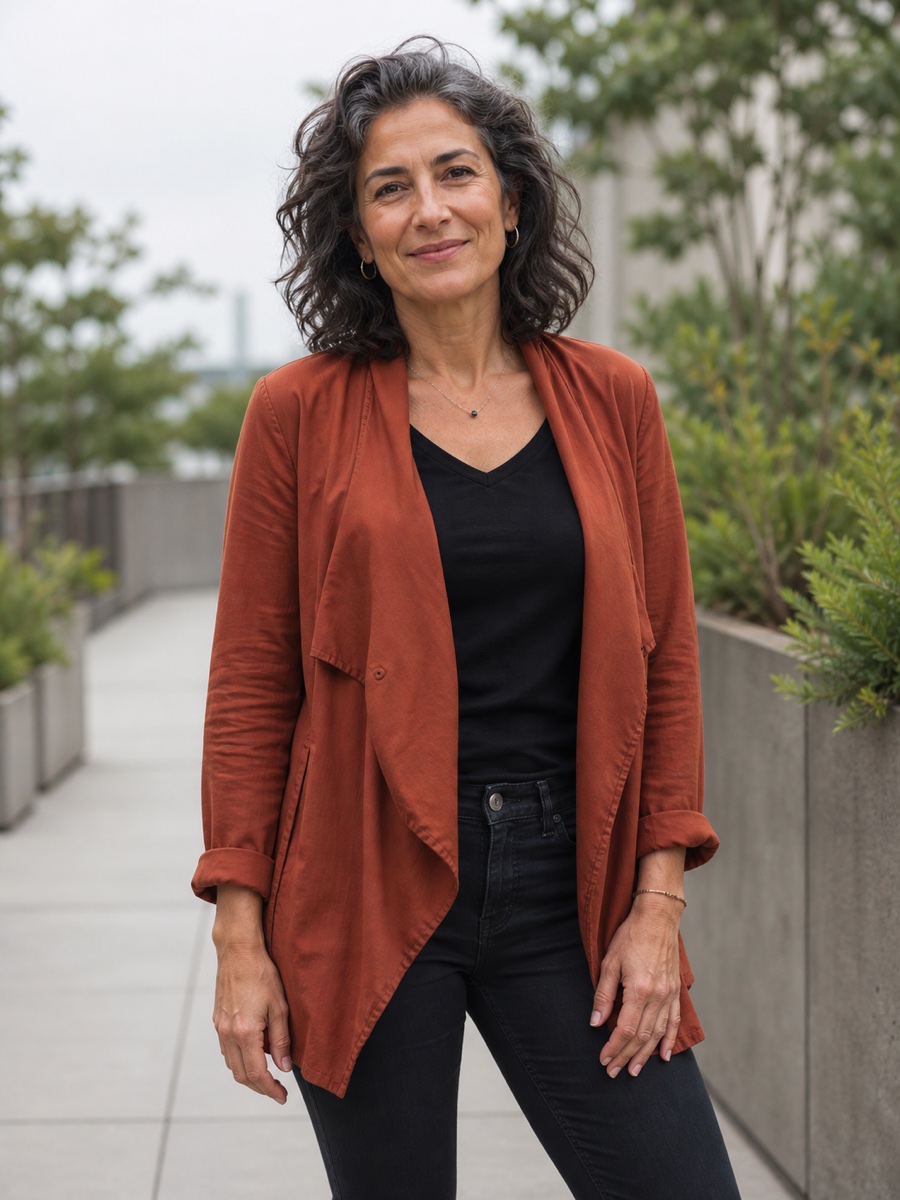
These three fictional portraits are original page artwork, included to show useful casting specificity. They are not presented as Photo2Ads generation results or performance benchmarks.
Illustrative conceptClean studio · Soft daylight · Neutral wardrobe
Illustrative conceptLived-in home · Morning light · Conversational
Illustrative conceptOutdoor terrace · Overcast light · Confident
Material roles
Keeping these inputs separate makes the Creator easier to reason about, keeps AI product ads grounded in the uploaded product, and prevents a saved person from replacing the item you actually need to advertise.
Explore the AI UGC avatar workflowThe item or service image being advertised. Avatar never replaces the product input.
The saved person asset used to guide who appears in a creator-led video.
A separate example or starting frame used only when the selected video workflow supports it.
Optional input
Use
Avoid
Pre-publish review
AI avatar FAQ
The short version: Avatar Builder creates the person asset; Video Creator makes the ad.
It creates one reusable 3:4 person portrait for your private Avatar Library. The avatar can then be selected as the person reference in Photo2Ads Video Creator.
Yes. You can create an AI avatar from a permitted photo when a specific identity needs to be preserved. The reference is optional; use written identity, wardrobe, scene, and pose directions instead when you want to create a fictional person.
No. Avatar Builder creates the reusable person portrait. In Photo2Ads, an AI avatar for video is selected in Video Creator, where you add the product and choose supported motion, dialogue, audio, and output settings.
Your generated avatar is saved to My avatars inside the authenticated Avatar Library. Photo2Ads also offers a separate preset-avatar library, but your generated person remains an account-owned creative asset.
The current Avatar Builder action shows 6 credits for one 1k portrait. The live button remains the source of truth if model or credit pricing changes.
Photo2Ads generates an AI face as a reusable creator portrait for product video ads. The result is a private 3:4 person image saved to your Avatar Library—not a standalone headshot or face-swap tool. After generation, pair the saved face with a product inside Video Creator to produce the finished ad.
Only use a likeness you own or have permission to use. Avoid celebrities, public figures, deceptive impersonation, and synthetic testimonials. Review the finished ad and follow the disclosure and advertising rules that apply to your market and platform.
Your private creator library
Start from a fictional identity or a permitted reference, review the portrait, and reuse it across product video directions without turning the avatar into the product.