Product + optional person → creator-led motion

Generate AI UGC Videos From One Product Photo

Direct a Product Review, Selfie Testimonial, or Unboxing from one product photo. Add a permitted person when the selected model and reference limit support it.

Watch 3 real examples
3
paired examples
5 sec
base duration
9
credits from
AURA lilac-to-ivory tumbler product reference
Product
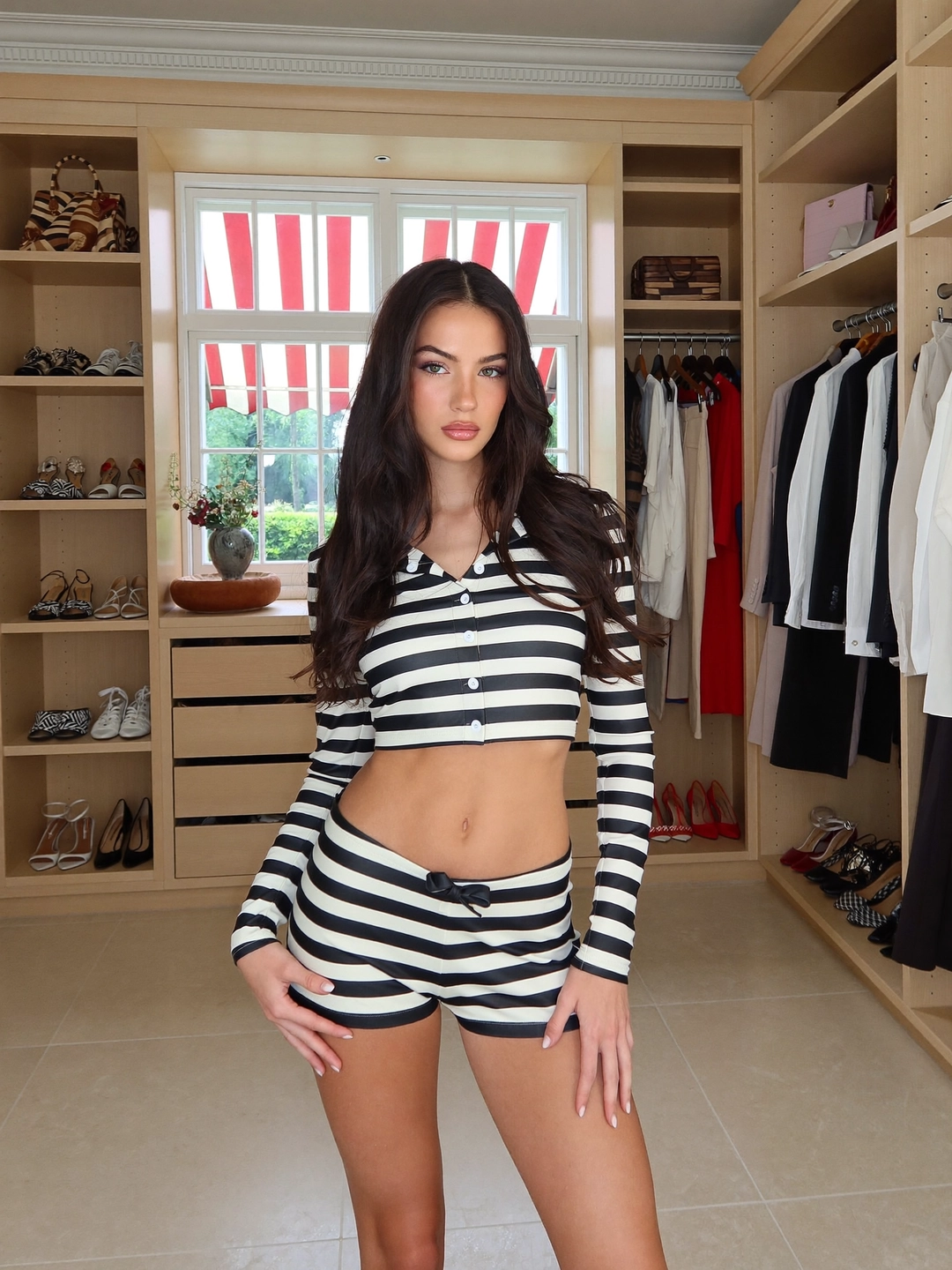
Woman used as the optional person reference for AURA
Person
Motion preview

Muted hero preview · reduced-motion visitors keep the poster

/ P2A

Real paired motion

Review, testimonial, and unboxing with visible inputs.

The hero video can autoplay muted. The remaining previews stay poster-first and only load motion after hover, keyboard focus, or an explicit play action.

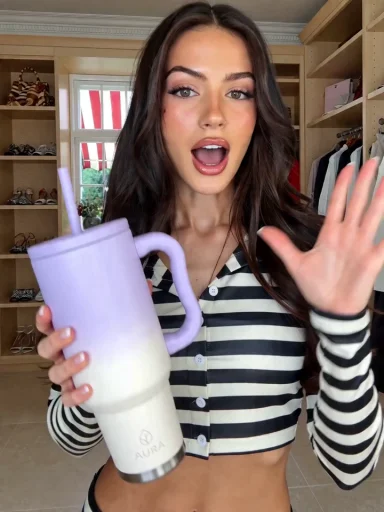
AURA lilac-to-ivory tumbler product reference
Product
Woman used as the optional person reference for AURA
Person
Full 3:4 result
Real paired Photo2Ads workflow example

AURA Tumbler

Product Review

A bright kitchen review built around a recognizable tumbler and a natural two-handed grip.

Reusable video direction

Create a short creator-led product review video. Keep the uploaded product exact and recognizable, use the optional avatar consistently, open with a natural recommendation, and show the product clearly in a social-first vertical frame.

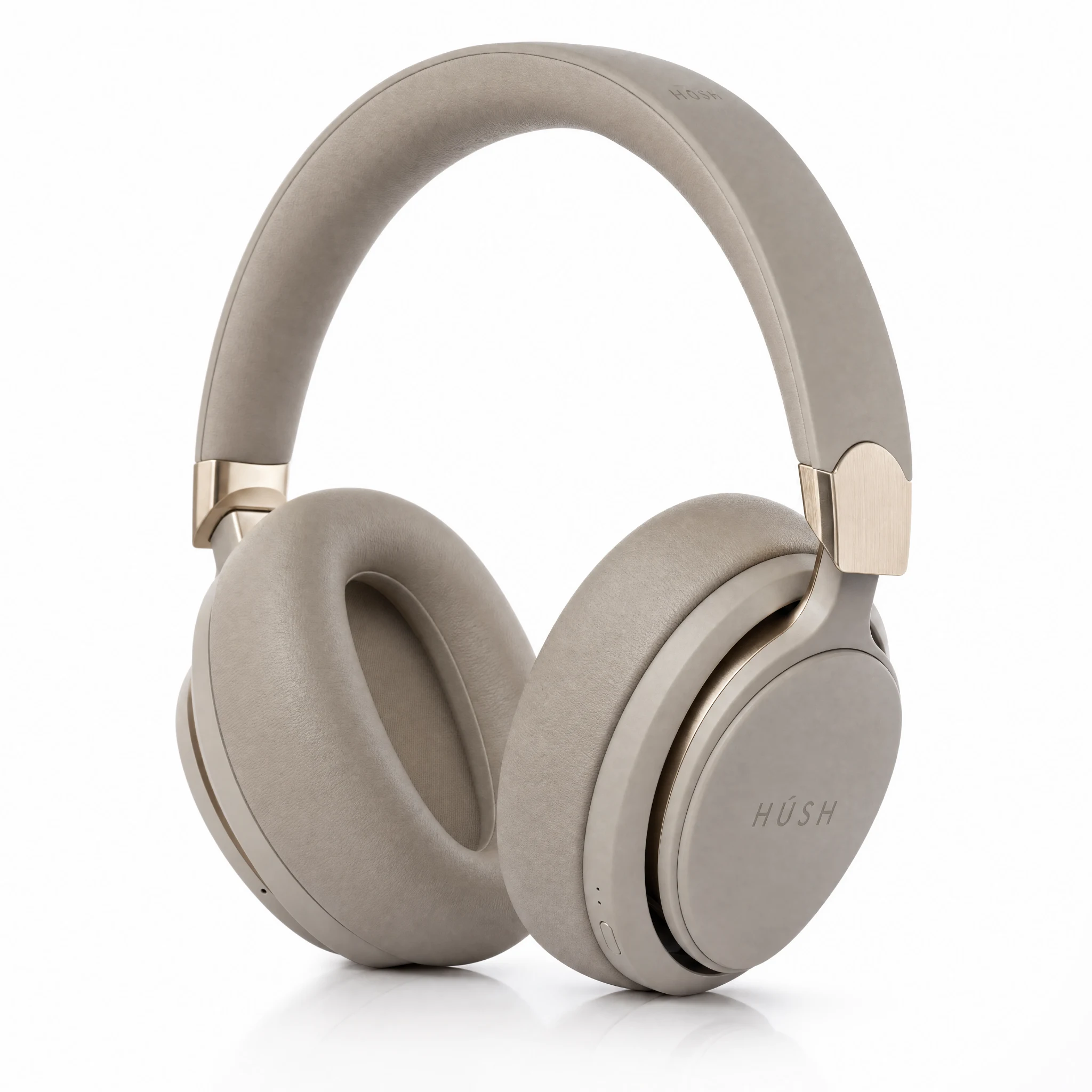
Hush beige over-ear headphones product reference
Product
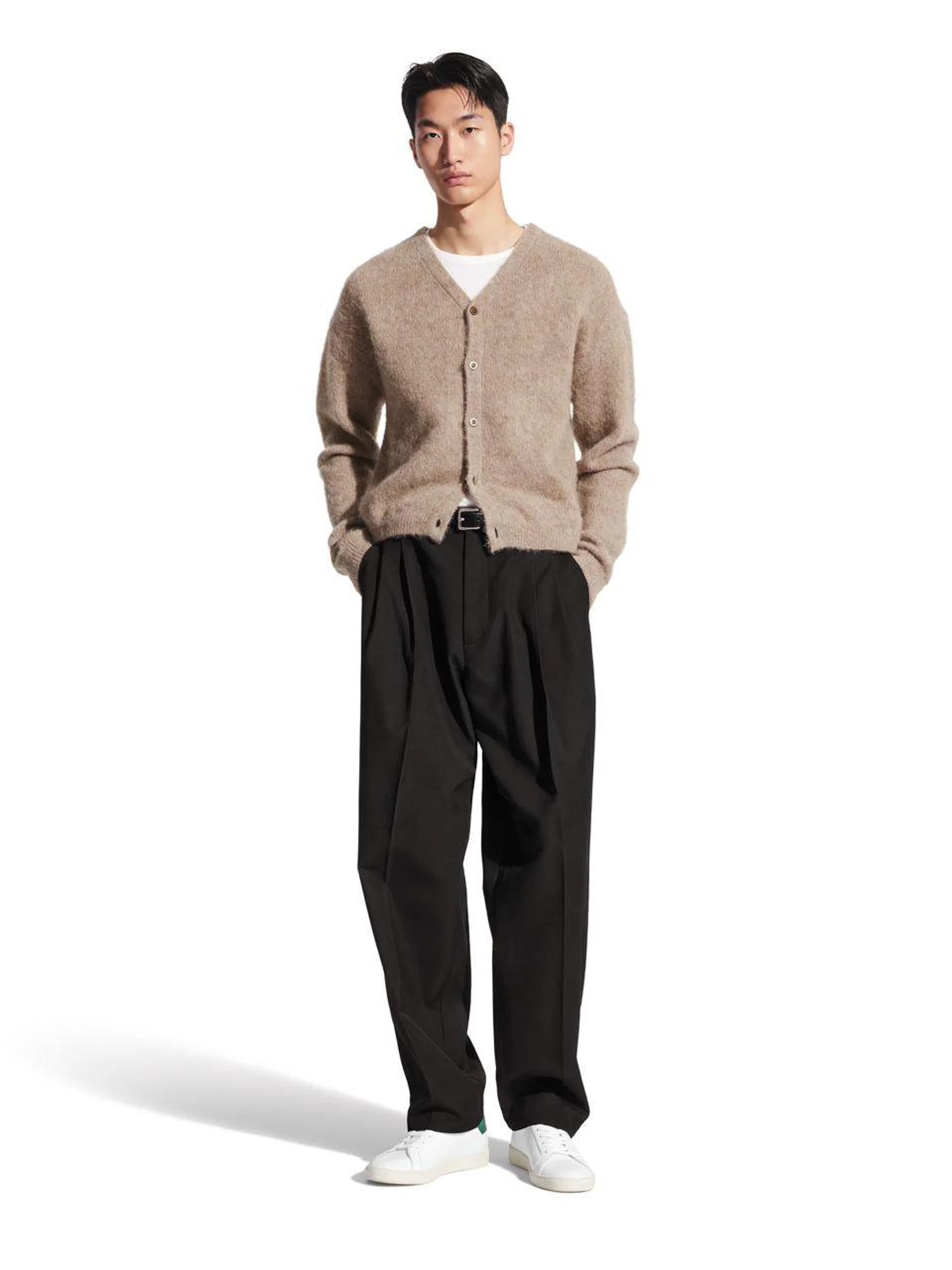
Man used as the optional person reference for Hush
Person
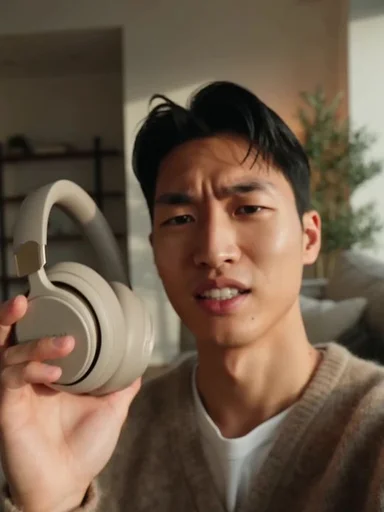
Full 3:4 result
Real paired Photo2Ads workflow example

Hush Headphones

Selfie Testimonial

A close front-camera testimonial with the creator wearing the referenced headphones in a calm living room.

Reusable video direction

Create a short selfie testimonial video. Keep the uploaded product exact and recognizable, use the optional avatar consistently, start with an authentic first-person reaction, and keep the product visible throughout the vertical composition.

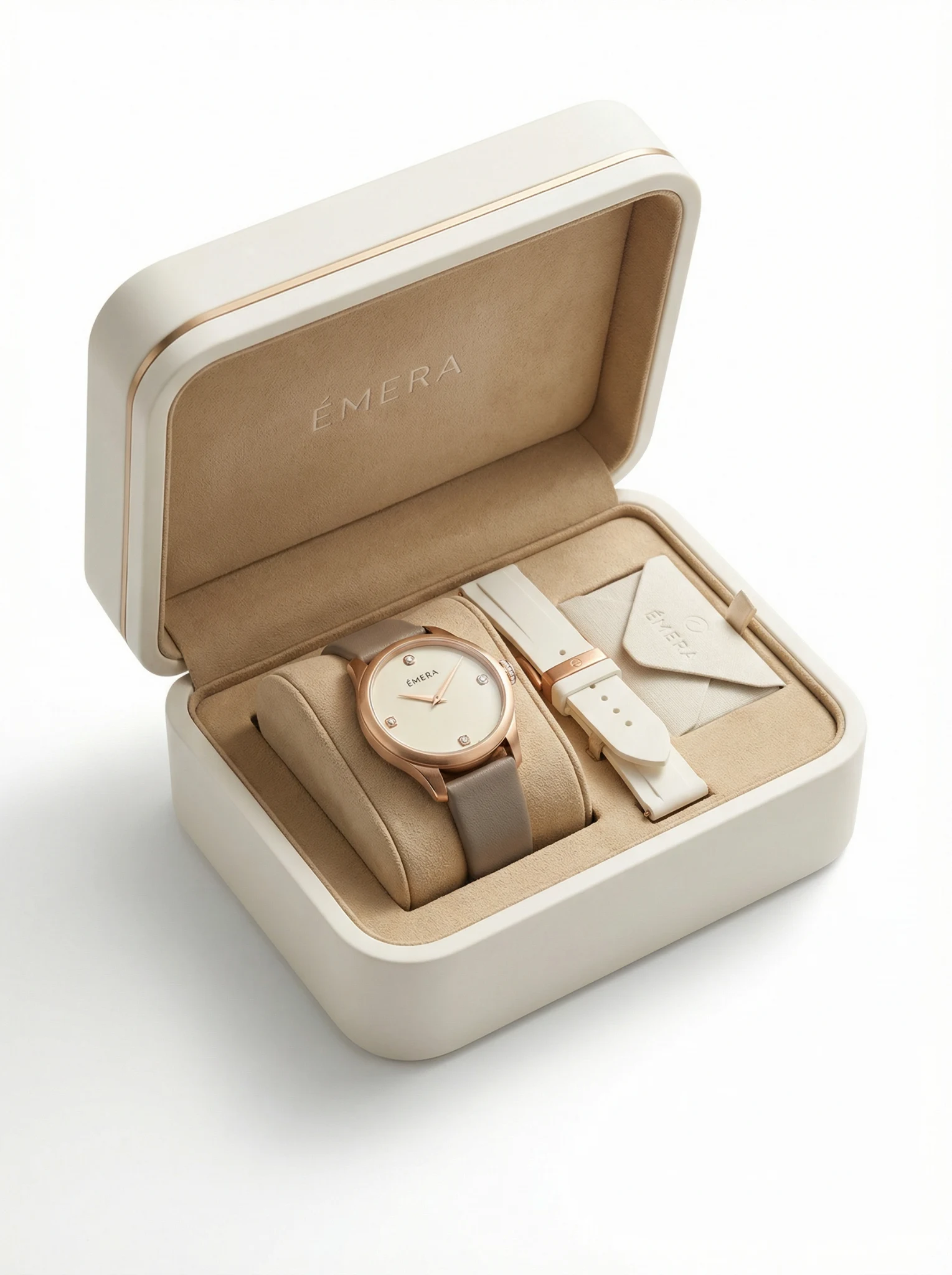
ÉMERA watch and presentation box product reference
Product
Man used as the optional person reference for ÉMERA
Person
Full 3:4 result
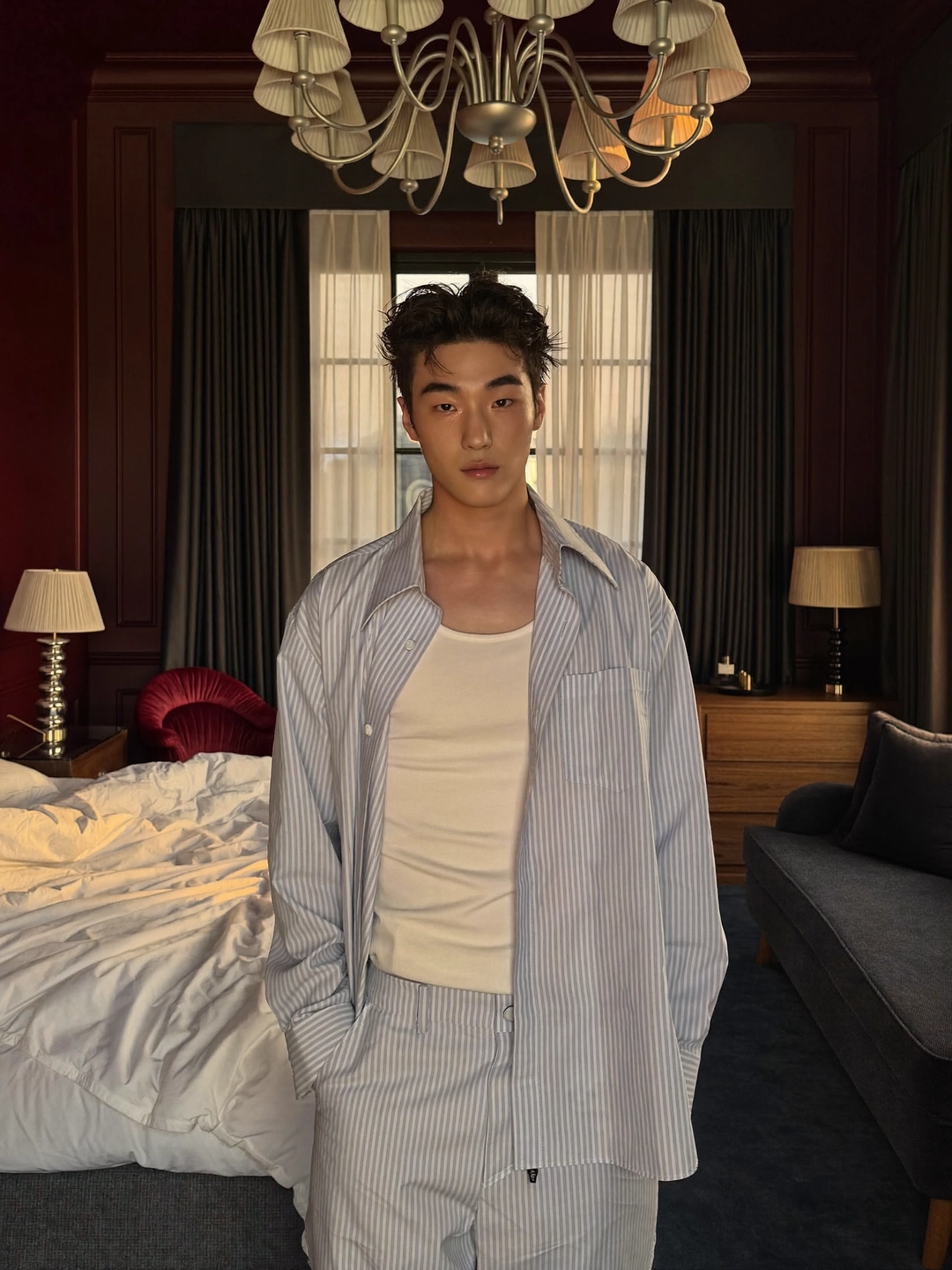
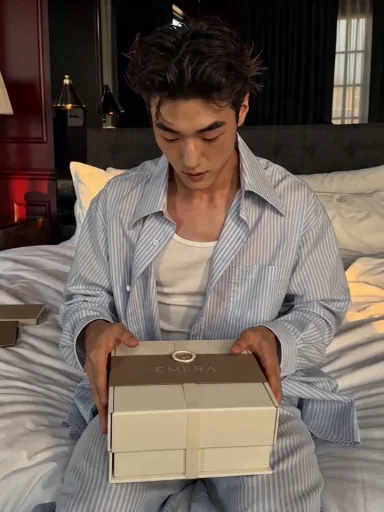
Real paired Photo2Ads workflow example

ÉMERA Watch

Unboxing

A warm desk unboxing that keeps the watch, presentation box, and creator relationship visually clear.

Reusable video direction

Create a short creator-led unboxing video. Keep the uploaded product exact and recognizable, use the optional avatar consistently, show the package opening and product reveal clearly, and avoid invented claims or on-screen copy.

These videos are real paired Photo2Ads workflow examples using the visible product and person inputs. They demonstrate creator-led directions, not a benchmark for a specific video model.

Clear definition

What is an AI UGC video generator?

An AI UGC video generator creates synthetic, creator-led product clips from product and optional person references. It can direct review, testimonial, or unboxing motion for social campaigns, but the output remains an AI-generated marketing asset rather than a real customer submission.

Creator-led UGC pageBroader Video Ads

Reviews, testimonials, unboxing, and optional person continuity.

Commercials, product demos, cinematic scenes, motion concepts, and UGC.

  1. 01

    Upload the product

    Start with a clear product photo. Add a permitted person only when the model supports the reference count.

  2. 02

    Direct the clip

    Choose the UGC style, model, vertical or square format, duration, resolution, and available audio option.

  3. 03

    Review and publish

    Check product detail, identity, motion, contact, claims, sound, captions, and AI disclosure.

/ P2A

Know the limits

References, audio, cost, and disclosure change the workflow.

Studio keeps the active model restrictions and pricing visible while you direct the clip.

Reference capacity

Product plus person requires a model that supports enough reference images. Studio keeps the current model limits.

Audio varies

Some models are silent and some expose audio. Audio, duration, and resolution can change cost and output behavior.

Short-form formats

Use vertical, square, or supported landscape formats for social feeds, stories, product pages, and paid tests.

Truthful publishing

A base five-second video starts at 9 credits. Disclose AI use and never present it as a real customer testimonial.

/ P2A

FAQ

Practical answers for creator-led video.

No automatic casting, script writing, publishing, or performance guarantees are claimed here.

What is an AI UGC video generator?

An AI UGC video generator creates synthetic, creator-led product clips from product and optional person references. It can direct review, testimonial, or unboxing motion for social campaigns, but the output remains an AI-generated marketing asset rather than a real customer submission.

How is this different from the product video ad generator?

This page focuses on creator-led UGC directions. The broader Video Ads workflow also covers commercials, product demonstrations, cinematic scenes, motion concepts, and other non-UGC formats.

Can I add a specific person?

Yes, when the selected video model supports the required references. Only upload a person you have permission to use, and review identity continuity before publishing.

Does every video include audio?

No. Audio support depends on the selected model and setting. Some outputs are silent, while supported models can expose an audio option with a different credit cost.

How many credits does a five-second AI UGC video use?

A base five-second video starts at 9 credits. Model, duration, resolution, audio, and reference requirements can increase the total shown in Studio.

Does Photo2Ads write and publish the campaign automatically?

No. You direct the creative in Studio, review the generated asset, and decide where and how to publish it. Photo2Ads does not guarantee performance or replace platform disclosure requirements.

Start creator-led motion

Load a UGC direction into the full Video Studio.