

Studio shot
Controlled lighting, clean surfaces, commercial precision.
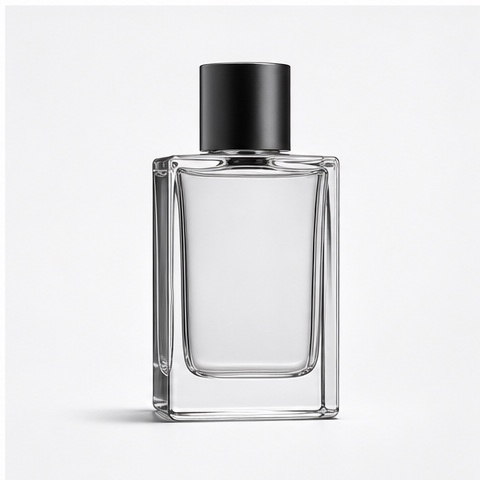
Use a studio setup with deliberate key light, a clean surface, and ample negative space for hero listings, catalog pages, and product detail shots.
One product photo → studio-quality imagery
Turn one product photo into clean studio shots, lifestyle scenes, and ecommerce-ready imagery. Choose a photography direction, refine the composition, and review the product details before exporting.
Two photography directions
Match the photography direction to the listing requirement, then keep the product proportions, materials, and details accurate across every variation.
A photography-first starting point
An AI product photography generator creates studio-quality images from one reference photo. Choose a direction — clean white background, warm lifestyle scene, flat lay, or packaging composition — then refine the lighting, surface, and camera angle. The output is a clean product image for listings, catalogs, and product pages, not a promotional ad creative with copy overlays.
Studio shot
Use a studio setup with deliberate key light, a clean surface, and ample negative space for hero listings, catalog pages, and product detail shots.
Lifestyle scene
Use a lifestyle setting — kitchen counter, desk, outdoor surface — to show the product in use while keeping it readable and properly grounded.
Two reviewed photography examples
Each card pairs the source product photo with a generated photography result and a reusable direction for the Photo2Ads studio.
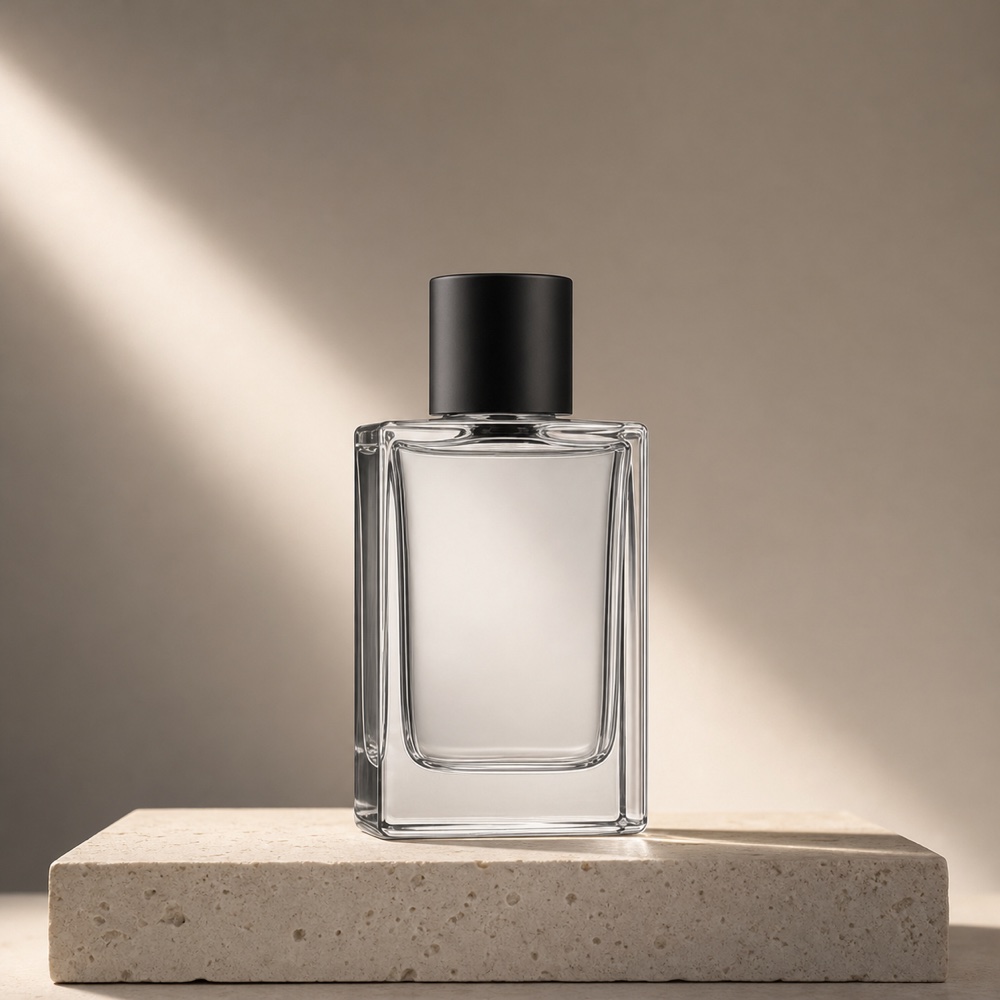
Studio shotStudio shot · Hero product listing
Reviewed photography example
Place a transparent glass bottle on a warm limestone plinth under late-afternoon directional light. Keep the product large, the caustics controlled, and the background clean for a hero listing image.
Review focus: Check bottle proportions, cap geometry, glass transparency, caustic direction, and plinth alignment. No extra products or decorative props.
Explore the related workflow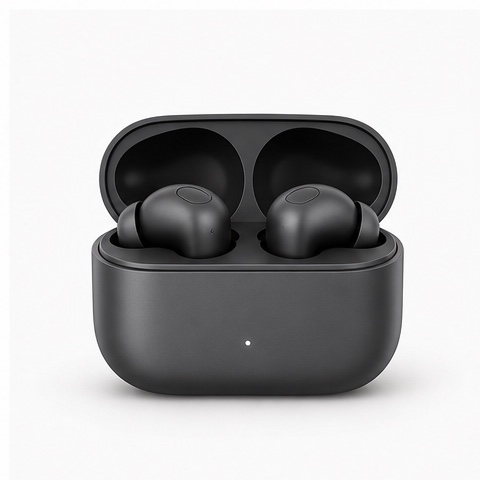
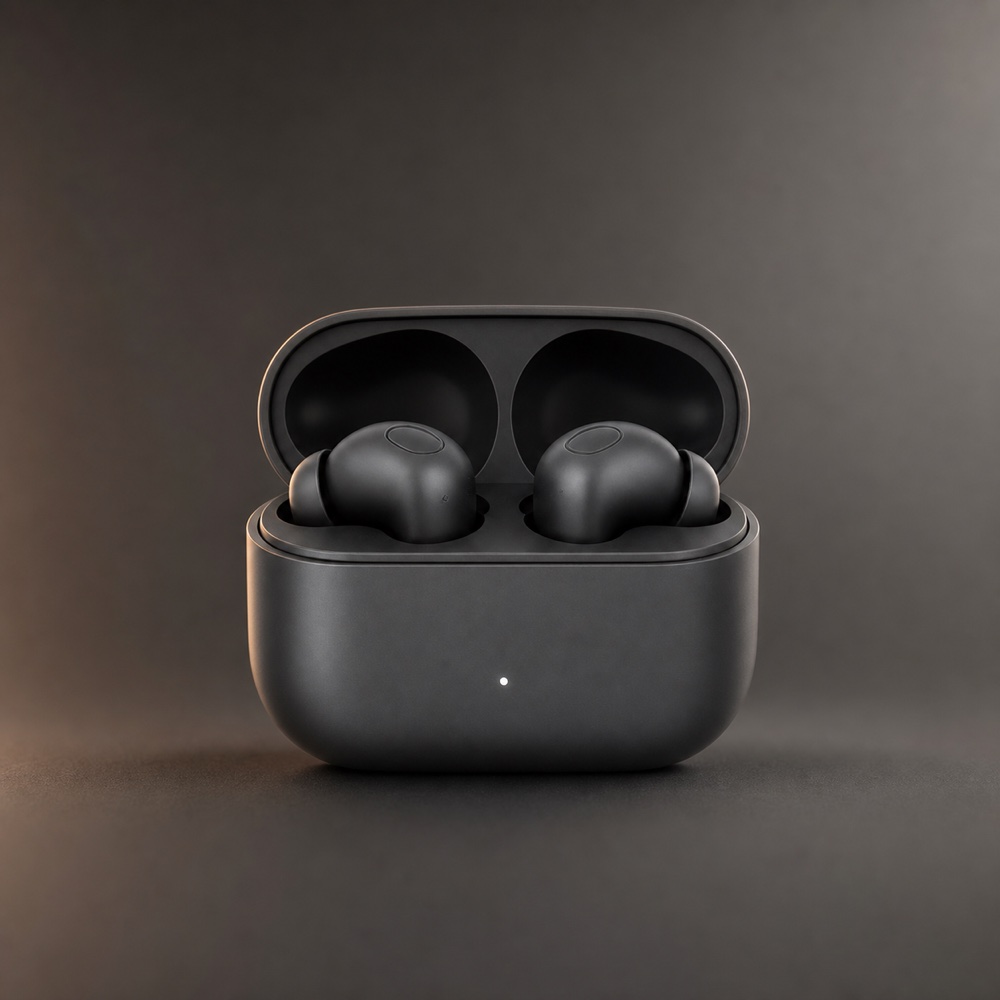 Low-key portrait
Low-key portrait · Technology product page
Reviewed photography example
Center an open earbuds case on a charcoal sweep with softbox key light and a thin amber rim from the left. Keep both earbuds visible and the matte material readable.
Review focus: Check earbud count, case geometry, matte material finish, indicator dot, rim light placement, and shadow grounding.
Explore the related workflowThese reviewed examples show representative photography directions; they are not model benchmarks. Your reference photo, chosen model, settings, and revisions shape the finished product image.
Three direct steps
Keep the input, direction choice, generation settings, and quality review in one focused path.
Step 01
Choose a clear product view with readable shape, proportions, materials, packaging, branding, and important text. A clean cutout or white-background shot works best.
Step 02
Select studio, lifestyle, flat lay, or packaging composition, then refine the model, aspect ratio, resolution, lighting, and surface in the Photo2Ads studio.
Step 03
Review product proportions, material accuracy, packaging text, lighting consistency, and surface alignment, then export the approved image for your listing or catalog.
Questions, answered
AI product photography uses a reference product photo to generate studio-quality images in different compositions and lighting setups. The output is a clean product image for ecommerce listings and catalogs — not a promotional ad creative with text overlays or campaign-specific styling.
Yes. Upload one clear product photo and choose a photography direction. The generator preserves your product shape, proportions, materials, and visible details while placing it in the selected studio or lifestyle composition.
Studio portraits with controlled lighting, lifestyle scenes with real-world context, flat lay compositions, and packaging shots. Each direction targets a specific listing or catalog need.
This page focuses on clean product imagery for ecommerce listings, product pages, and catalogs. For promotional ad creatives with copy overlays and campaign styling, use the Image Ad Generator instead.
Upload a clear, well-lit reference photo showing all important details. Review the generated image for proportion accuracy, material fidelity, packaging text, and brand markings before exporting.
It can produce listing-ready imagery faster and at lower cost for many product categories. For high-volume catalogs, seasonal updates, and marketplace listings, AI photography is a practical starting point. Review every generated image for accuracy before publishing.
Continue exploring
Your photography direction is ready
Choose a studio or lifestyle direction, review the generated product details, and export the approved image for your listing or catalog.