AI jewelry advertising studio

Create AI Jewelry Ads From One Product Photo.

Turn a clear ring, necklace, or watch photo into campaign-ready jewelry imagery. Start with a reviewed direction, keep your uploaded piece as the source of truth, and refine the result in Photo2Ads Image Studio.

  • Your product is the reference
  • Reviewed visual directions
  • No example-product prompt injection
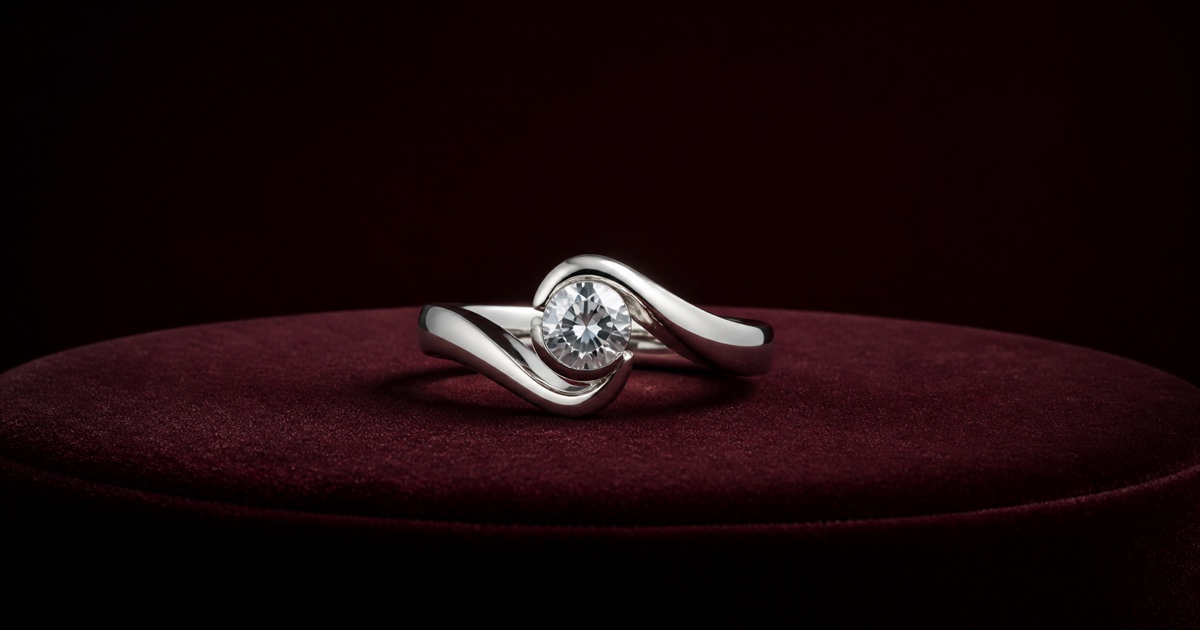
Original jewelry art directionEditorial concept
Original unbranded sculptural silver ring on an oxblood velvet jewelry plinthAI jewelry campaign

Oxblood Silver Study

Wide campaign art · Square-safe crop

Original page artwork. Paired source-and-result evidence is shown below.

Reviewed source-to-result pairs

Three Jewelry Directions, Grounded in Real References.

These examples are evidence, not promises to reproduce another piece. Each action carries only the reusable setting, light, lens, and composition into your Image Studio.

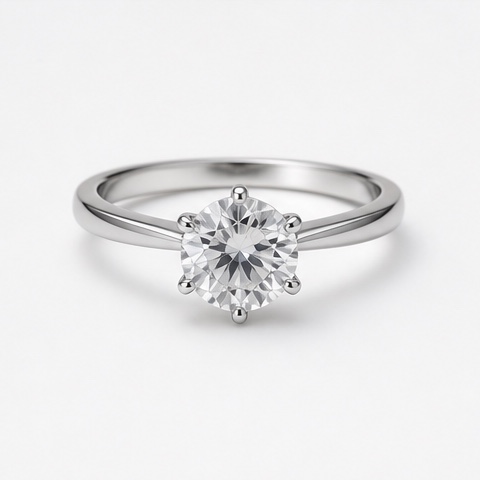
Source product photo of a silver six-prong ring with a round clear stone
Source
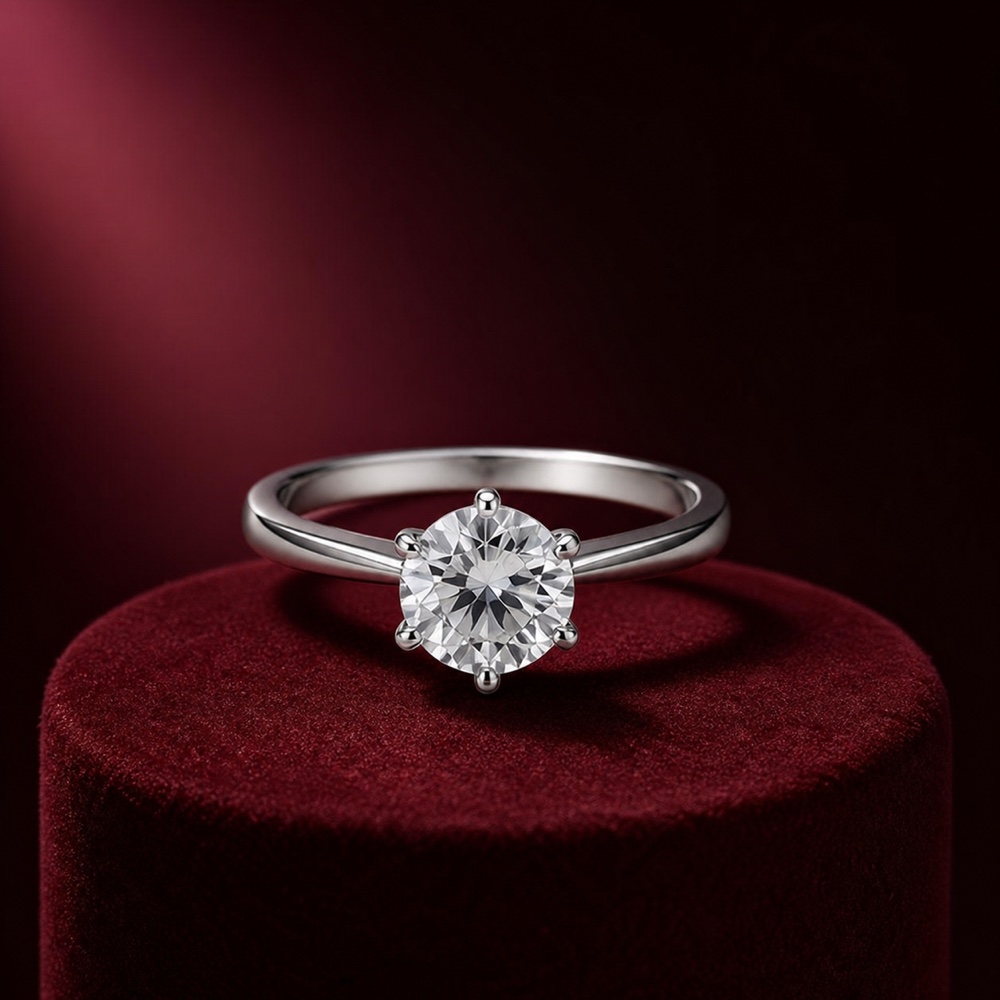
Silver ring with a round clear stone on an oxblood velvet jewelry plinth
Result
MacroMuseum spotlight

Oxblood Ring Spotlight

A restrained macro setup that separates polished silver and clear facets.

Surface
Dark burgundy velvet
Light
Single precise spotlight
Camera
Macro, slight three-quarter angle

Approved: one ring, six-prong setting, round stone, slim silver band, and proportions remain faithful.

Use this direction
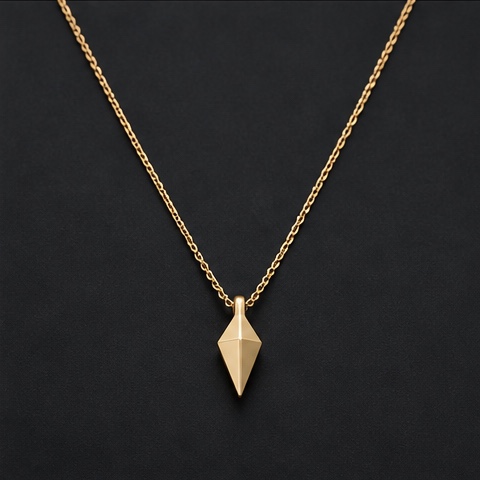
Source product photo of a fine gold chain with a small angular pendant
Source
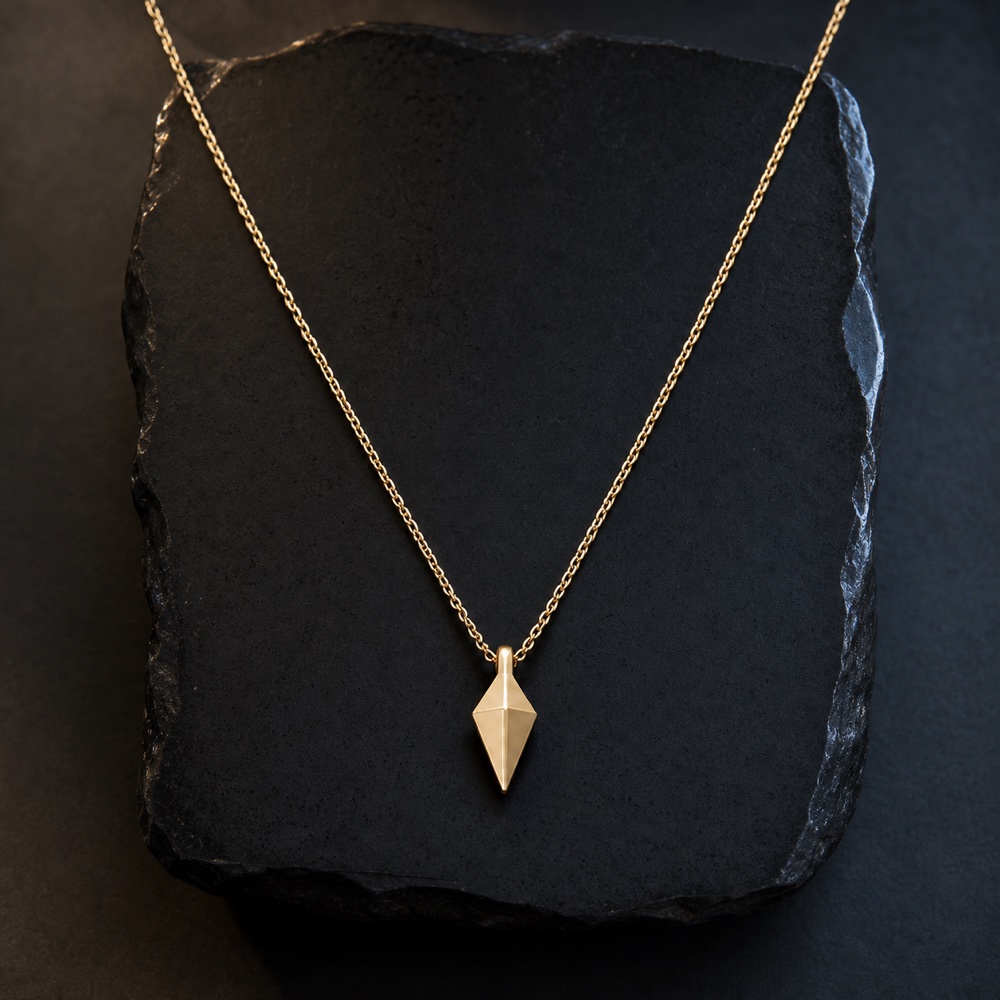
Fine gold chain with an angular pendant arranged over a black obsidian slab
Result
Luxury still lifeDark backdrop

Obsidian Gold Pendant

A quiet luxury still life that keeps the fine chain readable end to end.

Surface
Matte black obsidian
Light
Warm top plus cool edge
Layout
Centered elongated curve

Approved: chain thickness, gold color, angular pendant, single-product count, and overall arrangement remain faithful.

Use this direction
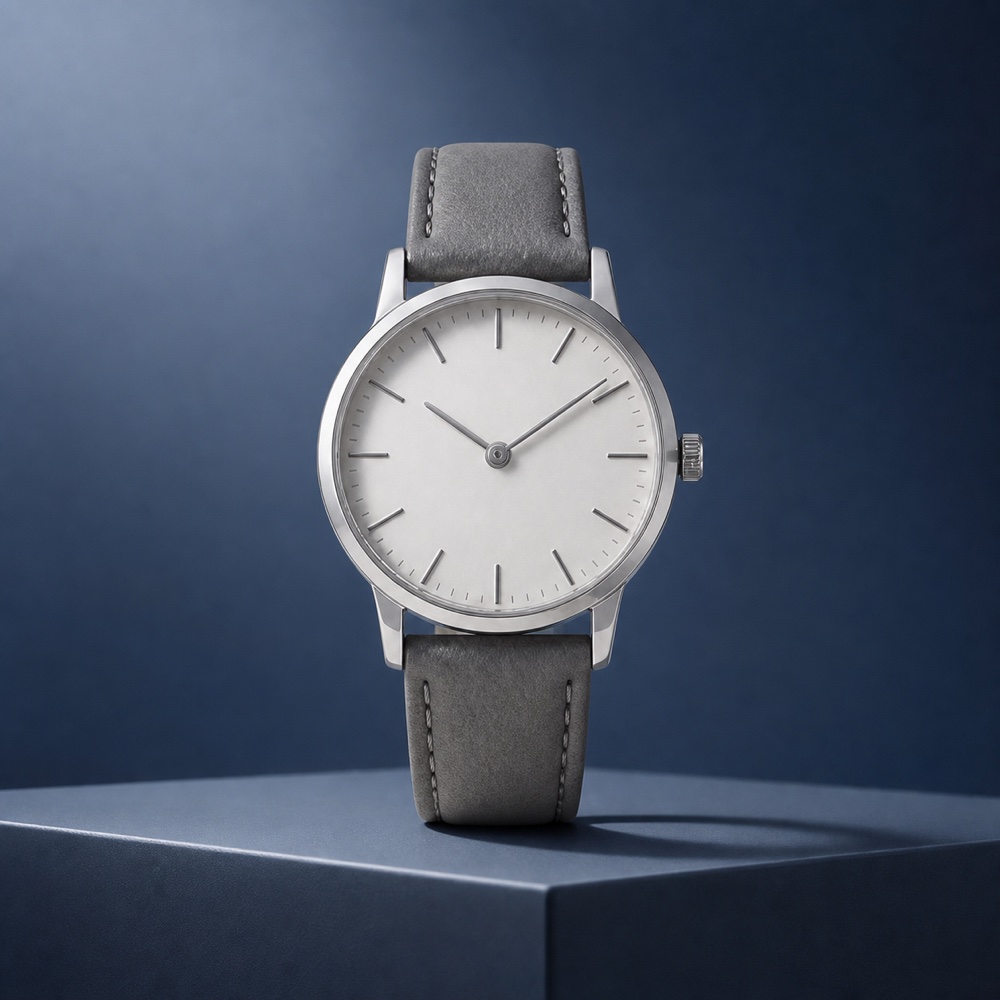
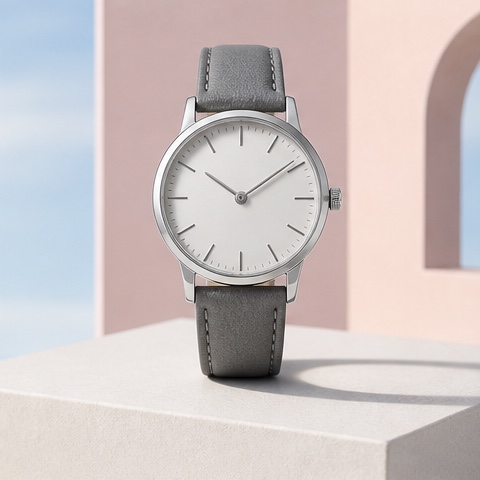
Source product photo of an unbranded silver analog watch with a gray strap
Source
Minimal silver wristwatch with a gray leather strap on a blue studio plinth
Result
Editorial studioBlue hour

Blue-Hour Watch

A straight-on watch portrait with enough contrast for the dial and stitching.

Plinth
Slate blue geometry
Light
Soft key plus silver rim
Lens
85mm, straight on

Approved: one watch, two hands, plain dial, crown, case, gray stitched strap, and proportions remain faithful.

Use this direction
Each result was compared with its paired Photo2Ads source asset. A different uploaded product can still produce different geometry, reflections, or fine detail.

Browse all image prompts

Category guide

What are AI jewelry ads?

AI jewelry ads are product images generated from reference photos and a controlled art direction. A useful workflow keeps the photographed piece as the source of truth while changing the setting, light, camera language, and composition for ecommerce, launches, or paid social.

01

Protect the product structure

Call out stone count, prongs, chain thickness, dial details, metal color, proportions, and orientation before styling the scene.

02

Direct reflective surfaces

Use deliberate key, rim, and edge light so polished metal, gemstones, glass, and fine links remain readable instead of turning into glare.

03

Separate truth from direction

Reuse the lighting and composition, not another product's shape, packaging, logo, stones, claims, or decorative details.

How it works

Build a jewelry campaign in three controlled steps.

The same short workflow works for rings, necklaces, watches, earrings, and other small reflective products.

  1. Step 01

    Upload a clear reference

    Start with a sharp, well-lit product photo. Add more reference views when closures, engravings, settings, or exact proportions matter.

  2. Step 02

    Choose a visual direction

    Select a reviewed look for its surface, light, lens, and composition. Photo2Ads applies the reusable direction to your own uploaded product.

  3. Step 03

    Review before publishing

    Compare the result with the source at full size. Regenerate or simplify the scene if stones, links, markings, or metal details drift.

Pre-publish checklist

Zoom in before the ad goes live.

Jewelry is unforgiving at small scale. Treat the generated image as a creative draft and inspect the details a buyer may use to judge the piece.

  • 01Product count, silhouette, proportions, and orientation match the reference.
  • 02Stone shape, setting, chain links, clasps, hands, markings, and engravings are coherent.
  • 03Metal color and material finish stay consistent across highlights and shadows.
  • 04No extra jewelry, invented logo, unsupported gemstone, claim, or decorative text appears.

Questions, answered

AI Jewelry Ads FAQ

Can I create an AI jewelry ad from one product photo?+

Yes. One clear product photo can be enough for a first direction. Add more views when the back, clasp, engraving, stone setting, case, or other hidden geometry must remain exact.

Which jewelry products work with this workflow?+

The workflow can be used for rings, necklaces, bracelets, earrings, watches, and other small accessories. The best direction depends on the product geometry, reflective surfaces, and details that must remain visible.

Will Photo2Ads copy the jewelry shown in an example?+

No. A reviewed example passes its reusable setting, lighting, lens, and composition into Image Studio. Your uploaded product remains the source of truth; the example product and its specific attributes are not injected.

How do I keep gemstones and polished metal realistic?+

Use a sharp reference, name the details that cannot change, and choose restrained lighting with controlled highlights. Always review facets, prongs, reflections, and metal color at full size before publishing.

Can I use the results for ecommerce and paid social?+

You can create directions for product pages, launches, organic posts, and paid ads. Review every result against the source product and your platform, disclosure, rights, and advertising requirements before use.

Does this page generate the ad itself?+

This page helps you choose a reviewed jewelry direction. The Create action opens Photo2Ads Image Studio with only the reusable style selected, ready for your own product photo and prompt.

Bring your own piece

Start With the Direction. Finish With Your Product.

Open Image Studio with the reviewed ring direction selected, then upload your own jewelry reference and adjust the prompt.

Create in Image Studio