

Product reveal
Bring the product to life with energy and movement.
Use bold camera motion, color shifts, or material effects to create a short product reveal that captures attention in a feed or on a product page.
One product photo → short product motion
Convert one product image into short motion — a product reveal, camera move, or animated demo. Choose a motion direction, refine the settings, and review the product details before exporting.
Two motion directions
Match the motion direction to your content need, then keep the product readable and accurate from the first frame through the closing shot.
A conversion-first starting point
A product image to video generator converts one still photo into short motion. Choose a direction — energetic product reveal, subtle camera move, animated demo, or creator-led moment — then refine the model, duration, and resolution. The output is product-focused motion for listings, social posts, and product pages, not a full commercial ad with storytelling and multiple scenes.
Product reveal
Use bold camera motion, color shifts, or material effects to create a short product reveal that captures attention in a feed or on a product page.
Creator motion
Use a product photo and optional person reference for a short front-camera interaction, review, or demonstration with natural motion.
Two reviewed motion examples
Each card pairs the source product photo with a generated video result and a reusable motion direction for the Photo2Ads studio.
Product reveal · Product reveal with energy
Reviewed motion example
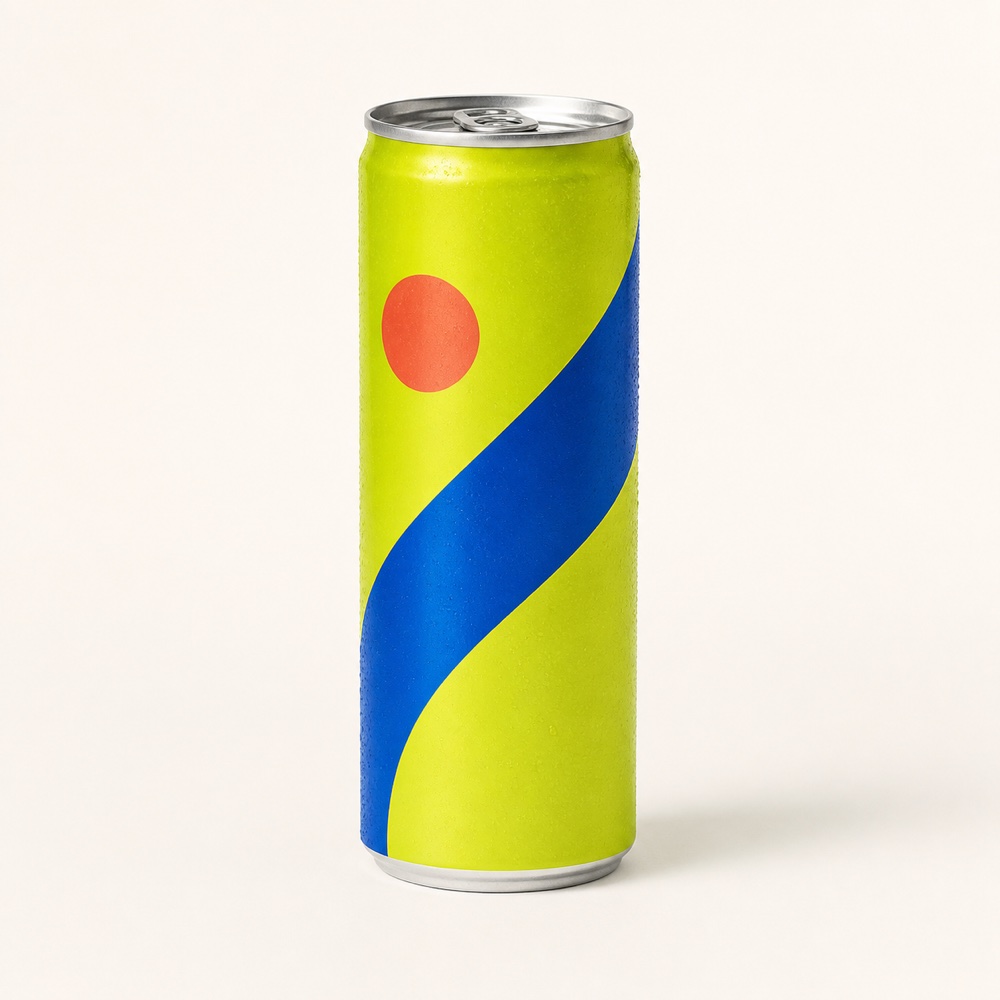
Convert a still product photo into a short energetic reveal with saturated color, bold motion, and a clean closing frame. Keep the product large and readable throughout the animation.
Review focus: Check product silhouette continuity, color accuracy, motion smoothness, can proportions, and closing-frame product visibility.
Explore the related workflow
Creator motion · Product-in-hand motion
Reviewed motion example
Pair a product photo with an optional person reference to create a short front-camera moment. The product stays visible and properly held throughout the animation.
Review focus: Check product and person continuity, natural grip, product visibility, motion smoothness, and synthetic-content labeling.
Explore the related workflowThese reviewed examples show representative motion directions; they are not model benchmarks. Your reference photo, chosen model, settings, and revisions shape the finished video.
Three direct steps
Keep the input, direction choice, generation settings, and quality review in one focused path.
Step 01
Choose a clear product view with readable shape, proportions, materials, packaging, and branding. Add an optional person reference for creator-led motion.
Step 02
Select product reveal, camera move, or creator-led motion, then refine the model, aspect ratio, duration, resolution, and audio settings in the Photo2Ads studio.
Step 03
Review product continuity, motion smoothness, closing-frame visibility, and any person or product claims, then export the approved video.
Questions, answered
Product image to video converts one still product photo into short motion — a reveal, camera move, or animated demo. The output is product-focused motion, not a full commercial ad with multiple scenes, voiceover, or campaign-specific storytelling.
Yes. This workflow creates short product motion from a single still image. For complete video ads with storytelling and campaign structure, use the Video Ad Generator instead.
Product reveals with bold movement, subtle camera moves and rotations, animated product demos, and creator-led interactions with an optional person reference. Each direction keeps the product as the visual focus.
A clear, well-lit product photo with readable shape, proportions, and materials. Clean cutouts and white-background shots tend to produce the most accurate motion results.
Image to video converts a single still photo into short motion. A video ad generator creates complete commercial-grade video ads with storytelling, pacing, and campaign structure. Start here to bring a product image to life, then move to the Video Ad Generator for full campaign creatives.
The generator preserves your product shape, proportions, colors, and visible markings throughout the motion. Review the generated video for continuity, especially packaging text and fine details, before exporting.
Continue exploring
Your motion direction is ready
Choose a product reveal or creator-led direction, review the generated motion, and export the approved video for your listing or social content.