

Reusable creative direction
UGC AI Product Video Ad Examples
Compare three UGC executions, then adapt their reusable visual directions to your product. Product and Avatar references document the original case but are not loaded into your studio.
Example 1 / Video ad
UGC
Natural creator-led social content
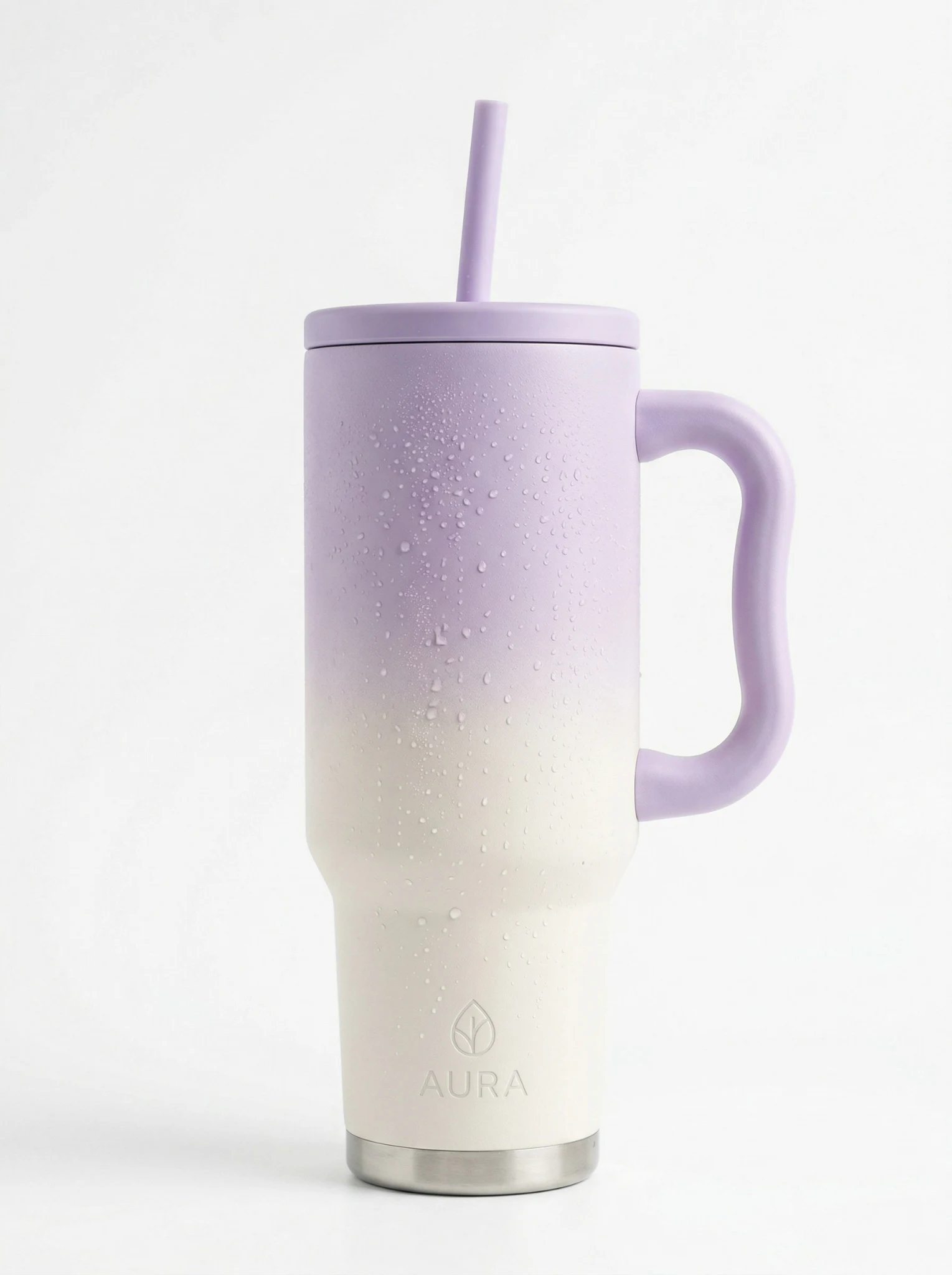
Product
AURA
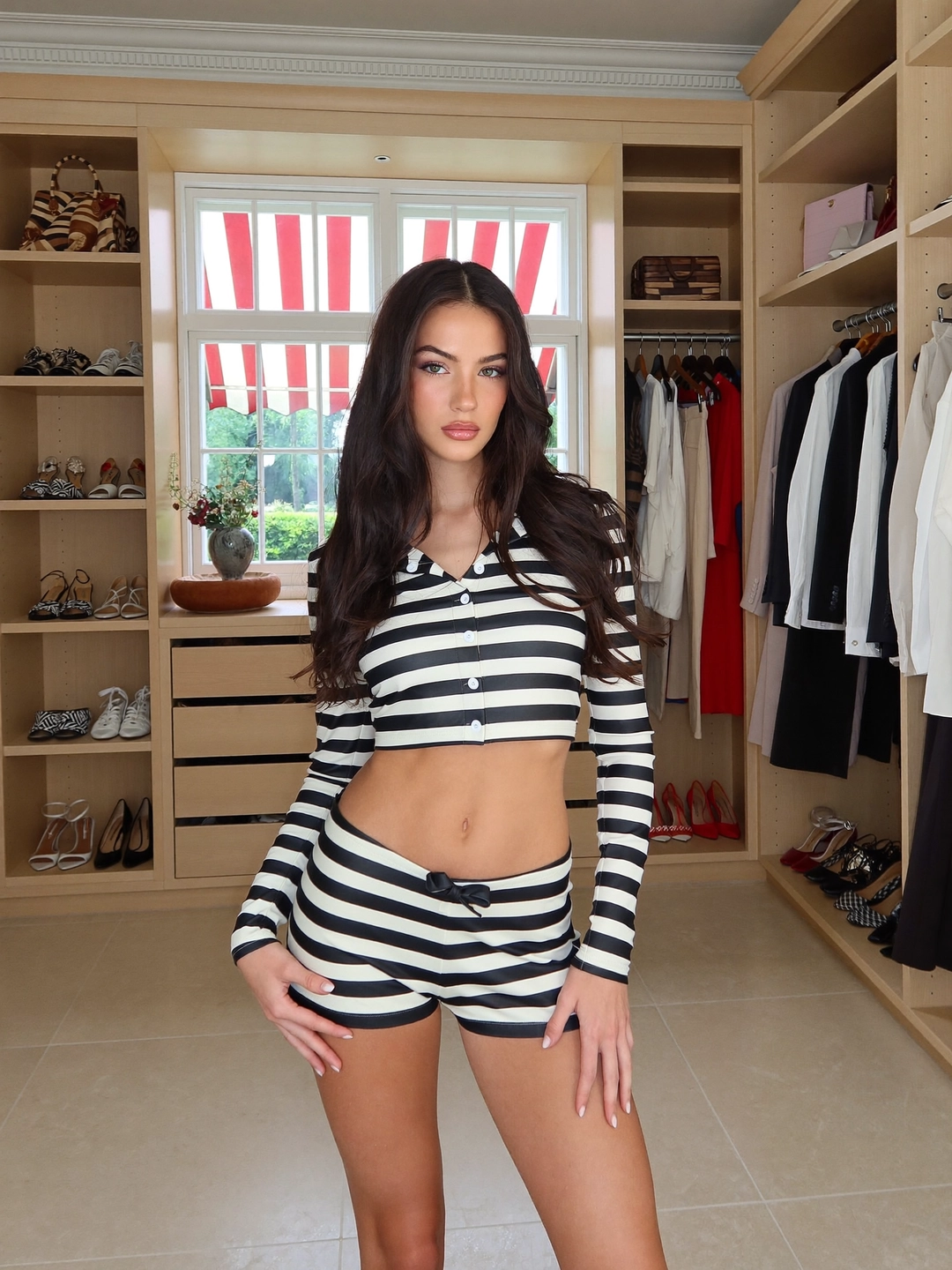
Avatar
UGC avatar
Reusable visual direction
Use the uploaded product as the exact reference, preserving its shape, proportions, colors, materials, surface details, labels, and packaging in every frame. A relaxed creator holds the product beside their face, with natural hands and the supplied avatar identity preserved. Open with a cozy-home selfie reveal at arm length; then the creator rotates the product and demonstrates one simple intended-use gesture; finally they bring one defining detail close to the lens. Use a vertical handheld front camera with gentle micro-movement and one brief rear-camera close-up. Use soft window lighting in a lived-in room scene with a quiet neutral background. End on a friendly product hold beside the creator, followed by a clean hero close-up. Do not redesign the product, invent logos or text, add extra products, distort faces or hands, change reference identity, break physical continuity, introduce flicker or warping, or add captions and watermarks.
Optional Dialogue template
I use [PRODUCT] when I want [APPROVED_BENEFIT]. [CTA]
Best for
Understanding the structure with its bound Product and Avatar references.
What to customize
Use your product and approved wording, then adjust the shot, action, and pacing for the duration you selected.
Example 2 / Video ad
UGC 2
Natural creator-led social content
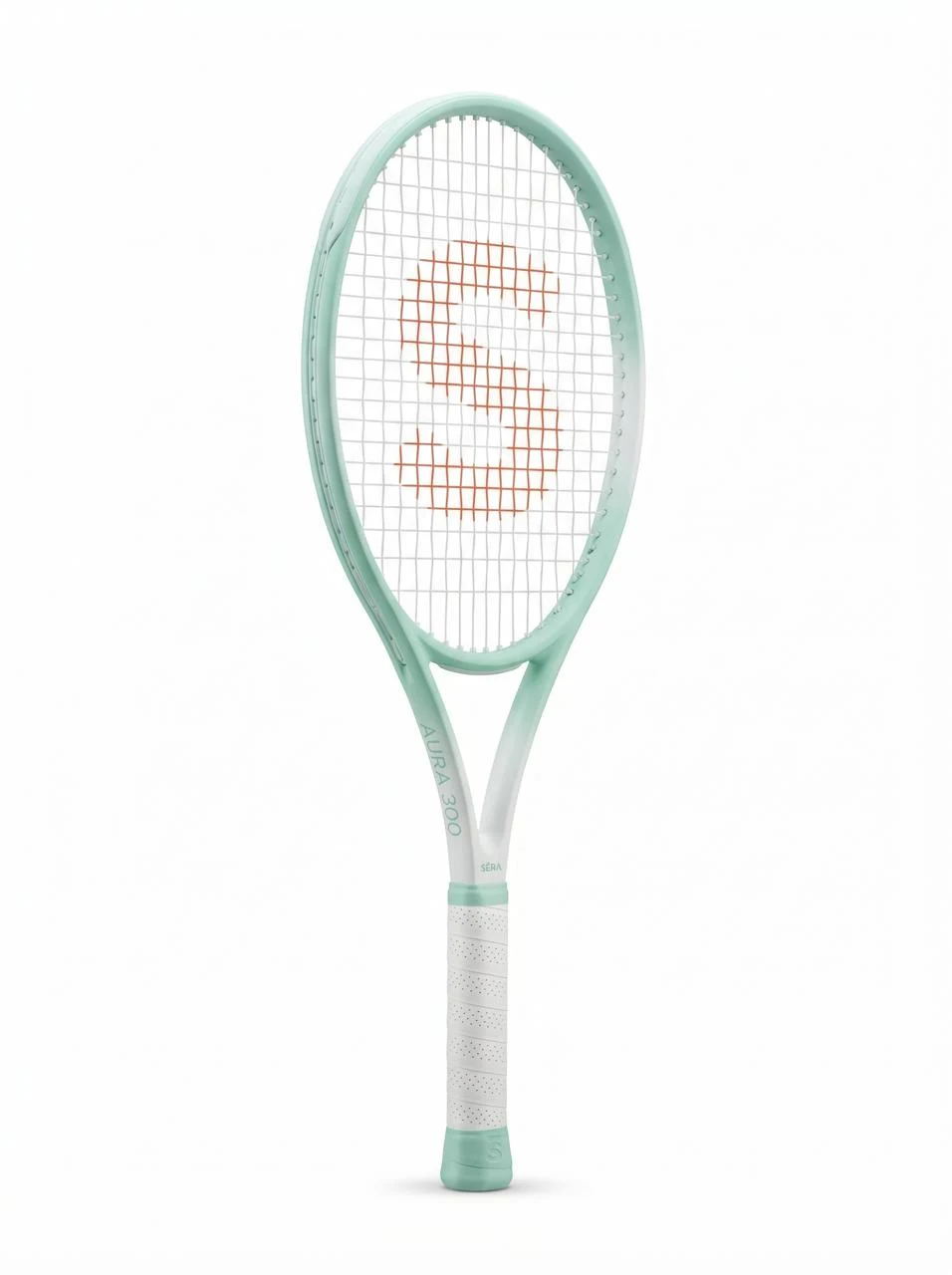
Product
Wilson Serena Williams Aura 300 Tennis Racket
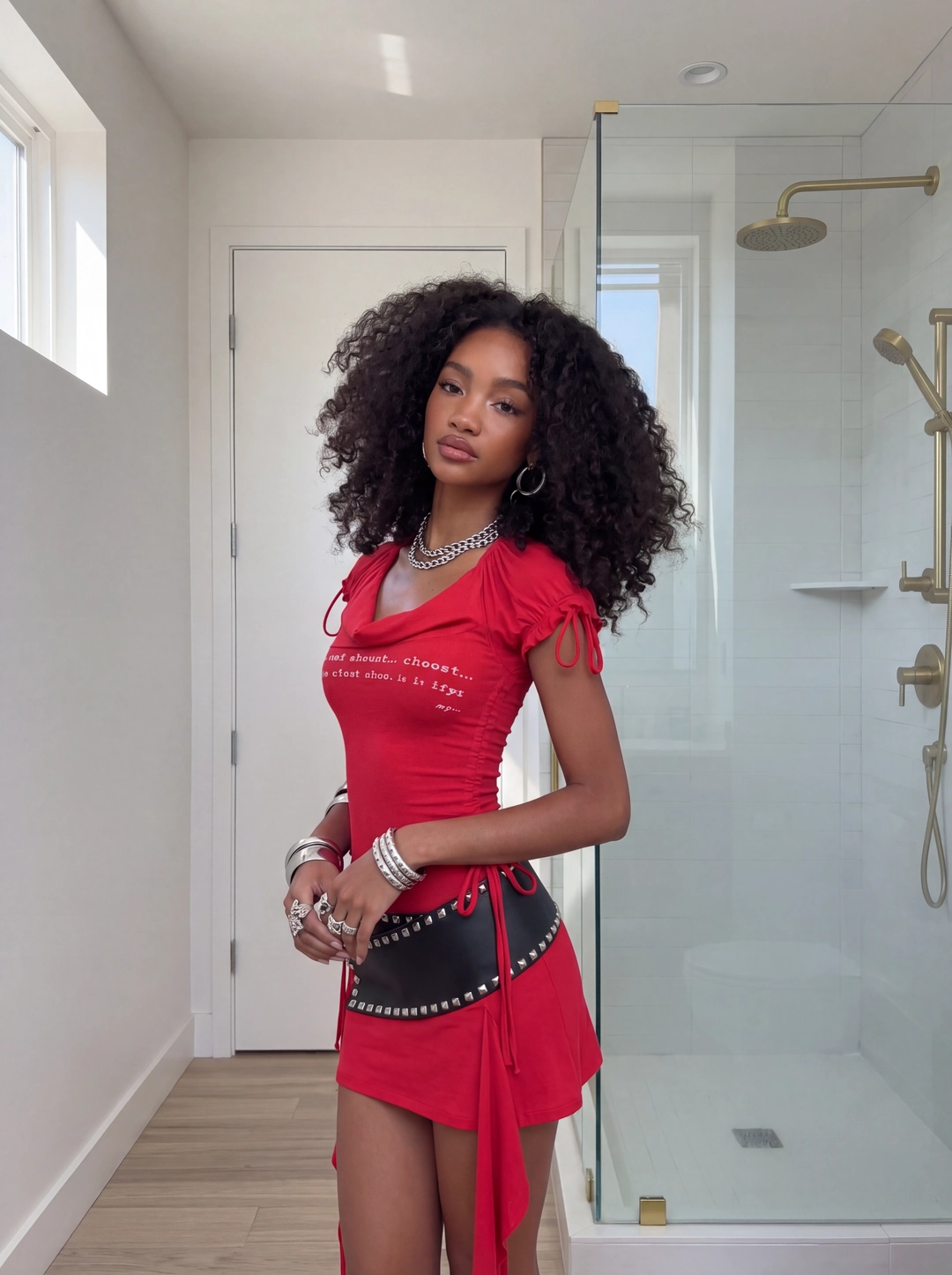
Avatar
UGC avatar
Reusable visual direction
Use the uploaded product as the exact reference, preserving its shape, proportions, colors, materials, surface details, labels, and packaging in every frame. A walking creator keeps the product fully visible, using natural hand contact and matching any supplied avatar reference. Open with an outdoor walk-and-talk hook as the product enters frame from below; then the creator stops, turns it through two readable angles, and demonstrates a practical motion; finally they point to its most distinctive visible detail. Use a stabilized vertical wide camera with lateral tracking, a low-angle reveal, and one macro insert. Use bright overcast daylight in an uncluttered pedestrian-path scene with soft depth behind the subject. End on a confident shoulder-level product hold and a centered hero frame. Do not redesign the product, invent logos or text, add extra products, distort faces or hands, change reference identity, break physical continuity, introduce flicker or warping, or add captions and watermarks.
Optional Dialogue template
Here is [PRODUCT] and why I choose it: [APPROVED_BENEFIT]. [CTA]
Best for
Understanding the structure with its bound Product and Avatar references.
What to customize
Use your product and approved wording, then adjust the shot, action, and pacing for the duration you selected.
Example 3 / Video ad
UGC 3
Natural creator-led social content
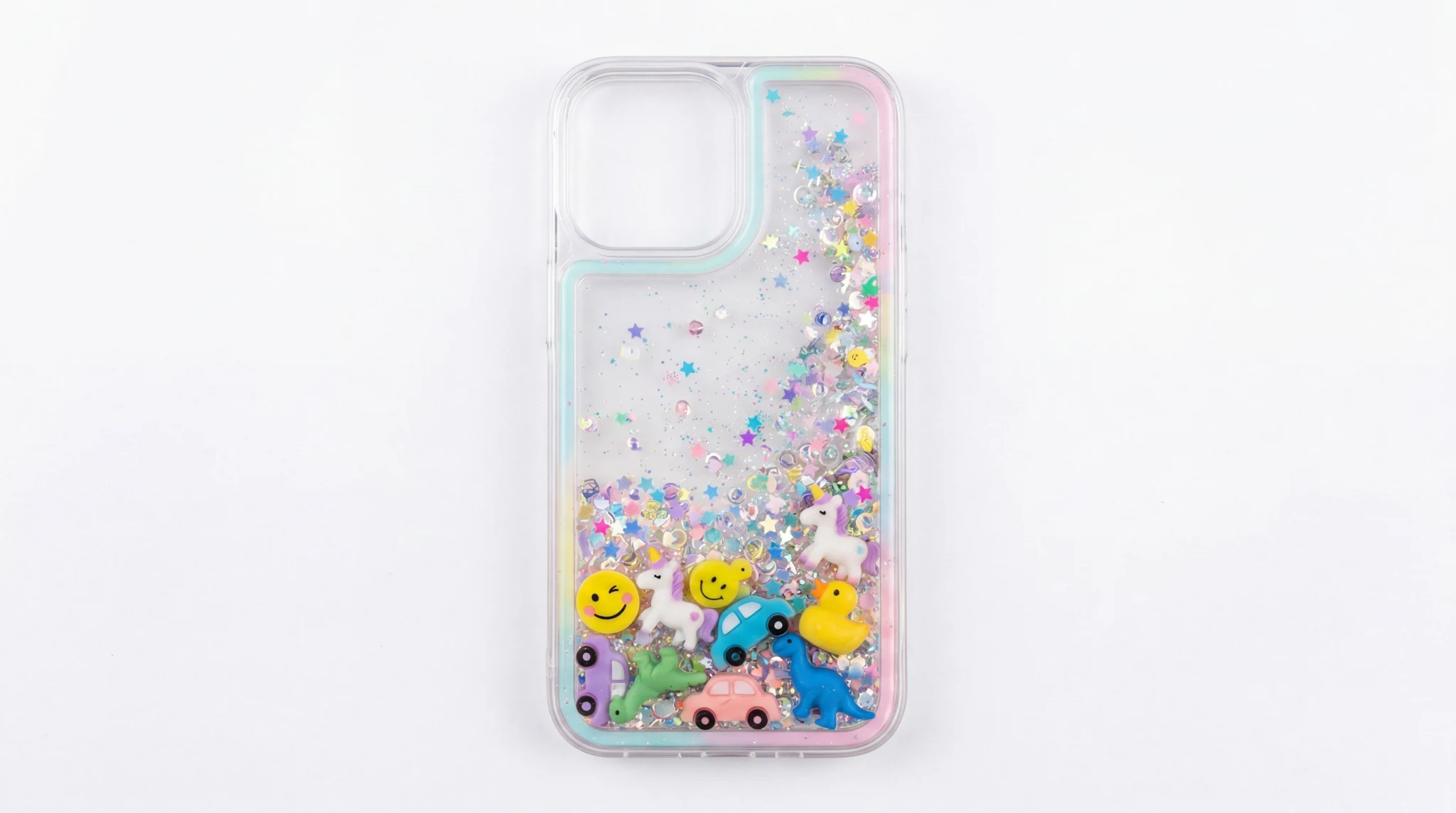
Product
Clear Glitter Liquid Phone Case with Floating Charms
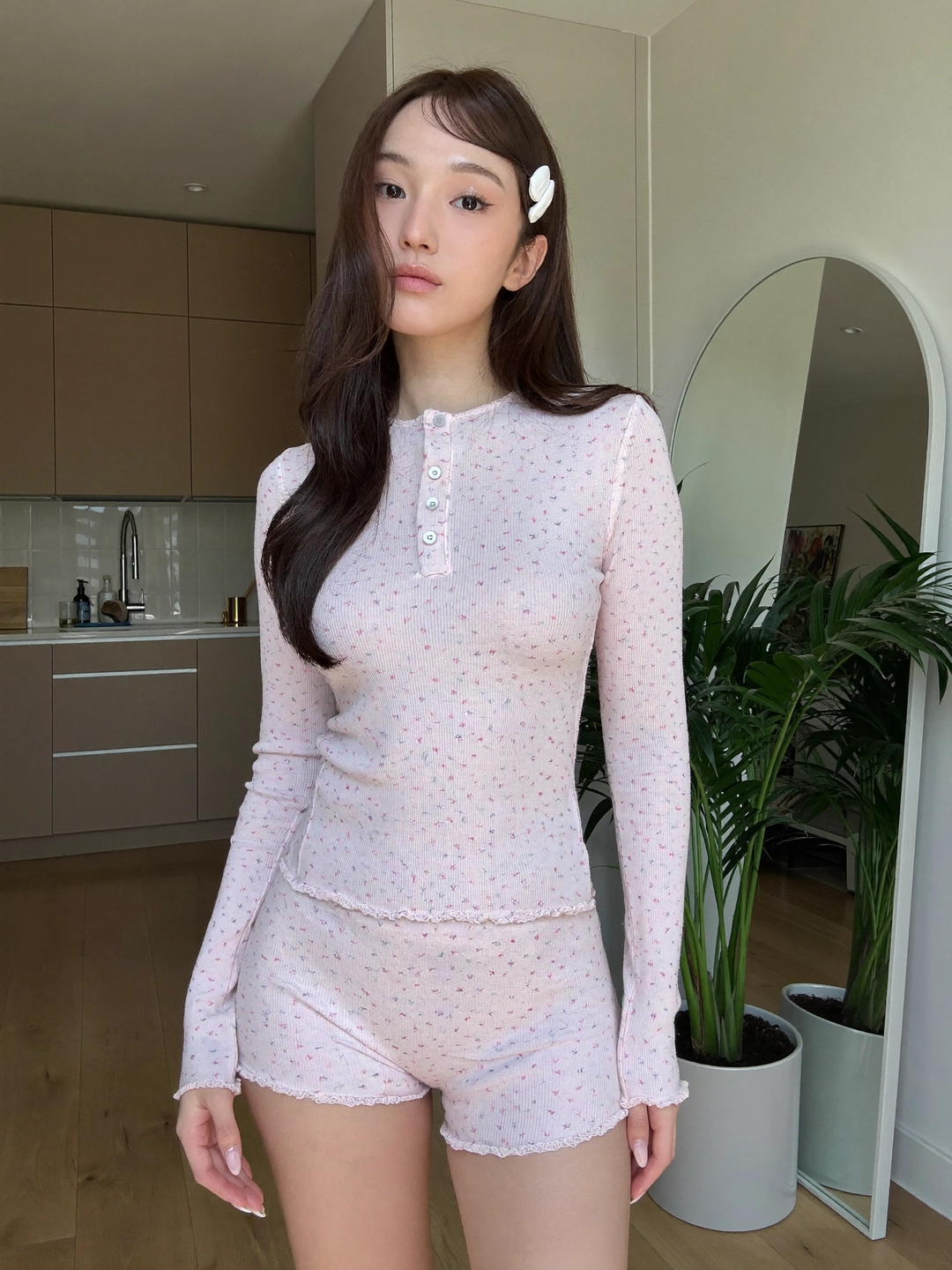
Avatar
UGC avatar
Reusable visual direction
Use the uploaded product as the exact reference, preserving its shape, proportions, colors, materials, surface details, labels, and packaging in every frame. A seated creator uses both hands naturally around the product while keeping their face and uploaded reference equally readable. Open with a top-down desk glimpse before tilting up to the creator; then they pick up the product, show front and back, and perform a short tactile demonstration; finally they react directly to camera without blocking the item. Use a mostly locked vertical camera with one deliberate overhead-to-eye-level dolly move. Use warm practical lighting balanced by a soft side light in a tidy creative-desk scene with restrained personal details. End on the product upright in a polished hero composition while the creator remains softly behind it. Do not redesign the product, invent logos or text, add extra products, distort faces or hands, change reference identity, break physical continuity, introduce flicker or warping, or add captions and watermarks.
Optional Dialogue template
Let me show you [PRODUCT] for [APPROVED_BENEFIT]. [CTA]
Best for
Understanding the structure with its bound Product and Avatar references.
What to customize
Use your product and approved wording, then adjust the shot, action, and pacing for the duration you selected.
Creator-led UGC resources
Choose a static UGC photo or a creator-led video workflow.
The public guides explain the inputs, reference limits, disclosure, and reviewed proof before creation continues in Dashboard.
Photo2Ads workflow
From this case to your product
Choose one direction
Each preview demonstrates a distinct scene, camera, action, or pace.
Review the evidence
Source references explain the example without replacing your materials.
Generate and refine
Adapt the visual direction and Dialogue while keeping your current model and duration.
All examples
More directions to explore
Explore other canonical creative-style collections in the same category.
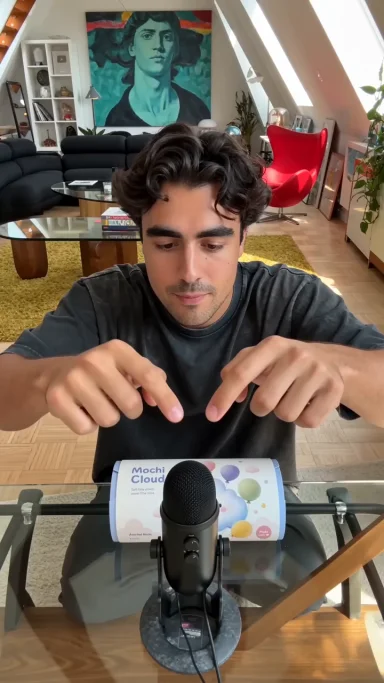
Photo2Ads / create