

Reusable creative direction
Selfie Testimonial AI Product Video Ad Examples
Compare three Selfie Testimonial executions, then adapt their reusable visual directions to your product. Product and Avatar references document the original case but are not loaded into your studio.
Example 1 / Video ad
Selfie Testimonial
A candid front-camera recommendation
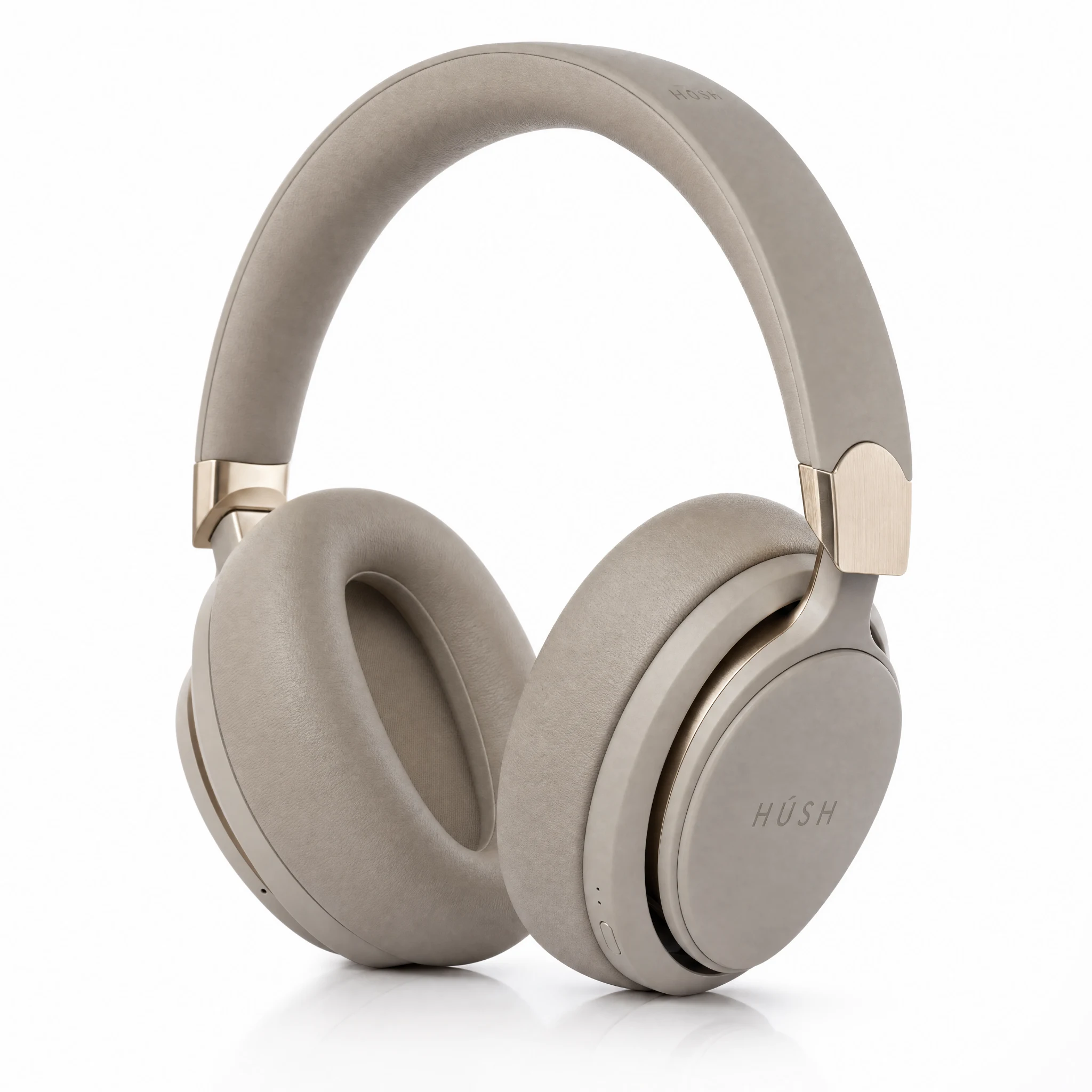
Product
Hush Wireless Headphones
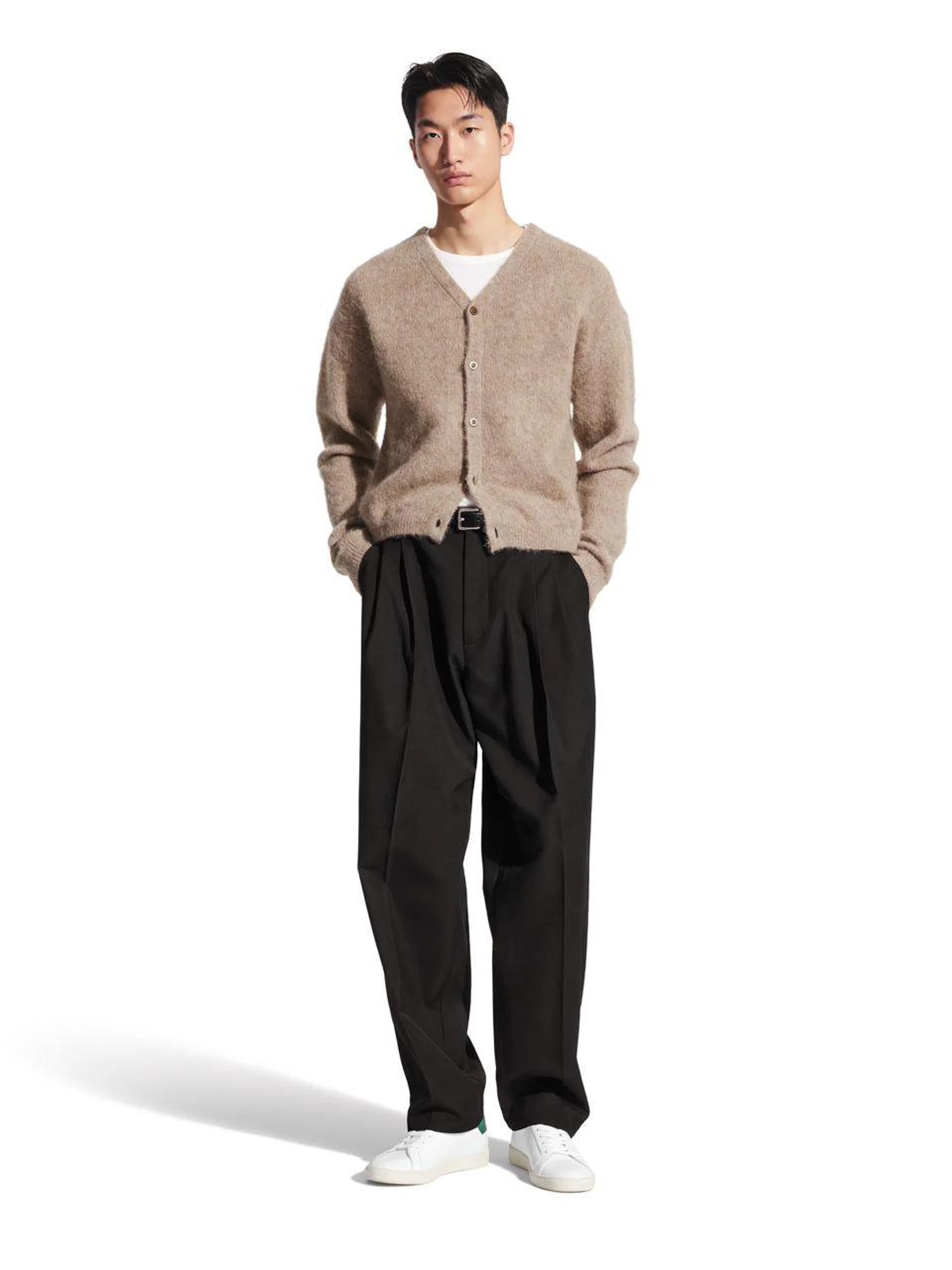
Avatar
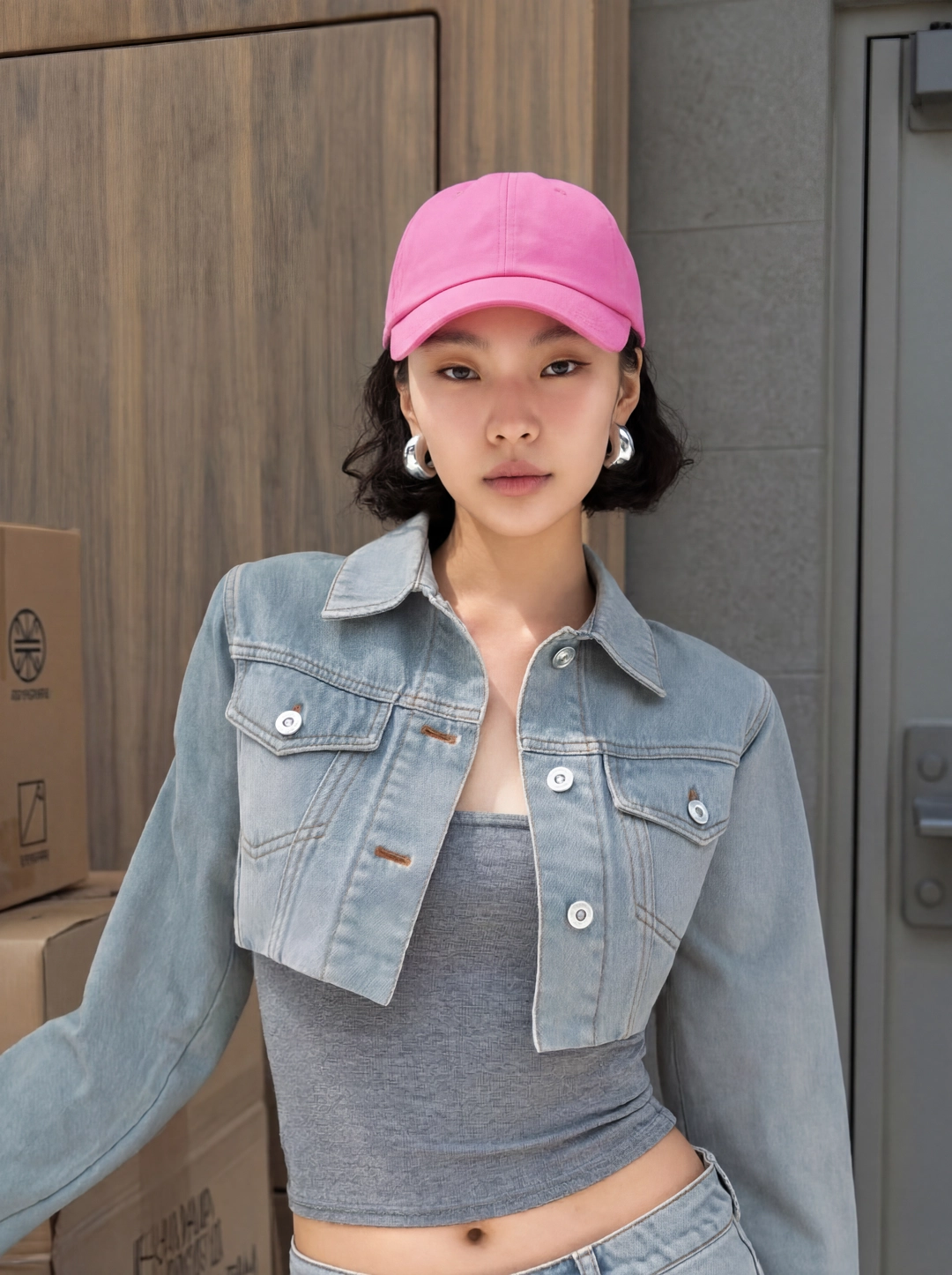
Selfie Testimonial avatar
Reusable visual direction
Use the uploaded product as the exact reference, preserving its shape, proportions, colors, materials, surface details, labels, and packaging in every frame. A creator speaks directly to camera while holding the uploaded product beside their face with relaxed natural hands. Open with an immediate eye-contact hook; then the creator turns the product and demonstrates one visible use detail; finally they deliver a calm personal reaction. Use a close handheld selfie camera with gentle micro-shake and one focus shift to the product. Use soft frontal window lighting in a quiet bedroom scene with a softly blurred background. End on a sincere creator-product hold and a sharp hero close-up. Do not redesign the product, invent logos or text, add extra products, distort faces or hands, change reference identity, break physical continuity, introduce flicker or warping, or add captions and watermarks.
Optional Dialogue template
My honest take on [PRODUCT]: [APPROVED_BENEFIT]. [CTA]
Best for
Understanding the structure with its bound Product and Avatar references.
What to customize
Use your product and approved wording, then adjust the shot, action, and pacing for the duration you selected.
Example 2 / Video ad
Selfie Testimonial 2
A candid front-camera recommendation
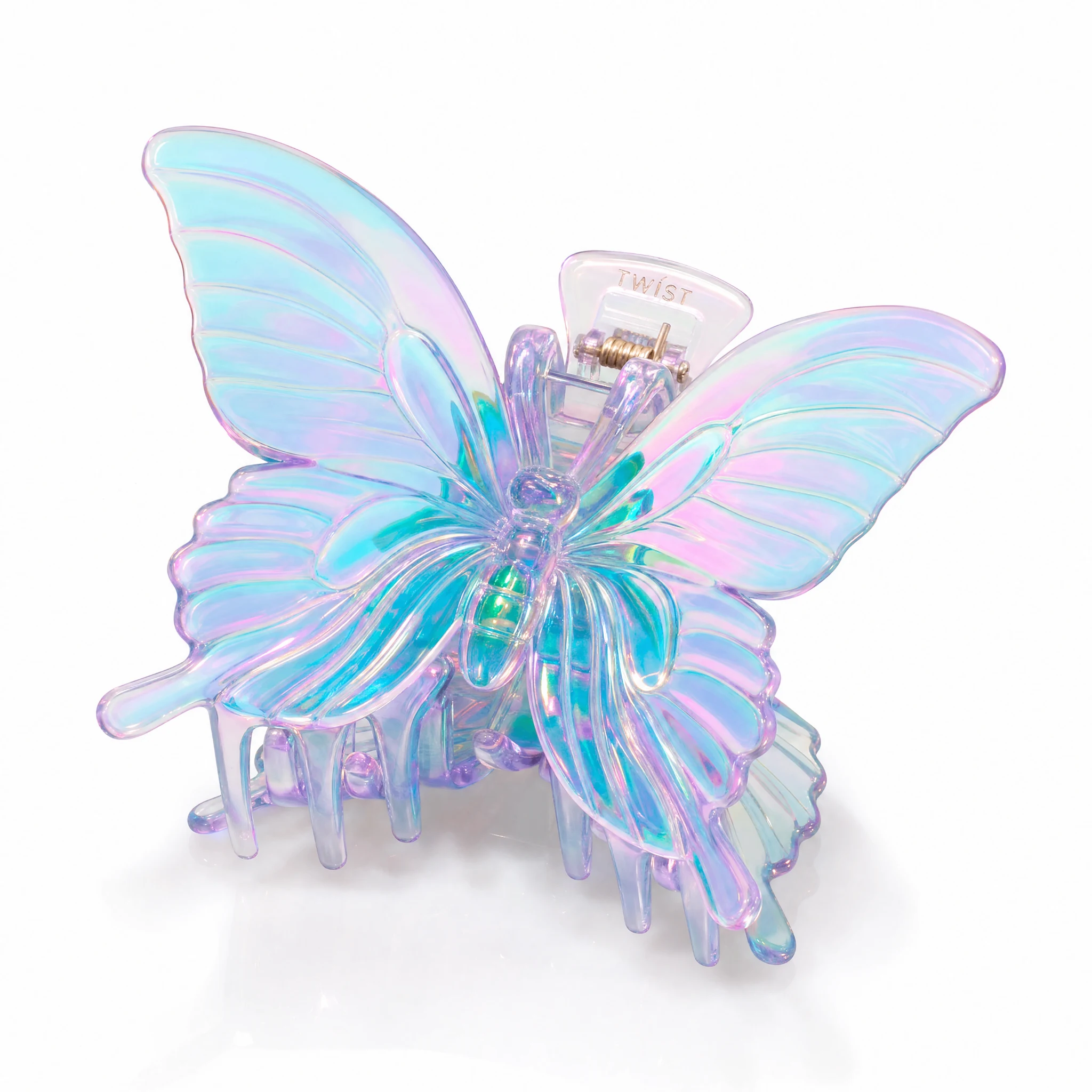
Product
Butterfly Claw Hair Clip

Avatar
Selfie Testimonial avatar
Reusable visual direction
Use the uploaded product as the exact reference, preserving its shape, proportions, colors, materials, surface details, labels, and packaging in every frame. A standing creator keeps the uploaded product at chest height, preserving any supplied avatar identity and natural gestures. Open with a mid-sentence walk into frame; then the creator pauses to show front, side, and one functional movement; finally they nod and place the item on a nearby surface. Use a stable eye-level camera with a subtle push-in and one side detail shot. Use bright office daylight in a modern work-lounge scene with minimal furniture. End on the creator softly behind a centered tabletop product hero payoff. Do not redesign the product, invent logos or text, add extra products, distort faces or hands, change reference identity, break physical continuity, introduce flicker or warping, or add captions and watermarks.
Optional Dialogue template
I chose [PRODUCT] for [APPROVED_BENEFIT]. [CTA]
Best for
Understanding the structure with its bound Product and Avatar references.
What to customize
Use your product and approved wording, then adjust the shot, action, and pacing for the duration you selected.
Example 3 / Video ad
Selfie Testimonial 3
A candid front-camera recommendation
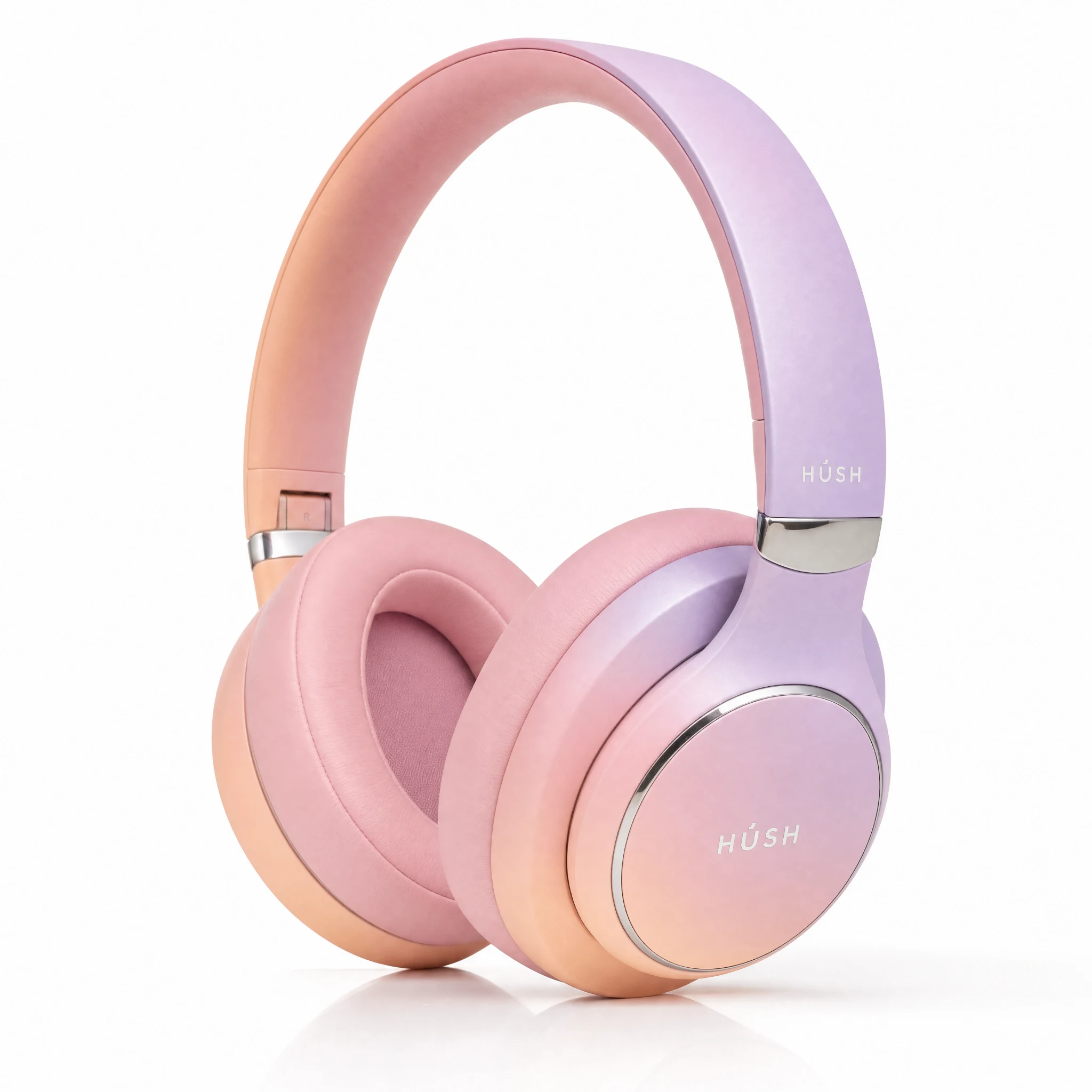
Product
Hush Wireless Headphones
Avatar
Selfie Testimonial avatar
Reusable visual direction
Use the uploaded product as the exact reference, preserving its shape, proportions, colors, materials, surface details, labels, and packaging in every frame. A mirror-facing creator holds the uploaded product without covering its design, with anatomically correct hands and reflection. Open with a casual mirror greeting; then the creator applies or demonstrates the product while watching the reflection; finally they turn toward the lens for the final reaction. Use a vertical mirror camera with a slow reframing move and a tight reflected detail insert. Use clean vanity lighting balanced with daylight in an uncluttered dressing-room scene with pale surfaces. End on a direct-to-lens product hold and a luminous hero frame in the mirror. Do not redesign the product, invent logos or text, add extra products, distort faces or hands, change reference identity, break physical continuity, introduce flicker or warping, or add captions and watermarks.
Optional Dialogue template
After using [PRODUCT], I noticed [APPROVED_BENEFIT]. [CTA]
Best for
Understanding the structure with its bound Product and Avatar references.
What to customize
Use your product and approved wording, then adjust the shot, action, and pacing for the duration you selected.
Photo2Ads workflow
From this case to your product
Choose one direction
Each preview demonstrates a distinct scene, camera, action, or pace.
Review the evidence
Source references explain the example without replacing your materials.
Generate and refine
Adapt the visual direction and Dialogue while keeping your current model and duration.
All examples
More directions to explore
Explore other canonical creative-style collections in the same category.

Photo2Ads / create