

Reusable creative direction
Pro Virtual Try On AI Product Video Ad Examples
Compare three Pro Virtual Try On executions, then adapt their reusable visual directions to your product. Product and Avatar references document the original case but are not loaded into your studio.
Example 1 / Video ad
Pro Virtual Try On
A refined product-fitting showcase
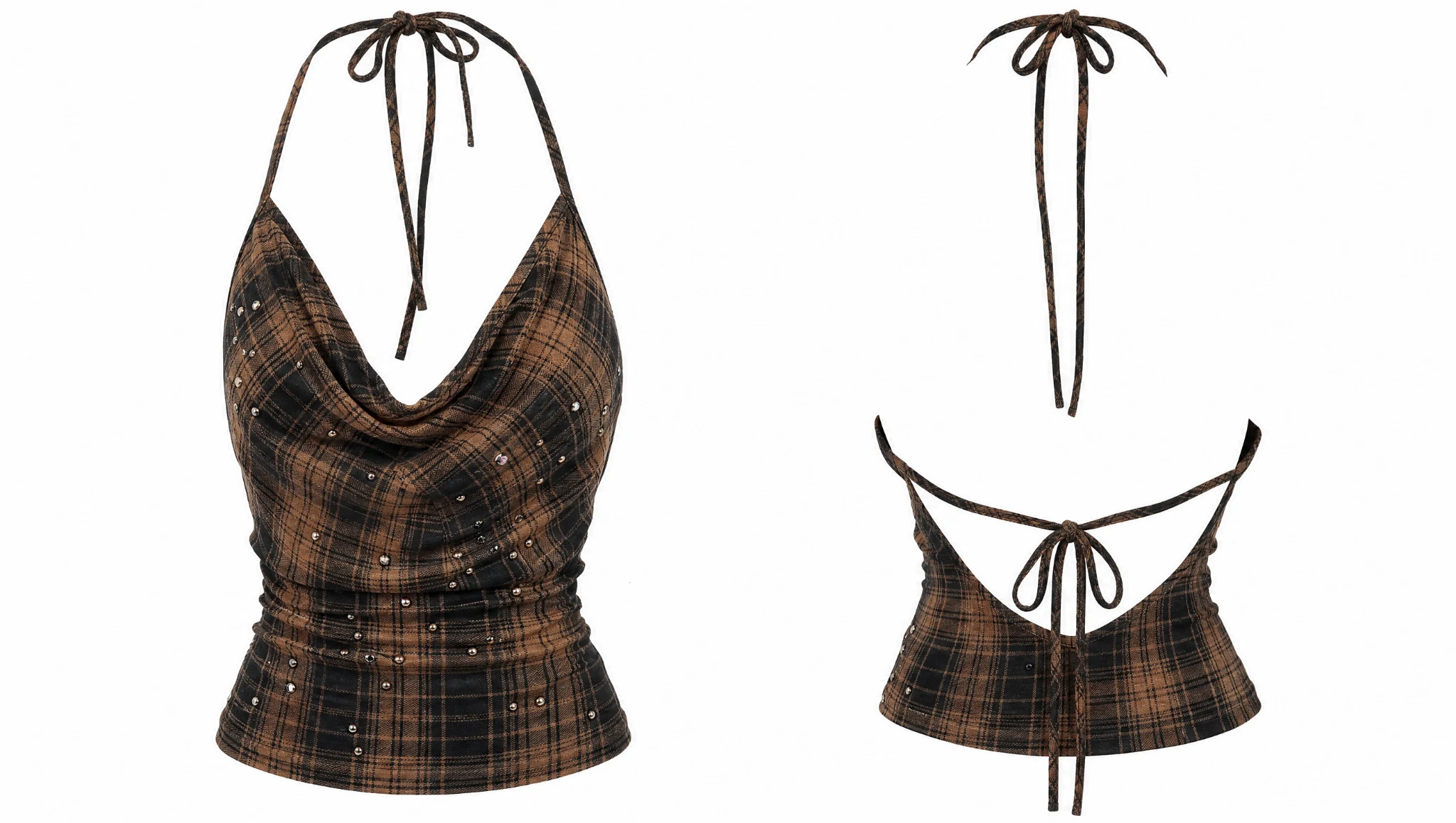
Product
Top 2
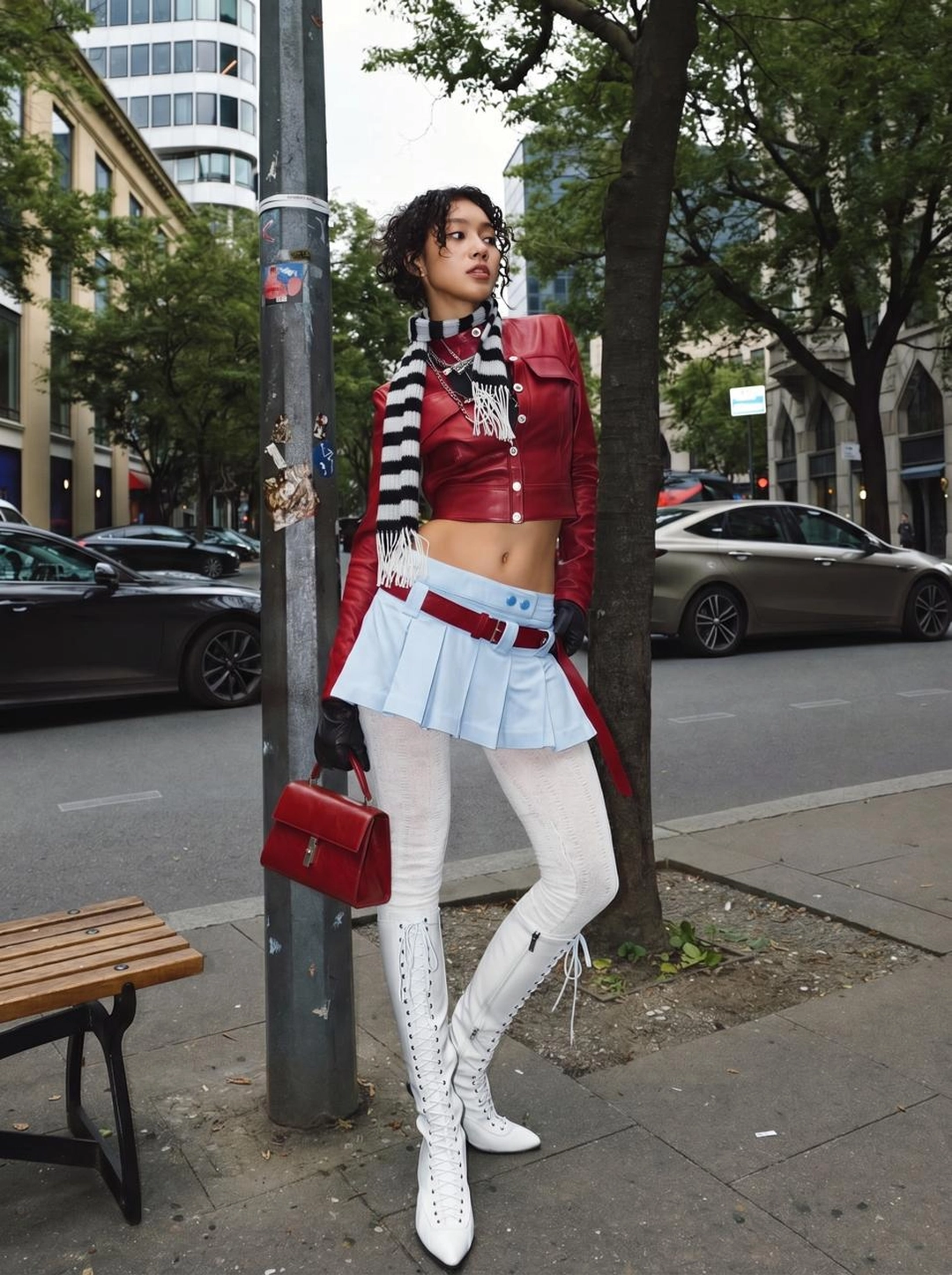
Avatar
Pro Virtual Try On avatar
Reusable visual direction
Use the uploaded product as the exact reference, preserving its shape, proportions, colors, materials, surface details, labels, and packaging in every frame. A professional model wears the uploaded product with natural posture and hands, preserving the supplied avatar and exact fit details. Open with a still full-body pose against white; then the model walks two steps, turns, and pauses at three-quarter view; finally a close movement shows material and construction. Use a polished fashion camera with a long-lens full-body frame, smooth dolly, and macro detail insert. Use high-key softbox lighting with subtle floor shadow in a seamless white-studio scene with no distracting props. End on a precise editorial pose followed by a product-dominant hero crop. Do not redesign the product, invent logos or text, add extra products, distort faces or hands, change reference identity, break physical continuity, introduce flicker or warping, or add captions and watermarks.
Best for
Understanding the structure with its bound Product and Avatar references.
What to customize
Use your product and approved wording, then adjust the shot, action, and pacing for the duration you selected.
Example 2 / Video ad
Pro Virtual Try On 2
A refined product-fitting showcase
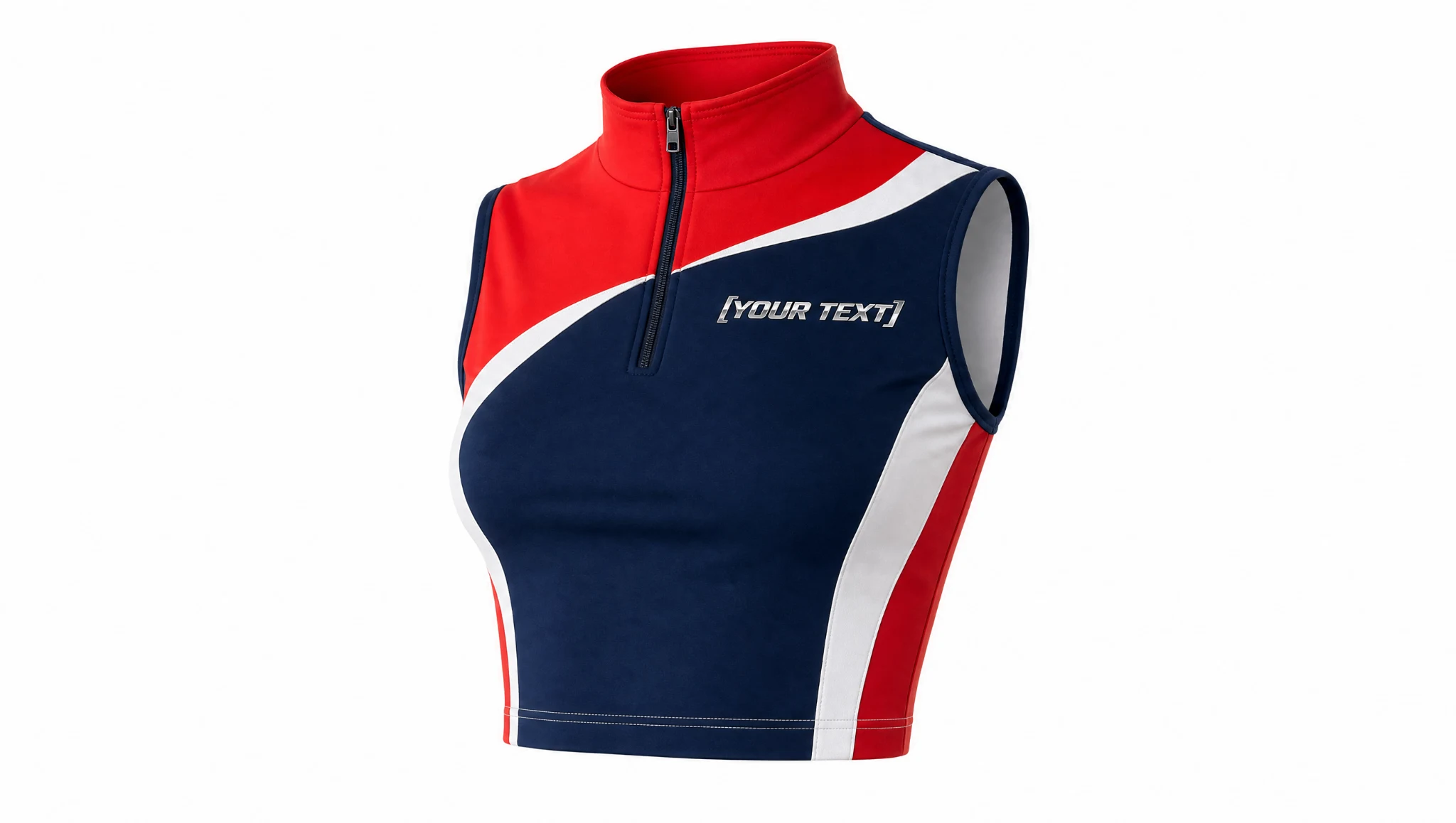
Product
Top
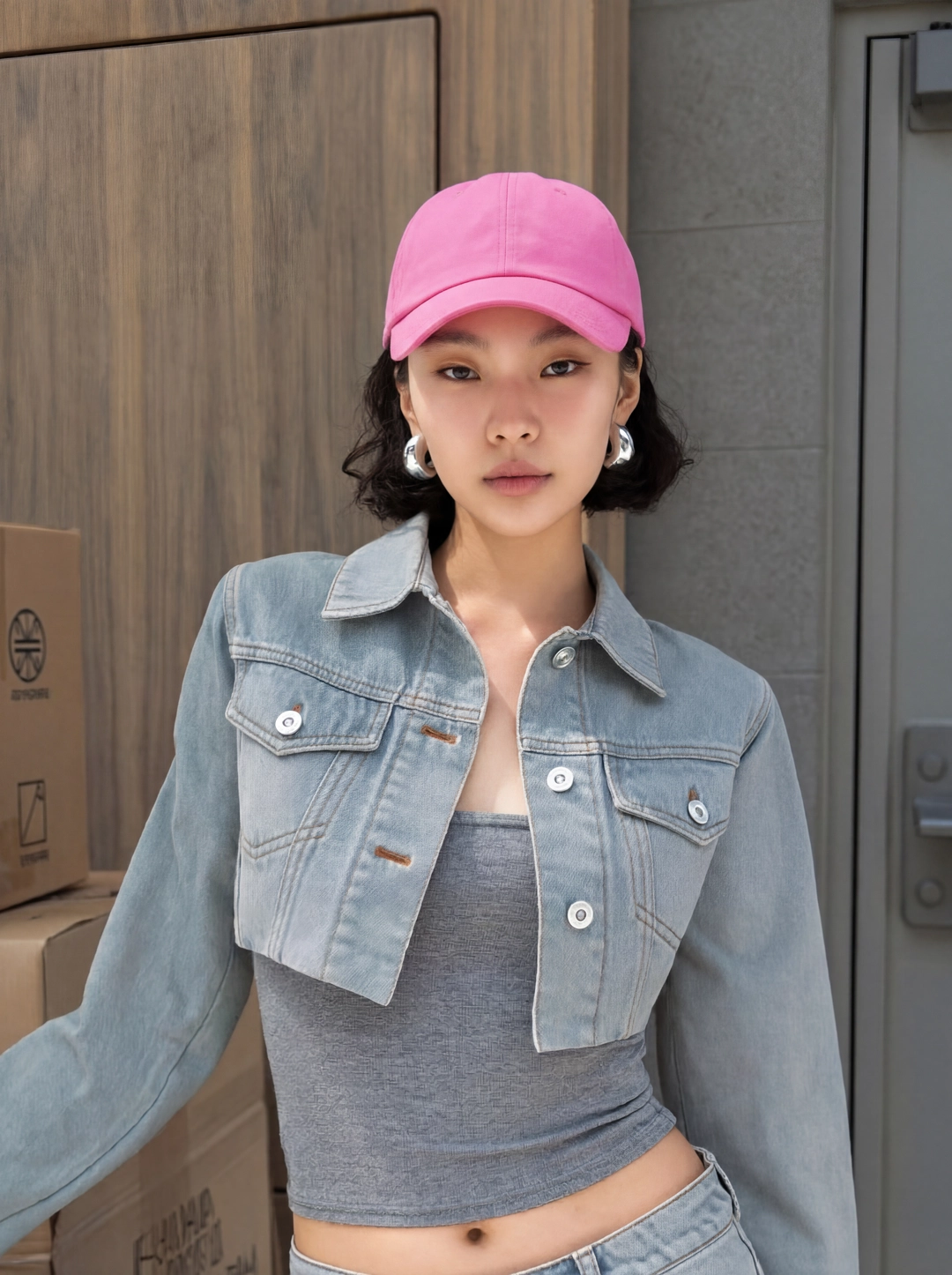
Avatar
Pro Virtual Try On avatar
Reusable visual direction
Use the uploaded product as the exact reference, preserving its shape, proportions, colors, materials, surface details, labels, and packaging in every frame. A professional model presents the uploaded wearable product while hands remain relaxed and the avatar reference stays consistent. Open with a profile silhouette entering an architectural frame; then the model crosses the set, adjusts one styling detail, and pivots toward lens; finally they hold a strong asymmetric stance. Use a controlled low-angle camera with lateral tracking, a slow orbit, and shallow-focus close-up. Use hard directional studio lighting softened by frontal fill in a concrete editorial-set scene with geometric shadow lines. End on the model isolated against the architecture in a premium product hero payoff. Do not redesign the product, invent logos or text, add extra products, distort faces or hands, change reference identity, break physical continuity, introduce flicker or warping, or add captions and watermarks.
Best for
Understanding the structure with its bound Product and Avatar references.
What to customize
Use your product and approved wording, then adjust the shot, action, and pacing for the duration you selected.
Example 3 / Video ad
Pro Virtual Try On 3
A refined product-fitting showcase
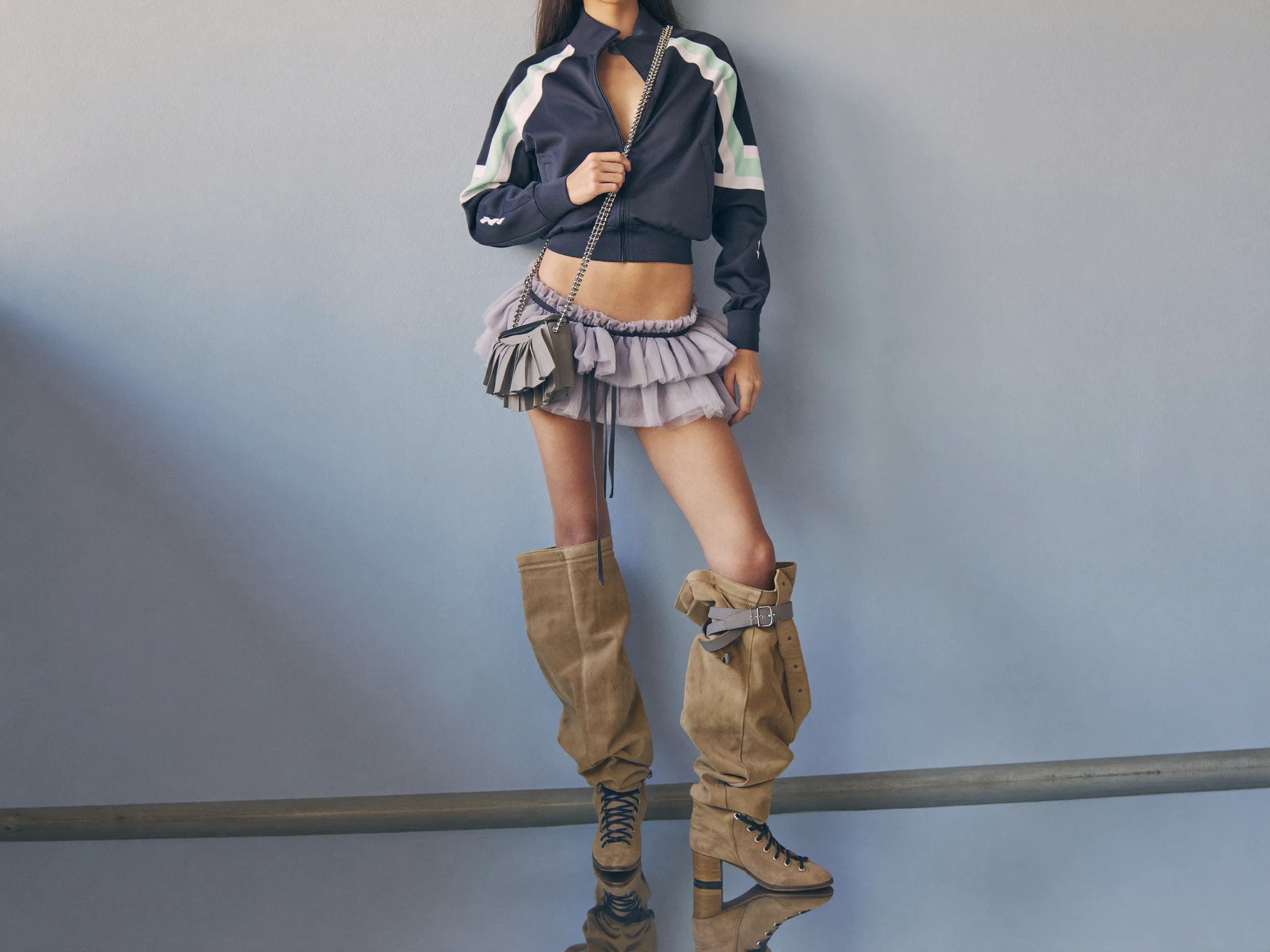
Product
Clothes
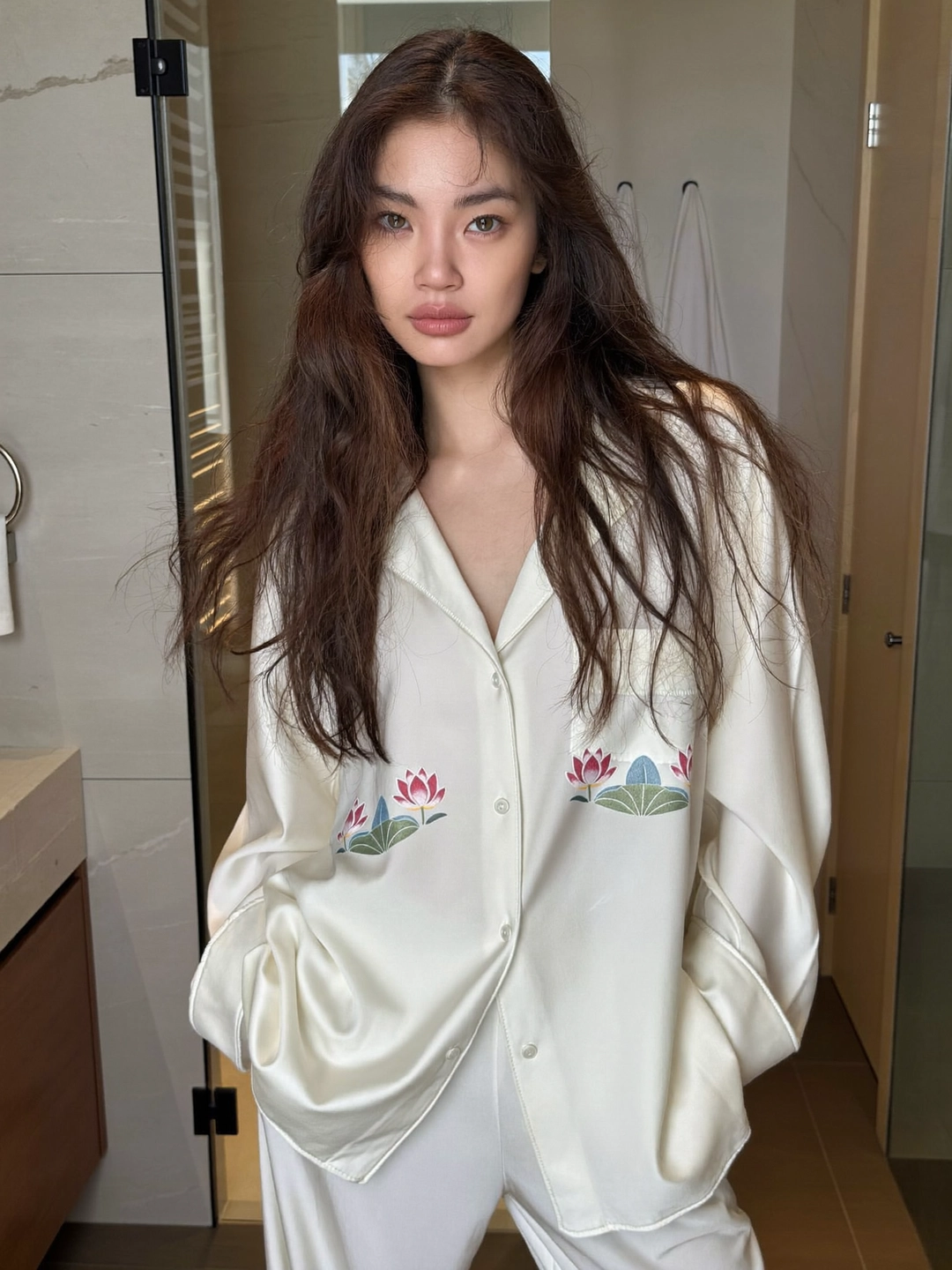
Avatar
Pro Virtual Try On avatar
Reusable visual direction
Use the uploaded product as the exact reference, preserving its shape, proportions, colors, materials, surface details, labels, and packaging in every frame. A polished model wears and handles the uploaded product naturally, keeping exact reference details and body coherence in every shot. Open with a quiet seated introduction in a refined interior; then the model rises, crosses the room, and demonstrates the garment or accessory in motion; finally they stop beside a tall window for the final angle. Use a cinematic medium-format-style camera with slow tracking, elegant reframing, and one texture macro. Use soft luxury-interior daylight with a warm rim in a minimal hotel-suite scene with restrained furniture and tall windows. End on a composed window-side pose and a clean editorial product hero frame. Do not redesign the product, invent logos or text, add extra products, distort faces or hands, change reference identity, break physical continuity, introduce flicker or warping, or add captions and watermarks.
Best for
Understanding the structure with its bound Product and Avatar references.
What to customize
Use your product and approved wording, then adjust the shot, action, and pacing for the duration you selected.
Photo2Ads workflow
From this case to your product
Choose one direction
Each preview demonstrates a distinct scene, camera, action, or pace.
Review the evidence
Source references explain the example without replacing your materials.
Generate and refine
Adapt the visual direction and Dialogue while keeping your current model and duration.
All examples
More directions to explore
Explore other canonical creative-style collections in the same category.
Photo2Ads / create