

Reusable creative direction
Before and After AI Product Video Ad Examples
Compare three Before and After executions, then adapt their reusable visual directions to your product. Product and Avatar references document the original case but are not loaded into your studio.
Example 1 / Video ad
Before and After
Show a credible visual transformation
Product
Not paired in this result
Avatar
Not paired in this result
Reusable visual direction
Use the uploaded product as the exact reference, preserving its shape, proportions, colors, materials, surface details, labels, and packaging in every frame. A creator and natural hands demonstrate the uploaded product while keeping the person reference, product, and comparison conditions consistent. Open with a clearly framed before state beside the unused product; then the creator applies or uses it through one honest continuous demonstration; finally the same angle reveals the visible after state. Use a locked phone camera with a brief application close-up and no perspective change between comparisons. Use even soft daylight in a simple home-demonstration scene with a neutral background. End on a balanced before-and-after comparison followed by a centered product hero payoff. Do not redesign the product, invent logos or text, add extra products, distort faces or hands, change reference identity, break physical continuity, introduce flicker or warping, or add captions and watermarks.
Optional Dialogue template
I used [PRODUCT] for [APPROVED_BENEFIT]. [CTA]
Best for
Studying the creative structure before adding your own product.
What to customize
Use your product and approved wording, then adjust the shot, action, and pacing for the duration you selected.
Example 2 / Video ad
Before and After 2
Show a credible visual transformation

Product
Gold Male Bust Sculpture
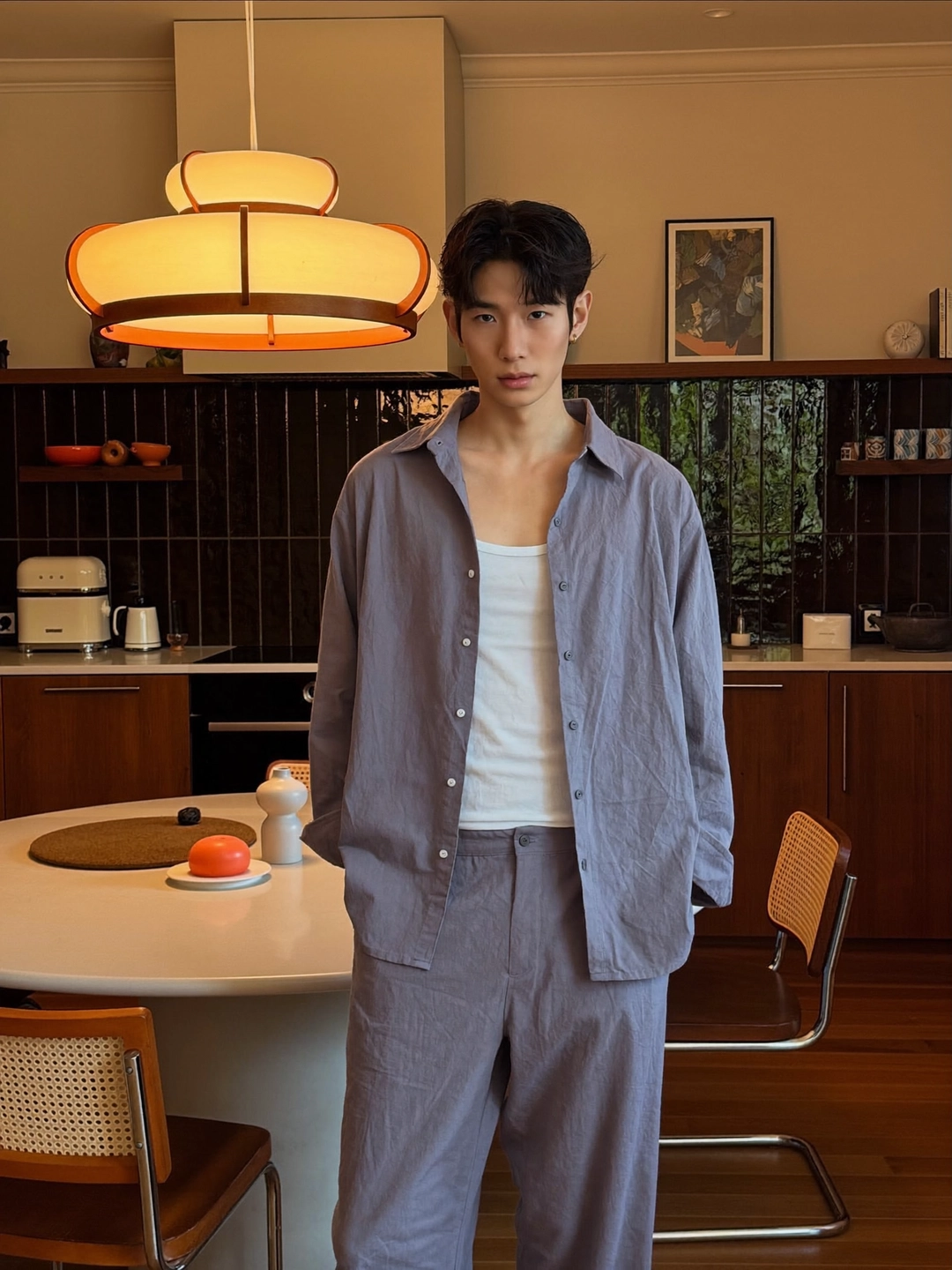
Avatar
Before and After avatar
Reusable visual direction
Use the uploaded product as the exact reference, preserving its shape, proportions, colors, materials, surface details, labels, and packaging in every frame. Keep people off screen except for natural hands dividing the frame, with the uploaded product exact on both sides. Open with a vertical split-screen before view; then hands perform the same motion while only one side uses the product; finally both sides stop simultaneously for comparison. Use a fixed symmetrical camera with synchronized macro inserts and a clean split-screen boundary. Use bright controlled softbox lighting in a minimal tabletop-test scene with identical surfaces. End on the side-by-side visible result with the product centered across the split in a factual hero frame. Do not redesign the product, invent logos or text, add extra products, distort faces or hands, change reference identity, break physical continuity, introduce flicker or warping, or add captions and watermarks.
Optional Dialogue template
Here is the change with [PRODUCT]: [APPROVED_BENEFIT]. [CTA]
Best for
Understanding the structure with its bound Product and Avatar references.
What to customize
Use your product and approved wording, then adjust the shot, action, and pacing for the duration you selected.
Example 3 / Video ad
Before and After 3
Show a credible visual transformation
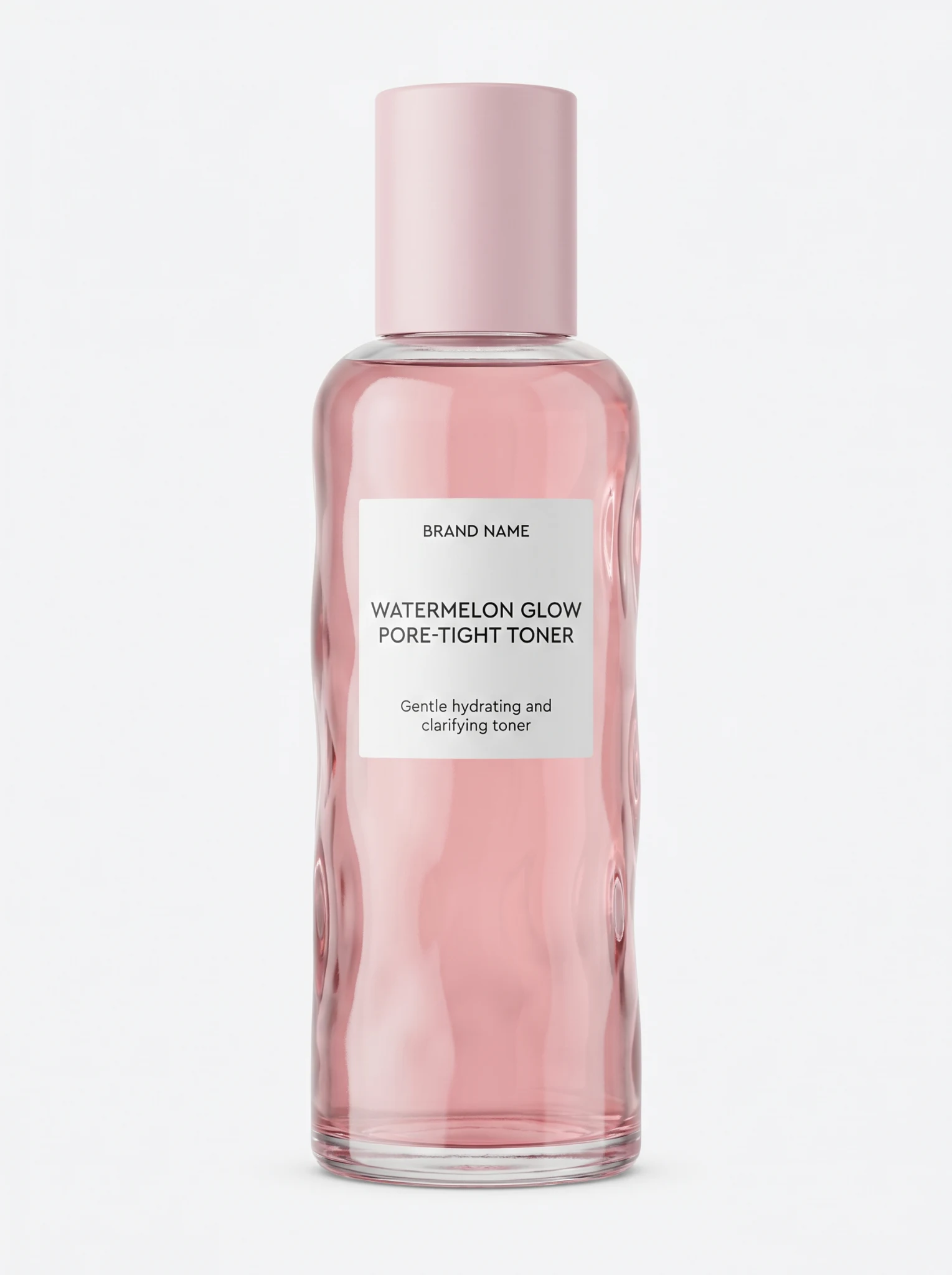
Product
Watermelon Glow Pore-Tight Toner
Avatar
Not paired in this result
Reusable visual direction
Use the uploaded product as the exact reference, preserving its shape, proportions, colors, materials, surface details, labels, and packaging in every frame. A creator uses natural hands around the uploaded product in a transformation sequence without changing their avatar identity. Open with a wide messy or unfinished before state; then a whip transition follows the product through a concise step-by-step use sequence; finally the motion lands on the organized or refreshed after state. Use an energetic handheld camera with one orbit, a hidden wipe, and a matching final wide shot. Use warm practical lighting held constant across the transformation in a realistic multipurpose-room scene with controllable elements. End on the creator presenting the final state beside a sharp product hero close-up. Do not redesign the product, invent logos or text, add extra products, distort faces or hands, change reference identity, break physical continuity, introduce flicker or warping, or add captions and watermarks.
Optional Dialogue template
Watch how [PRODUCT] supports [APPROVED_BENEFIT]. [CTA]
Best for
Understanding the structure with its bound Product reference.
What to customize
Use your product and approved wording, then adjust the shot, action, and pacing for the duration you selected.
Photo2Ads workflow
From this case to your product
Choose one direction
Each preview demonstrates a distinct scene, camera, action, or pace.
Review the evidence
Source references explain the example without replacing your materials.
Generate and refine
Adapt the visual direction and Dialogue while keeping your current model and duration.
All examples
More directions to explore
Explore other canonical creative-style collections in the same category.
Photo2Ads / create