

Reusable creative direction
Giant Figure AI Product Video Ad Examples
Compare three Giant Figure executions, then adapt their reusable visual directions to your product. Product and Avatar references document the original case but are not loaded into your studio.
Example 1 / Video ad
Giant Figure
An oversized product reveal built to stop the scroll
Product
Not paired in this result
Avatar
Not paired in this result
Reusable visual direction
Use the uploaded product as the exact reference, preserving its shape, proportions, colors, materials, surface details, labels, and packaging in every frame. A creator holds the real uploaded product while a monumental duplicate rises behind them, both matching the reference exactly. Open with a tight hand-held scale comparison; then the camera pulls back as the giant duplicate appears and the creator walks around its base; finally they point between the original and enormous version. Use a vertical wide-angle camera with a smooth crane pullback and one close detail match cut. Use electric twilight lighting with a controlled rim glow in an open urban-plaza scene with ample negative space. End on the creator centered before the giant product in a bold symmetrical hero payoff. Do not redesign the product, invent logos or text, add extra products, distort faces or hands, change reference identity, break physical continuity, introduce flicker or warping, or add captions and watermarks.
Best for
Studying the creative structure before adding your own product.
What to customize
Use your product and approved wording, then adjust the shot, action, and pacing for the duration you selected.
Example 2 / Video ad
Giant Figure 2
An oversized product reveal built to stop the scroll
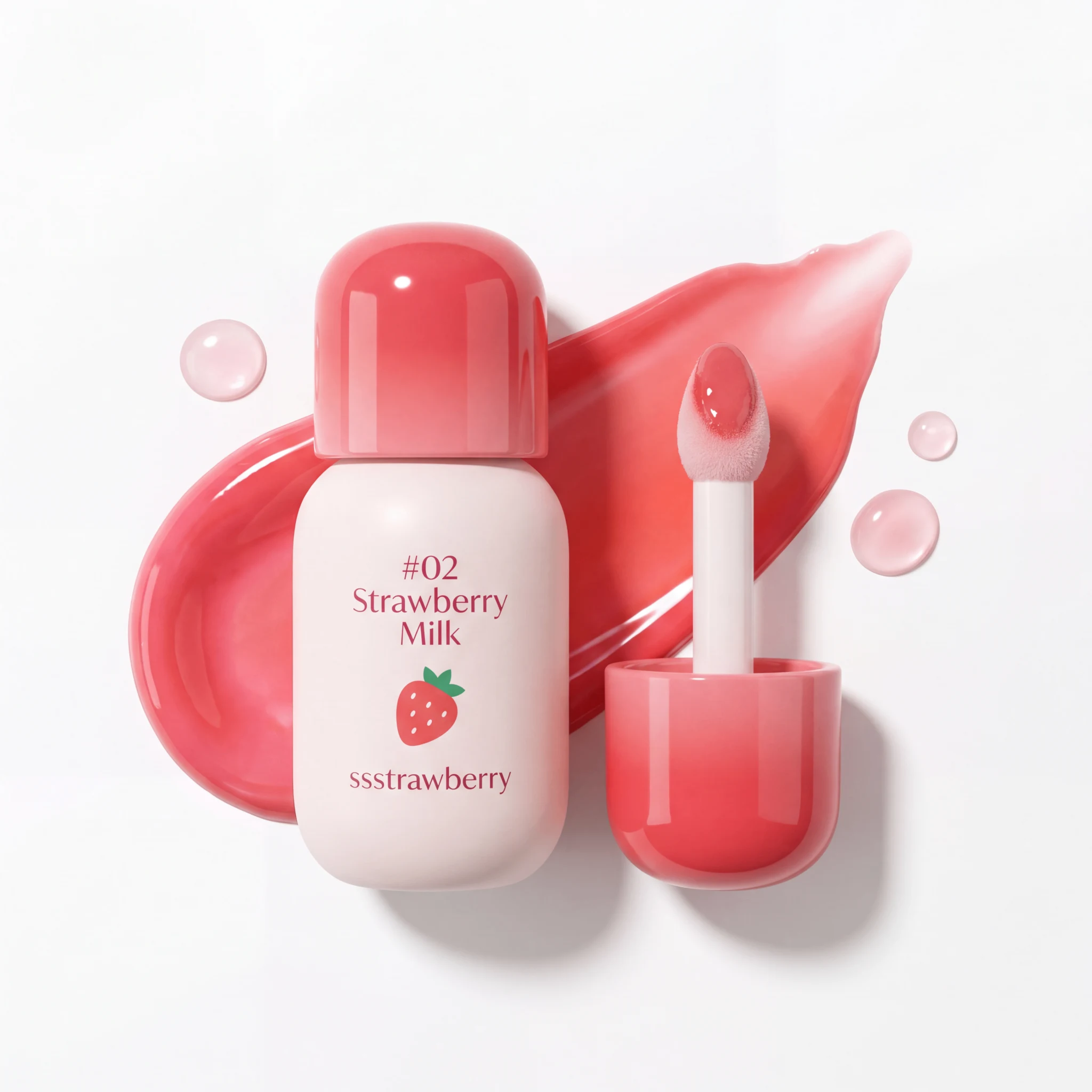
Product
Ssstrawberry Lip Tint
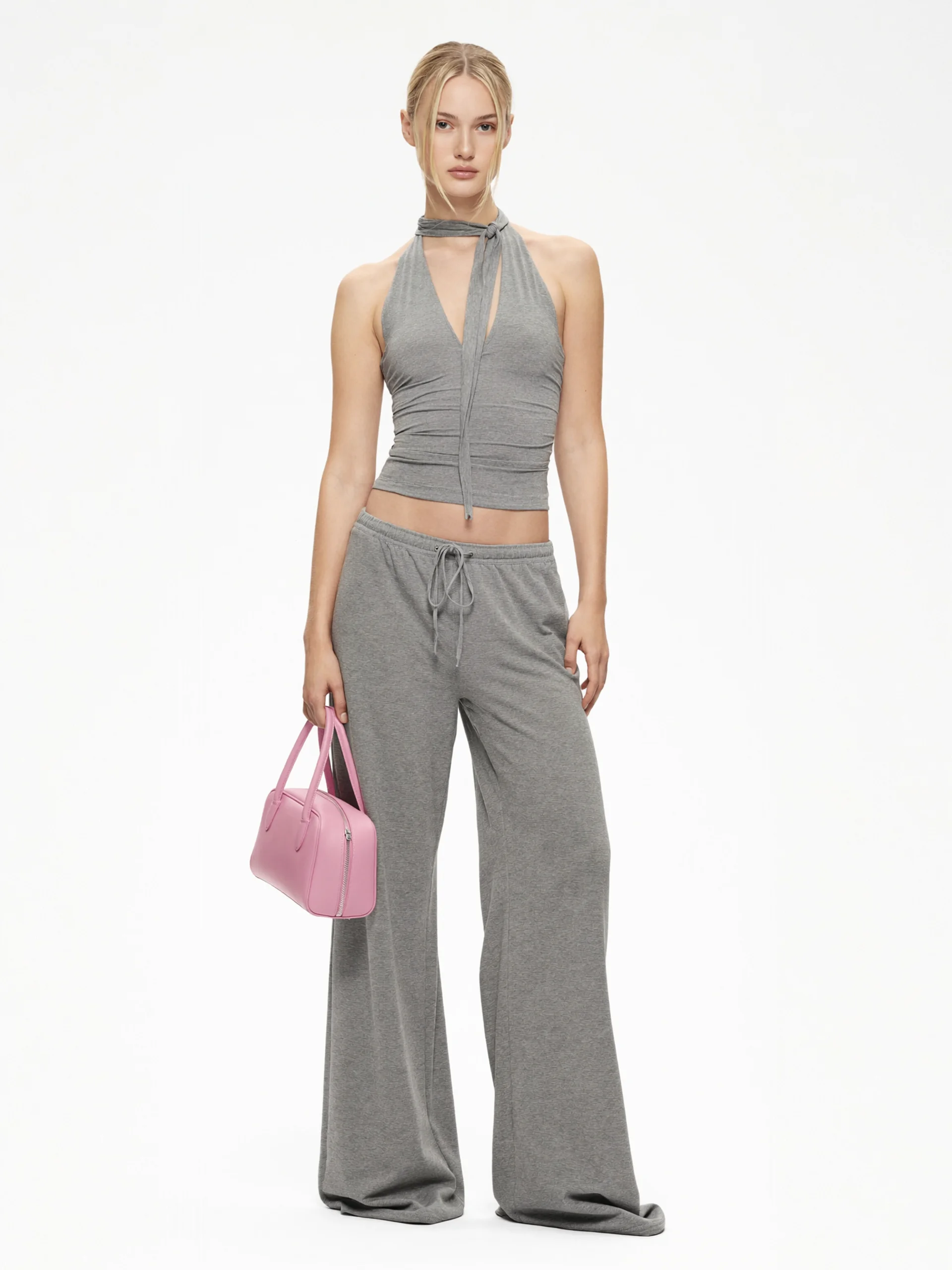
Avatar
Giant Figure avatar
Reusable visual direction
Use the uploaded product as the exact reference, preserving its shape, proportions, colors, materials, surface details, labels, and packaging in every frame. A small creator stands beside an oversized uploaded product, with natural human scale cues and exact details on the enlargement. Open with the creator entering beside what seems like a normal object edge; then a lateral move reveals the full giant product and the creator touches one surface detail; finally the creator steps onto a safe platform built around it. Use a polished orbiting camera using a normal lens and a low reveal angle. Use high-key softbox lighting with a subtle colored rim in a minimal seamless-studio scene with clean floor shadows. End on a full-scale comparison followed by a glossy giant-product hero frame. Do not redesign the product, invent logos or text, add extra products, distort faces or hands, change reference identity, break physical continuity, introduce flicker or warping, or add captions and watermarks.
Best for
Understanding the structure with its bound Product and Avatar references.
What to customize
Use your product and approved wording, then adjust the shot, action, and pacing for the duration you selected.
Example 3 / Video ad
Giant Figure 3
An oversized product reveal built to stop the scroll

Product
Spiky Vine Table Lamp

Avatar
Giant Figure avatar
Reusable visual direction
Use the uploaded product as the exact reference, preserving its shape, proportions, colors, materials, surface details, labels, and packaging in every frame. Keep people off screen except for natural hands presenting the uploaded product before its gigantic holographic twin appears. Open with two hands placing the real item on a rooftop pedestal; then a luminous oversized duplicate assembles above it and rotates through matching details; finally the hands withdraw as both versions align. Use a slow dolly camera beginning in macro view and widening toward the skyline. Use cool moonlight mixed with restrained holographic illumination in a night rooftop scene with a distant city and uncluttered pedestal. End on the real product beneath the giant duplicate in a precise two-scale hero payoff. Do not redesign the product, invent logos or text, add extra products, distort faces or hands, change reference identity, break physical continuity, introduce flicker or warping, or add captions and watermarks.
Best for
Understanding the structure with its bound Product and Avatar references.
What to customize
Use your product and approved wording, then adjust the shot, action, and pacing for the duration you selected.
Photo2Ads workflow
From this case to your product
Choose one direction
Each preview demonstrates a distinct scene, camera, action, or pace.
Review the evidence
Source references explain the example without replacing your materials.
Generate and refine
Adapt the visual direction and Dialogue while keeping your current model and duration.
All examples
More directions to explore
Explore other canonical creative-style collections in the same category.
Photo2Ads / create