

Reusable creative direction
Unboxing ASMR AI Product Video Ad Examples
Compare three Unboxing ASMR executions, then adapt their reusable visual directions to your product. Product and Avatar references document the original case but are not loaded into your studio.
Example 1 / Video ad
Unboxing ASMR
Tactile packaging details with a satisfying reveal
Product
Not paired in this result
Avatar
Not paired in this result
Reusable visual direction
Use the uploaded product as the exact reference, preserving its shape, proportions, colors, materials, surface details, labels, and packaging in every frame. Only a calm creator and natural hands handle the uploaded product, keeping every package and product detail faithful. Open with soft fingertip taps on the closed package; then the creator slowly lifts the lid, separates the wrapping, and raises the product; finally they rotate one tactile detail beside a close microphone. Use a locked vertical medium camera with deliberate macro inserts and no abrupt movement. Use warm diffused loft lighting in a quiet tabletop scene with textured cloth and minimal background color. End on the unwrapped product resting beside its packaging in a silent centered hero payoff. Do not redesign the product, invent logos or text, add extra products, distort faces or hands, change reference identity, break physical continuity, introduce flicker or warping, or add captions and watermarks.
Optional Dialogue template
This is [PRODUCT]. Listen while I show [APPROVED_BENEFIT]. [CTA]
Best for
Studying the creative structure before adding your own product.
What to customize
Use your product and approved wording, then adjust the shot, action, and pacing for the duration you selected.
Example 2 / Video ad
Unboxing ASMR 2
Tactile packaging details with a satisfying reveal
Product
Not paired in this result
Avatar
Not paired in this result
Reusable visual direction
Use the uploaded product as the exact reference, preserving its shape, proportions, colors, materials, surface details, labels, and packaging in every frame. Natural hands enter from below frame and keep the uploaded product facing camera throughout the precise unboxing. Open with the package aligned squarely on a bright desk; then hands peel each layer in order, lift the product, and test its tactile controls or surfaces; finally the product turns once for a complete detail view. Use a front-facing tabletop camera with macro close-ups timed to each sound. Use clean north-window daylight with a soft bounce fill in an uncluttered desk scene beside a pale wall and one plant shadow. End on a symmetrical product-and-package hero arrangement with hands slowly leaving frame. Do not redesign the product, invent logos or text, add extra products, distort faces or hands, change reference identity, break physical continuity, introduce flicker or warping, or add captions and watermarks.
Optional Dialogue template
Opening [PRODUCT] for a closer look at [APPROVED_BENEFIT]. [CTA]
Best for
Studying the creative structure before adding your own product.
What to customize
Use your product and approved wording, then adjust the shot, action, and pacing for the duration you selected.
Example 3 / Video ad
Unboxing ASMR 3
Tactile packaging details with a satisfying reveal
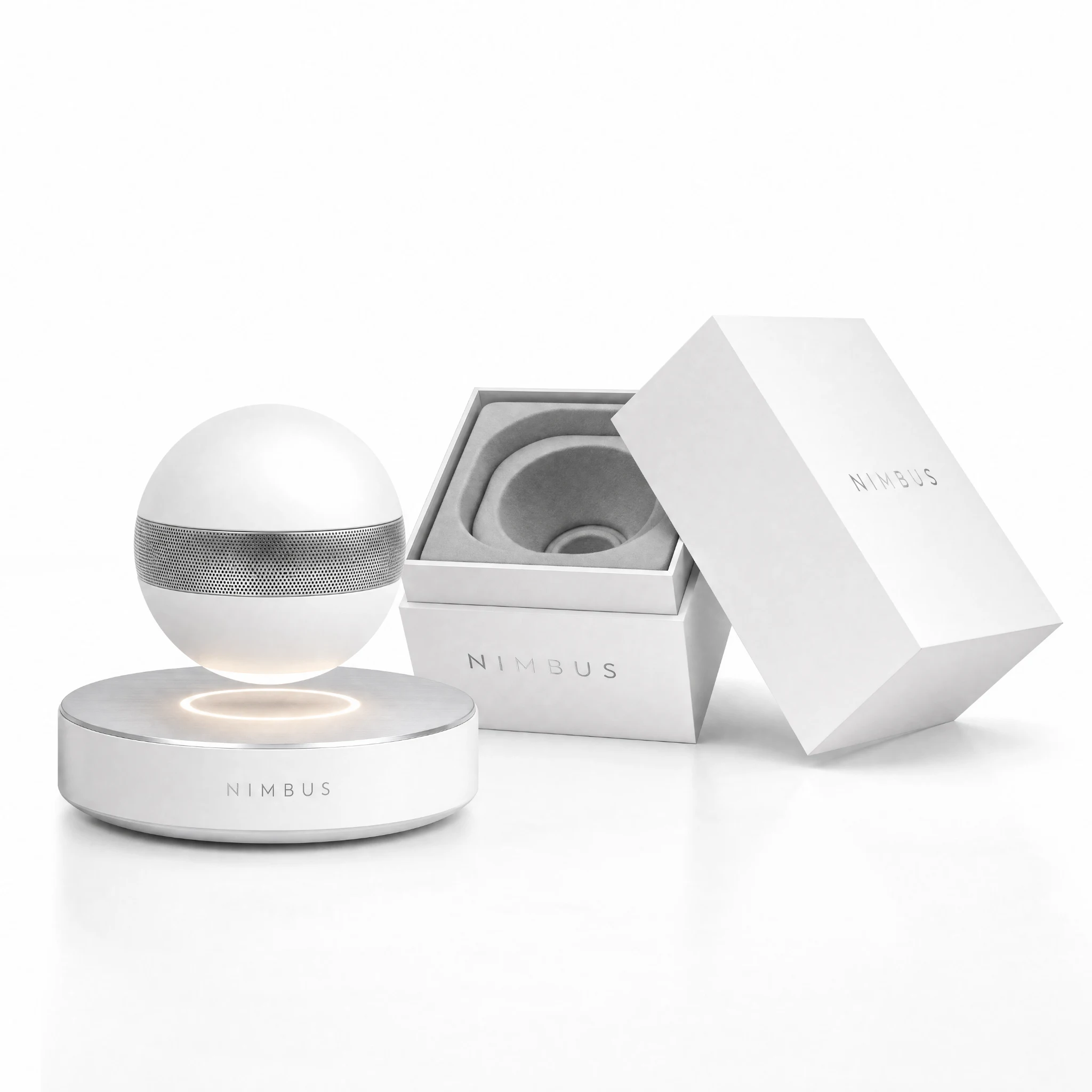
Product
Nimbus Levitating Speaker
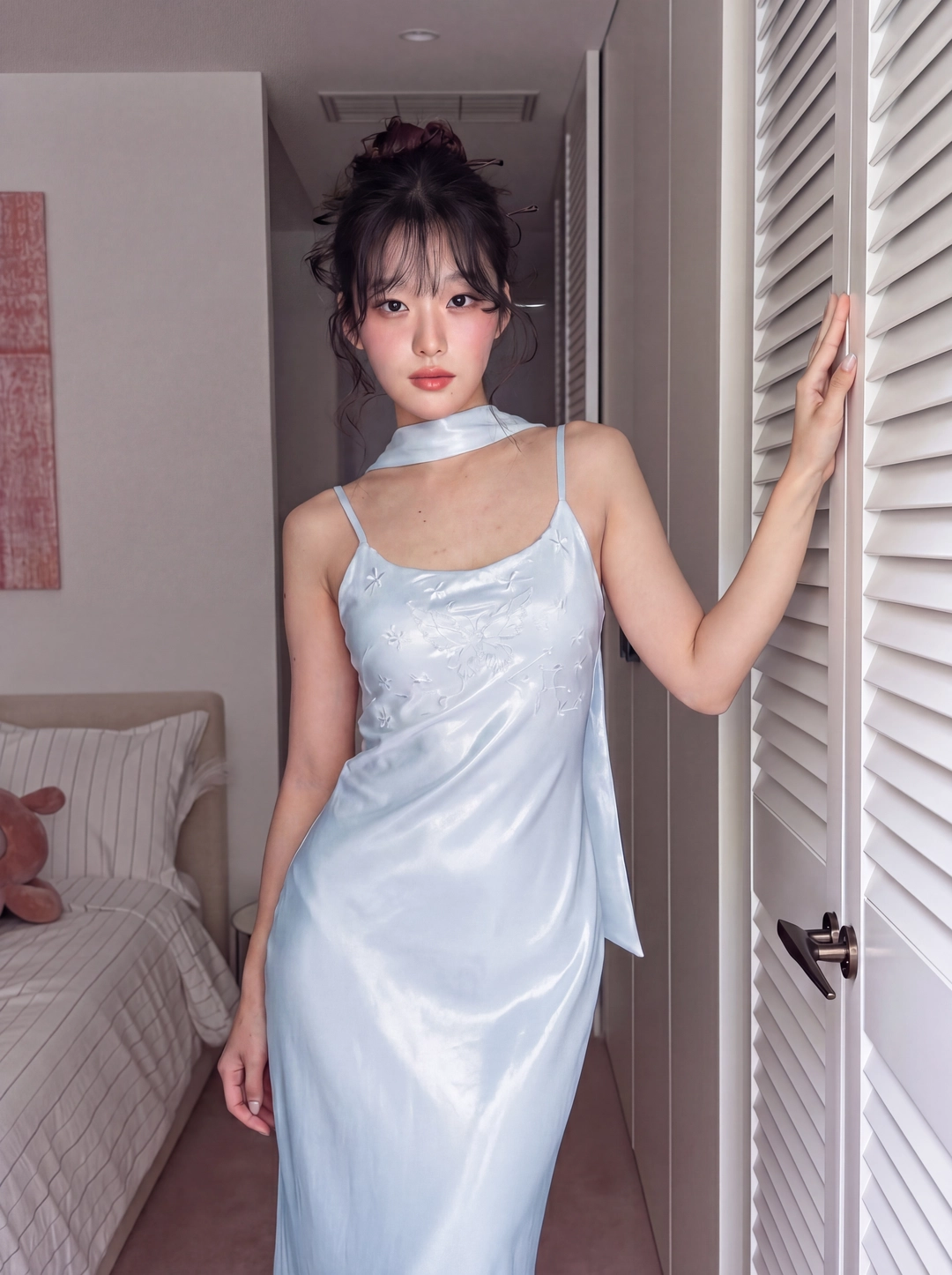
Avatar
Unboxing ASMR avatar
Reusable visual direction
Use the uploaded product as the exact reference, preserving its shape, proportions, colors, materials, surface details, labels, and packaging in every frame. A creator in soft silhouette uses natural hands to reveal the uploaded product without obscuring its exact form. Open with a single tap on a dark presentation box under a narrow spotlight; then the lid glides away, the product rises slowly, and one feature is activated or moved; finally the creator places it on a small display plinth. Use a controlled macro camera with a slow arc and shallow depth of field. Use low-key studio lighting with a focused edge highlight in a dark acoustic-studio scene with sound-absorbing surfaces and no clutter. End on the illuminated product alone on the plinth in a premium hero payoff. Do not redesign the product, invent logos or text, add extra products, distort faces or hands, change reference identity, break physical continuity, introduce flicker or warping, or add captions and watermarks.
Optional Dialogue template
Here is [PRODUCT], presented for [APPROVED_BENEFIT]. [CTA]
Best for
Understanding the structure with its bound Product and Avatar references.
What to customize
Use your product and approved wording, then adjust the shot, action, and pacing for the duration you selected.
Photo2Ads workflow
From this case to your product
Choose one direction
Each preview demonstrates a distinct scene, camera, action, or pace.
Review the evidence
Source references explain the example without replacing your materials.
Generate and refine
Adapt the visual direction and Dialogue while keeping your current model and duration.
All examples
More directions to explore
Explore other canonical creative-style collections in the same category.
Photo2Ads / create