

Reusable creative direction
Virtual Try-On Sneakers AI Product Video Ad Examples
Compare three Virtual Try-On Sneakers executions, then adapt their reusable visual directions to your product. Product and Avatar references document the original case but are not loaded into your studio.
Example 1 / Video ad
Virtual Try-On Sneakers
A first-person footwear try-on moment
Product
Not paired in this result
Avatar
Not paired in this result
Reusable visual direction
Use the uploaded product as the exact reference, preserving its shape, proportions, colors, materials, surface details, labels, and packaging in every frame. A seated creator puts on the uploaded wearable product using natural hands while their supplied avatar identity stays consistent. Open with a close view of the product beside their feet; then the creator puts it on and adjusts each visible detail; finally they stand and take several natural test steps. Use a handheld knee-height camera that tilts into a full-body mirror view. Use soft bedroom window lighting in a calm bedroom-bench scene with a neutral rug. End on the creator holding a stable pose while the worn product receives a crisp hero close-up. Do not redesign the product, invent logos or text, add extra products, distort faces or hands, change reference identity, break physical continuity, introduce flicker or warping, or add captions and watermarks.
Optional Dialogue template
I tried [PRODUCT] for [APPROVED_BENEFIT]. [CTA]
Best for
Studying the creative structure before adding your own product.
What to customize
Use your product and approved wording, then adjust the shot, action, and pacing for the duration you selected.
Example 2 / Video ad
Virtual Try-On Sneakers 2
A first-person footwear try-on moment
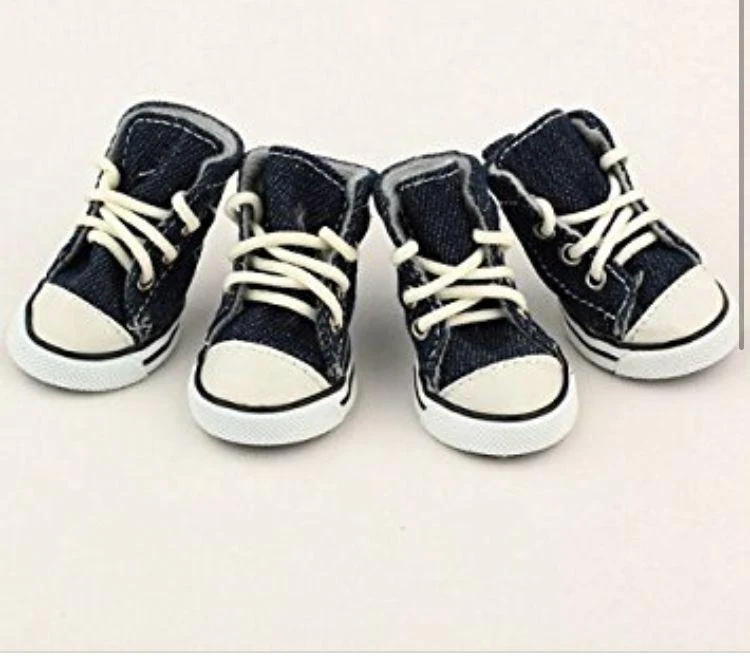
Product
Pet Dog Denim Sneakers
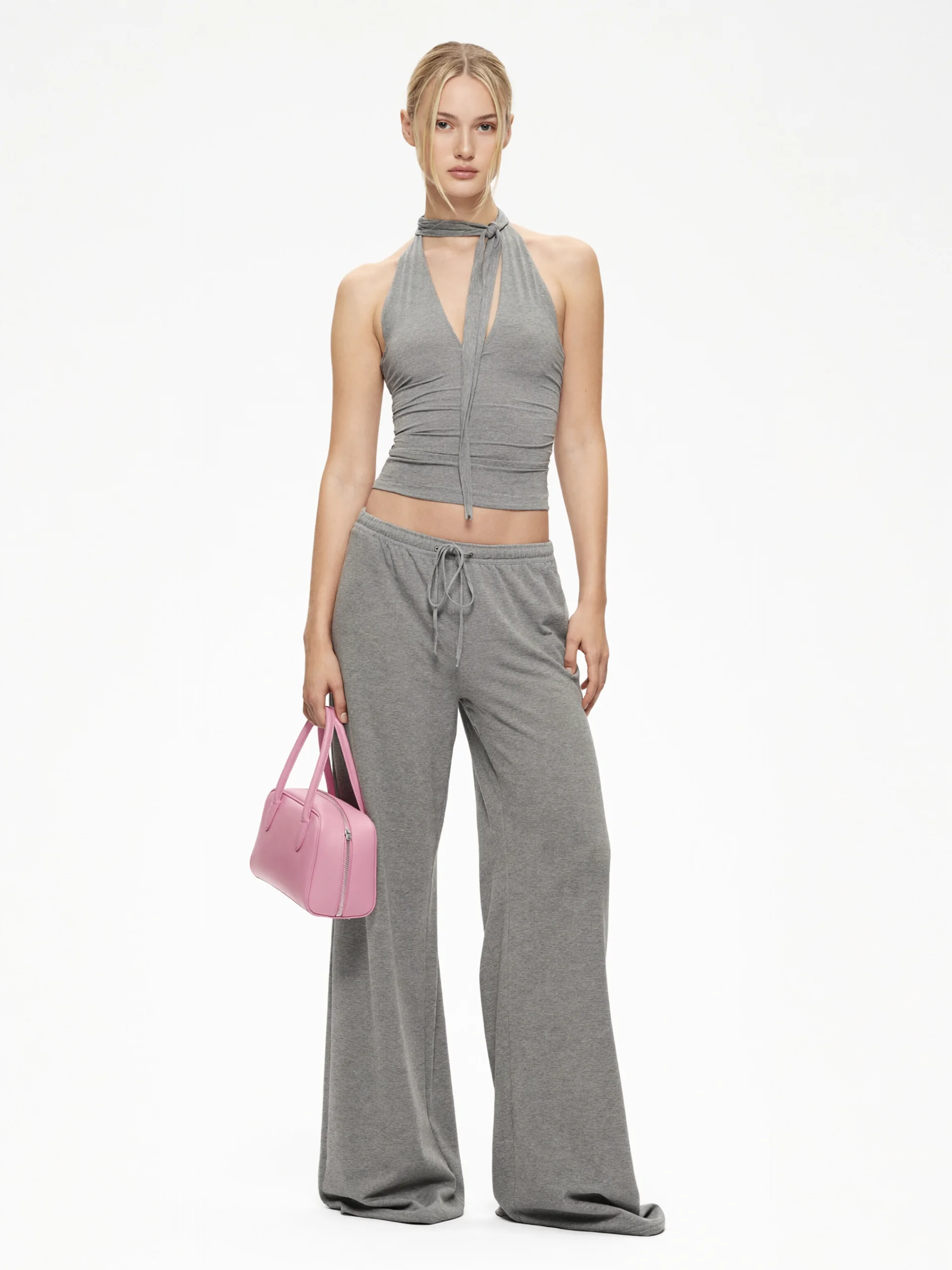
Avatar
Virtual Try-On Sneakers avatar
Reusable visual direction
Use the uploaded product as the exact reference, preserving its shape, proportions, colors, materials, surface details, labels, and packaging in every frame. A creator wears the uploaded product outdoors, keeping both feet, natural movement, and any avatar reference anatomically consistent. Open with the product entering frame as the creator steps from a curb; then they walk, pivot, and briefly flex the fit in motion; finally they stop with both sides visible. Use a low stabilized tracking camera with one ground-level orbit and a slow-motion detail insert. Use bright overcast daylight in an open pedestrian-street scene with textured pavement. End on a confident planted stance and a clean side-profile product hero payoff. Do not redesign the product, invent logos or text, add extra products, distort faces or hands, change reference identity, break physical continuity, introduce flicker or warping, or add captions and watermarks.
Optional Dialogue template
Walking in [PRODUCT] for [APPROVED_BENEFIT]. [CTA]
Best for
Understanding the structure with its bound Product and Avatar references.
What to customize
Use your product and approved wording, then adjust the shot, action, and pacing for the duration you selected.
Example 3 / Video ad
Virtual Try-On Sneakers 3
A first-person footwear try-on moment
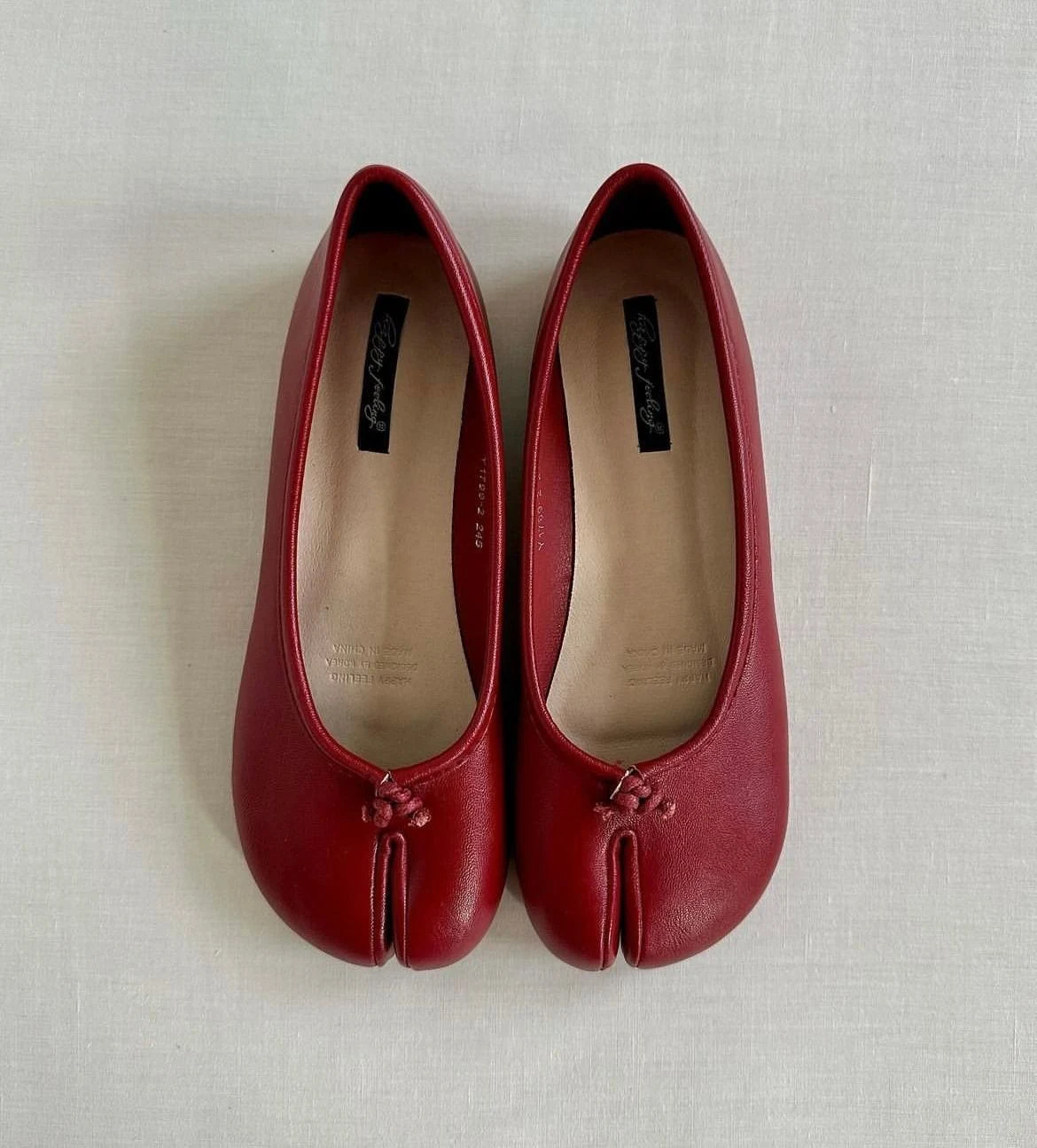
Product
Red Tabi Leather Flats
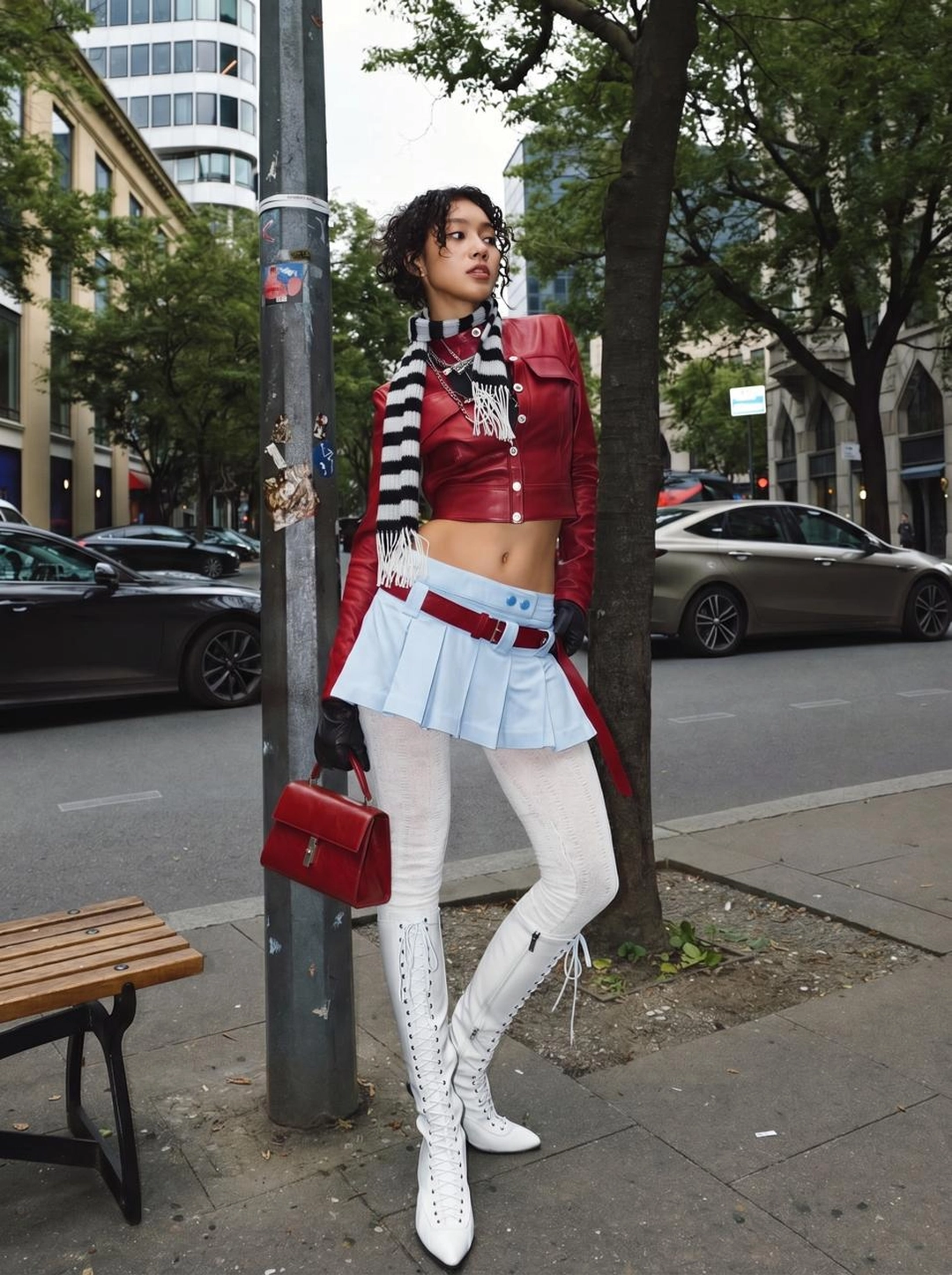
Avatar
Virtual Try-On Sneakers avatar
Reusable visual direction
Use the uploaded product as the exact reference, preserving its shape, proportions, colors, materials, surface details, labels, and packaging in every frame. A studio model wears the uploaded product with natural posture and hands kept clear of its defining details. Open with a product-alone turntable reveal; then the model steps into frame through a match cut and performs a short runway pass; finally they pivot to show the back and profile. Use a polished full-body camera with a centered dolly, low-angle pass, and macro texture shot. Use controlled high-key studio lighting with a narrow rim in a minimal runway scene on a seamless floor. End on the model frozen mid-stride before a product-alone pedestal hero frame. Do not redesign the product, invent logos or text, add extra products, distort faces or hands, change reference identity, break physical continuity, introduce flicker or warping, or add captions and watermarks.
Optional Dialogue template
Here is how [PRODUCT] feels for [APPROVED_BENEFIT]. [CTA]
Best for
Understanding the structure with its bound Product and Avatar references.
What to customize
Use your product and approved wording, then adjust the shot, action, and pacing for the duration you selected.
Photo2Ads workflow
From this case to your product
Choose one direction
Each preview demonstrates a distinct scene, camera, action, or pace.
Review the evidence
Source references explain the example without replacing your materials.
Generate and refine
Adapt the visual direction and Dialogue while keeping your current model and duration.
All examples
More directions to explore
Explore other canonical creative-style collections in the same category.
Photo2Ads / create