

Reusable creative direction
Unboxing AI Product Video Ad Examples
Compare three Unboxing executions, then adapt their reusable visual directions to your product. Product and Avatar references document the original case but are not loaded into your studio.
Example 1 / Video ad
Unboxing
A premium package-opening reveal
Product
Not paired in this result
Avatar
Not paired in this result
Reusable visual direction
Use the uploaded product as the exact reference, preserving its shape, proportions, colors, materials, surface details, labels, and packaging in every frame. Only natural hands unbox the uploaded product, preserving exact package details and keeping the product fully visible after removal. Open with the sealed package centered on softly folded fabric; then hands lift the lid, separate each layer, and raise the product carefully; finally the product rotates once above the open box. Use a locked top-down camera with slow macro inserts and gentle symmetrical framing. Use soft diffused daylight in an elegant fabric-surface scene with minimal folds and no clutter. End on the product nested beside its open packaging in a refined overhead hero payoff. Do not redesign the product, invent logos or text, add extra products, distort faces or hands, change reference identity, break physical continuity, introduce flicker or warping, or add captions and watermarks.
Best for
Studying the creative structure before adding your own product.
What to customize
Use your product and approved wording, then adjust the shot, action, and pacing for the duration you selected.
Example 2 / Video ad
Unboxing 2
A premium package-opening reveal
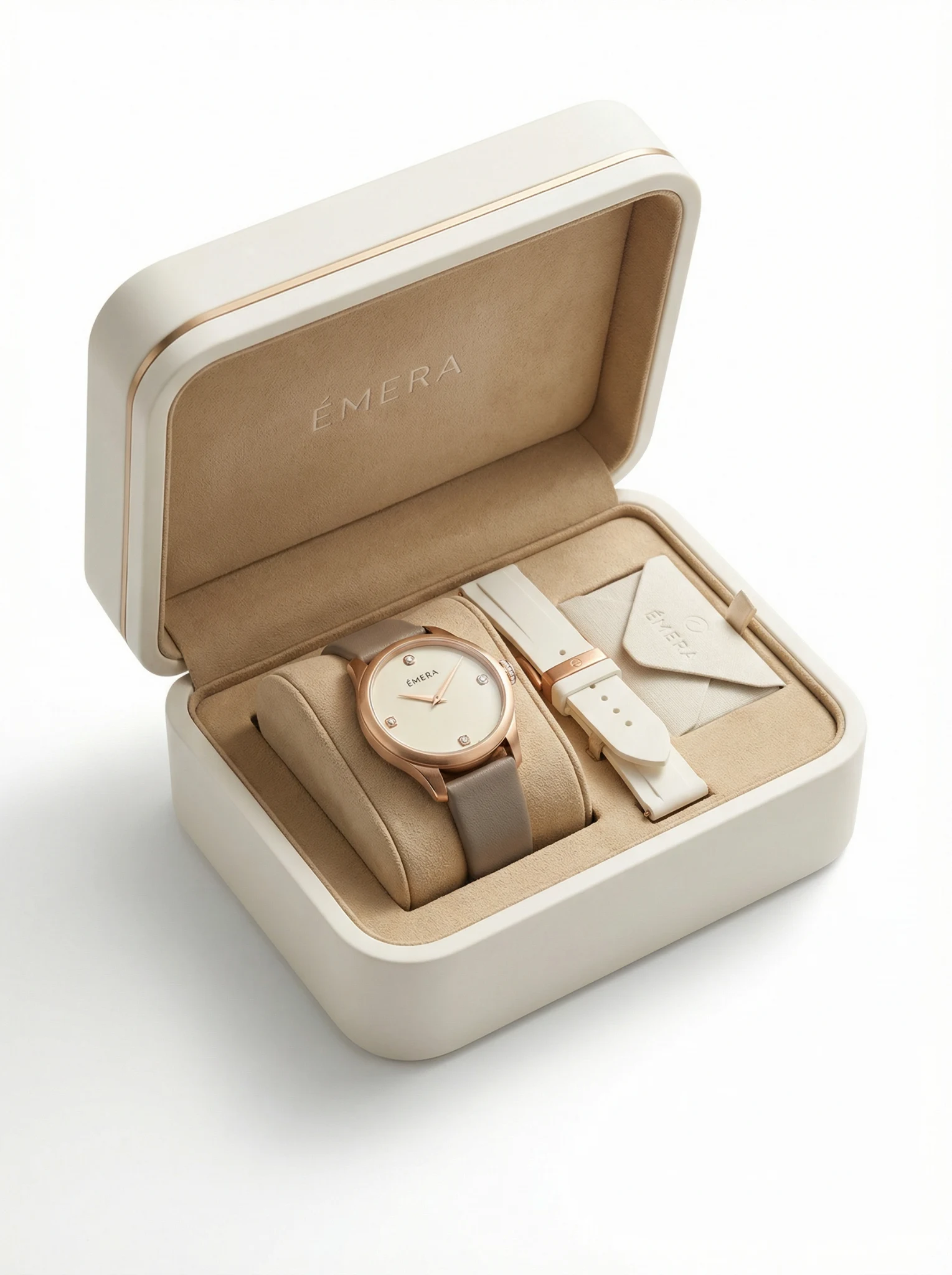
Product
ÉMERA
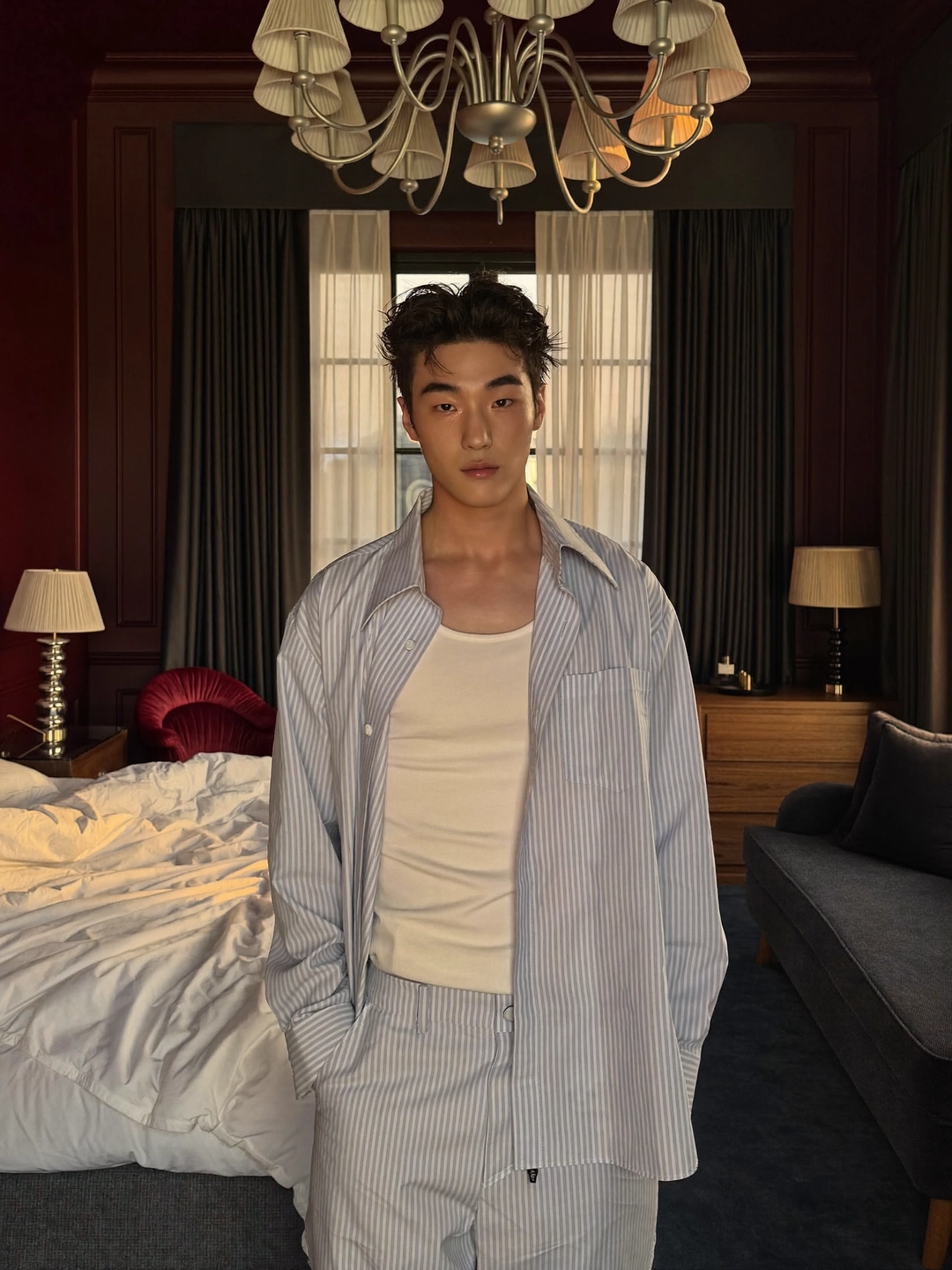
Avatar
Unboxing avatar
Reusable visual direction
Use the uploaded product as the exact reference, preserving its shape, proportions, colors, materials, surface details, labels, and packaging in every frame. A creator opens the uploaded product package with realistic hands, while any supplied avatar identity remains secondary and consistent. Open with the creator sliding the box into a bright desk frame; then they open each closure, remove the item, and inspect one tactile detail; finally they place it upright facing the lens. Use a front tabletop camera with a medium creator view, macro hand details, and a slow final push. Use clear window and desk lighting in a modern home-office scene with a pale desk and subtle background depth. End on the creator softly behind the product-and-package hero arrangement. Do not redesign the product, invent logos or text, add extra products, distort faces or hands, change reference identity, break physical continuity, introduce flicker or warping, or add captions and watermarks.
Best for
Understanding the structure with its bound Product and Avatar references.
What to customize
Use your product and approved wording, then adjust the shot, action, and pacing for the duration you selected.
Example 3 / Video ad
Unboxing 3
A premium package-opening reveal
Product
Not paired in this result
Avatar
Not paired in this result
Reusable visual direction
Use the uploaded product as the exact reference, preserving its shape, proportions, colors, materials, surface details, labels, and packaging in every frame. Keep people off screen except for natural gloved hands revealing the uploaded product without changing its reference appearance. Open with a dark presentation case entering a spotlight; then hands release the closure and lift the product onto a rotating pedestal; finally the empty packaging slides backward as the item turns. Use a cinematic low camera with a controlled orbit, extreme macro texture view, and centered pullback. Use low-key premium studio lighting in a black presentation-stage scene with a single reflective plinth. End on the product alone rotating slowly in a high-end hero payoff. Do not redesign the product, invent logos or text, add extra products, distort faces or hands, change reference identity, break physical continuity, introduce flicker or warping, or add captions and watermarks.
Best for
Studying the creative structure before adding your own product.
What to customize
Use your product and approved wording, then adjust the shot, action, and pacing for the duration you selected.
Photo2Ads workflow
From this case to your product
Choose one direction
Each preview demonstrates a distinct scene, camera, action, or pace.
Review the evidence
Source references explain the example without replacing your materials.
Generate and refine
Adapt the visual direction and Dialogue while keeping your current model and duration.
All examples
More directions to explore
Explore other canonical creative-style collections in the same category.
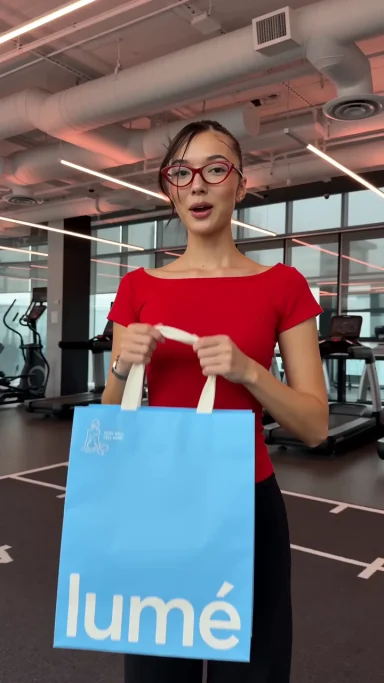
Photo2Ads / create